Lumbridge Mods Directory
Mod your Lumbridge.
A mod changes how Lumbridge looks or works, or connects it to something else. Panels, layouts, commands and integrations are all mods: small folders of JavaScript the App loads live.
01 · Built
Built.
In the lumbridge-mods repository today. It is private until November 13, 2026; these were written for our own machines first and are being made general.
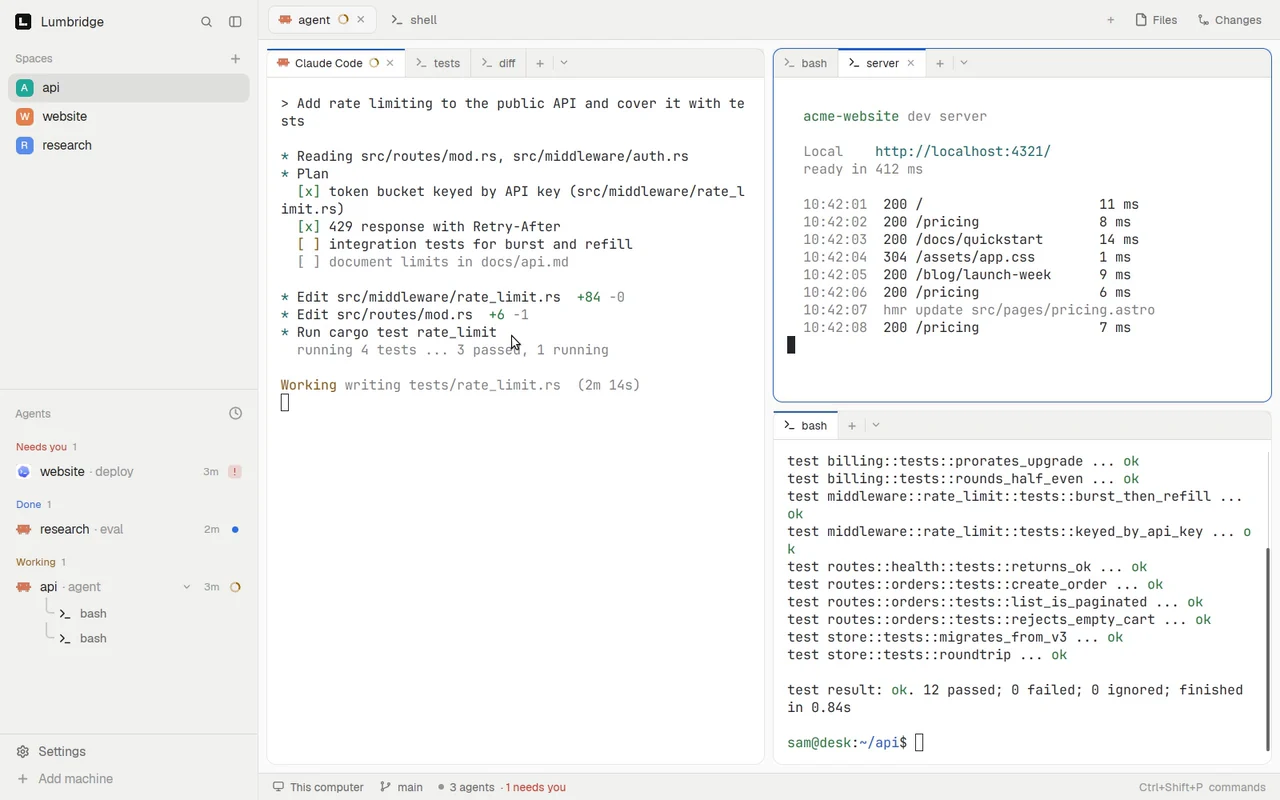
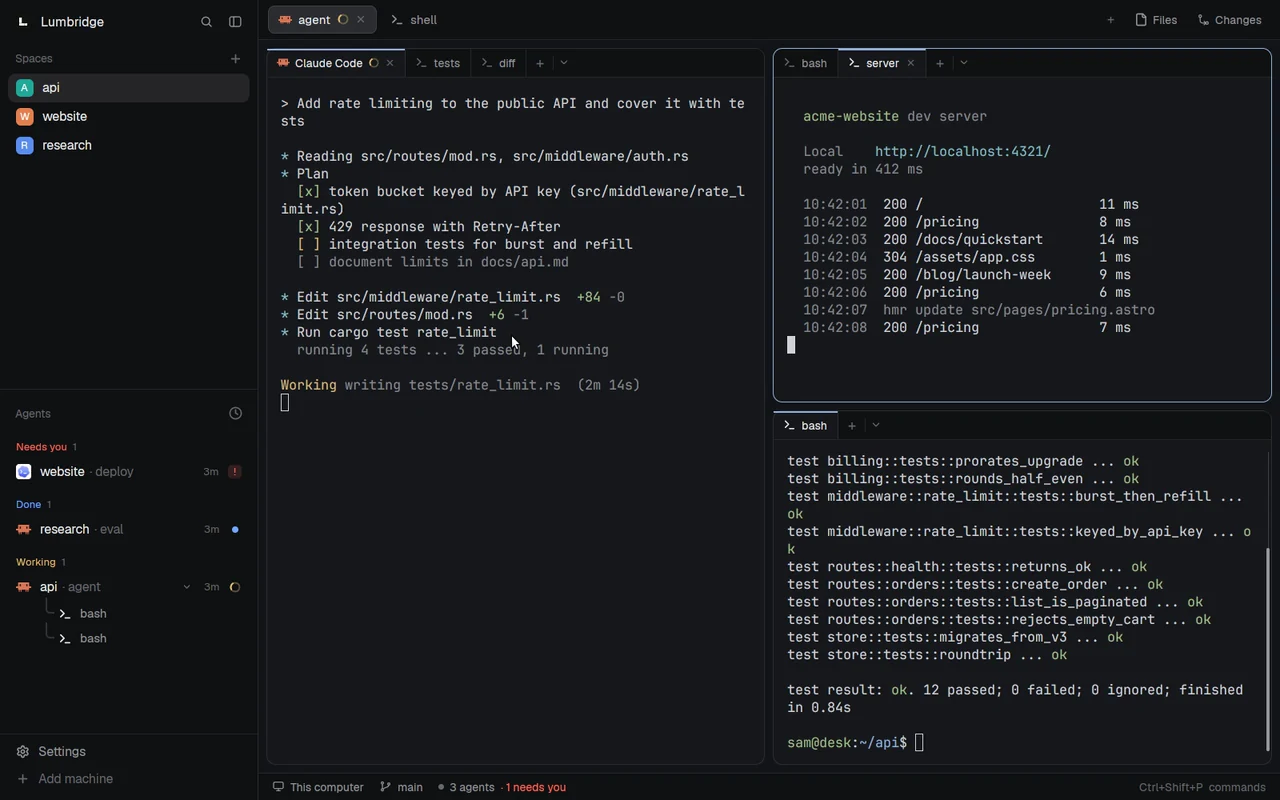
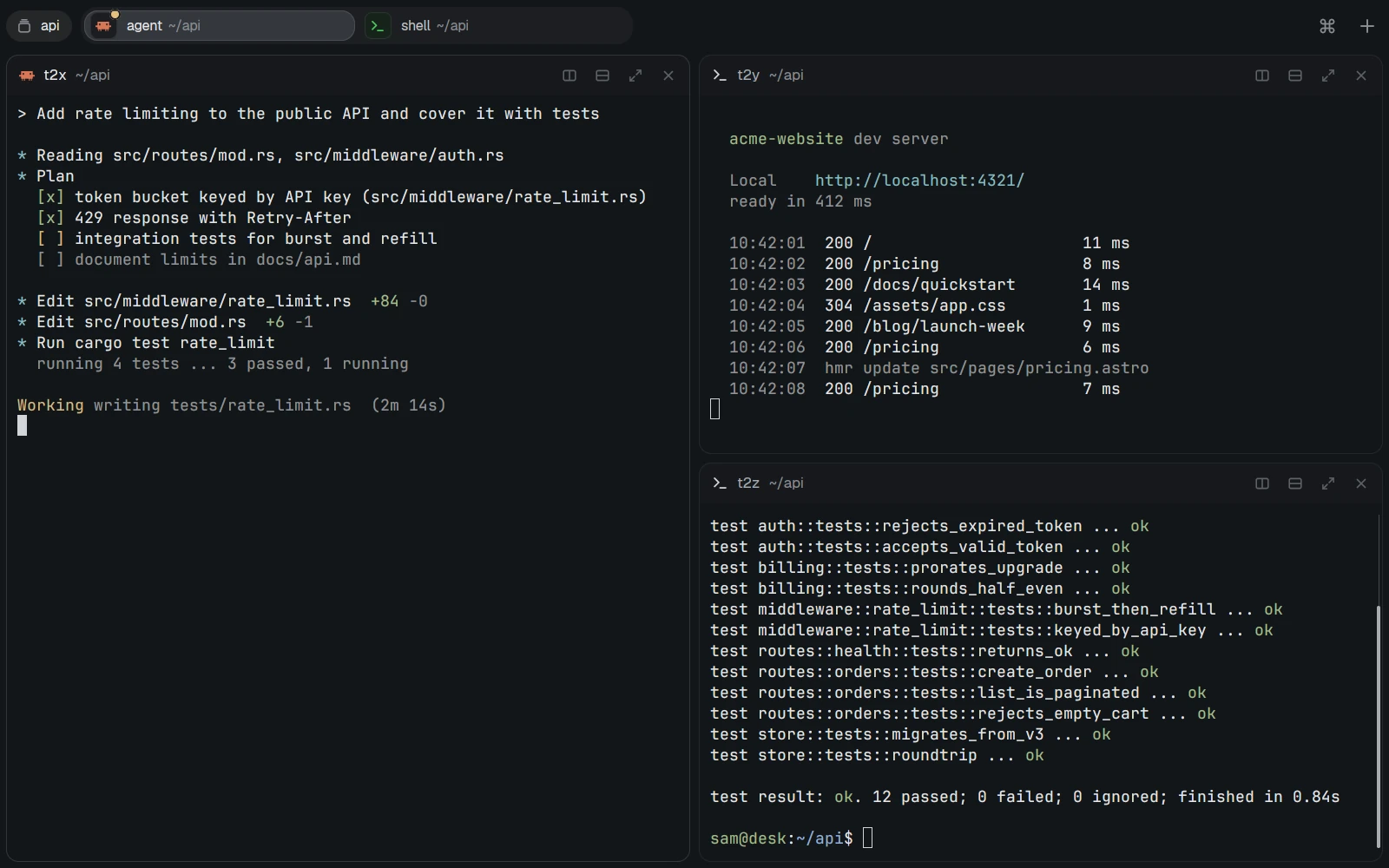
Panels 5
A view beside your terminals.
- PanelBuilt
Fleet
One row per machine: load, memory, disk, services and alerts. Reads your own Prometheus and Alertmanager.
Reads metrics
lumbridge-fleet - PanelBuilt
Factories
Every factory on one board: busy slots, and work grouped by needs a person, stuck, running, done.
Read-only
lumbridge-factories - PanelBuilt
CI
CI runs across your repositories, failing first.
Read-only
lumbridge-ci - PanelBuilt
Needs you
The agents waiting on a person, across spaces and machines, in one list.
Read-only
lumbridge-needs-you - PanelBuilt
Notebook
A folder of Markdown notes in the sidebar; opens a note in Lumbridge Notes in a split.
Reads and opens files
lumbridge-notebook
Layouts 2
How the window is arranged.
- LayoutBuilt
Pane tabs
A tab strip inside every pane: add a shell, pick an agent from a menu, rename with a double-click.
Changes the layout
lumbridge-pane-tabs - LayoutBuilt
Lumbridge layout
Our default layout, generated from the App’s shipped layout so it follows App updates.
Changes the layout
lumbridge
Commands 4
Actions, keys and menu entries.
- CommandsBuilt
Palette
One key opens a fuzzy list of your own actions, such as a machine’s journal or failed units.
Runs commands you define
lumbridge-palette - CommandsBuilt
Favorites
Star a terminal and it moves to a Favorites space; unstar it and it goes home.
Moves terminals
lumbridge-favorites - CommandsBuilt
Restore
After a reboot, offers to put each pane’s coding-agent session back.
Starts sessions
lumbridge-restore
02 · In progress
In progress.
On a branch. Not merged yet.
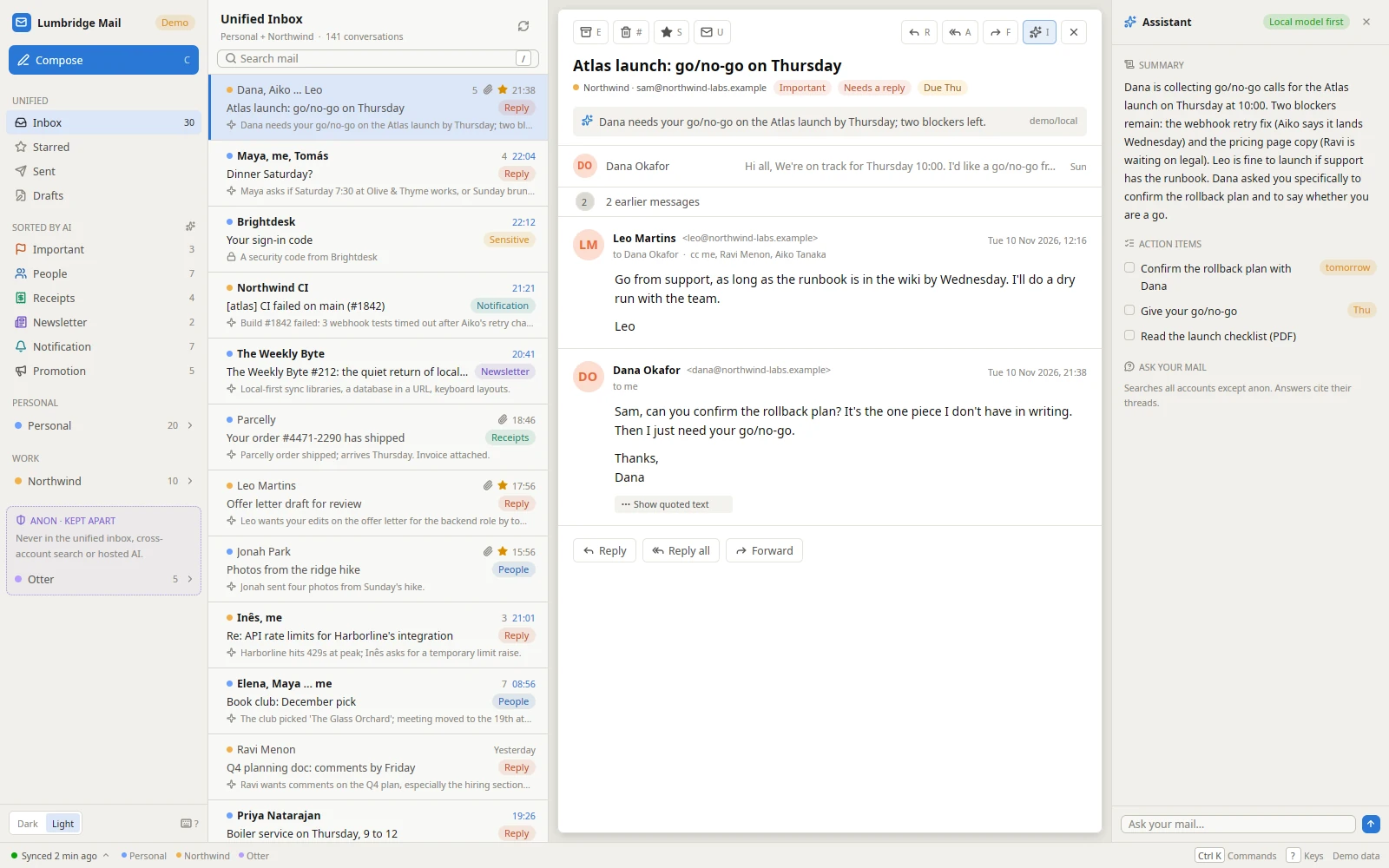
Panels 3
A view beside your terminals.
- PanelIn progress
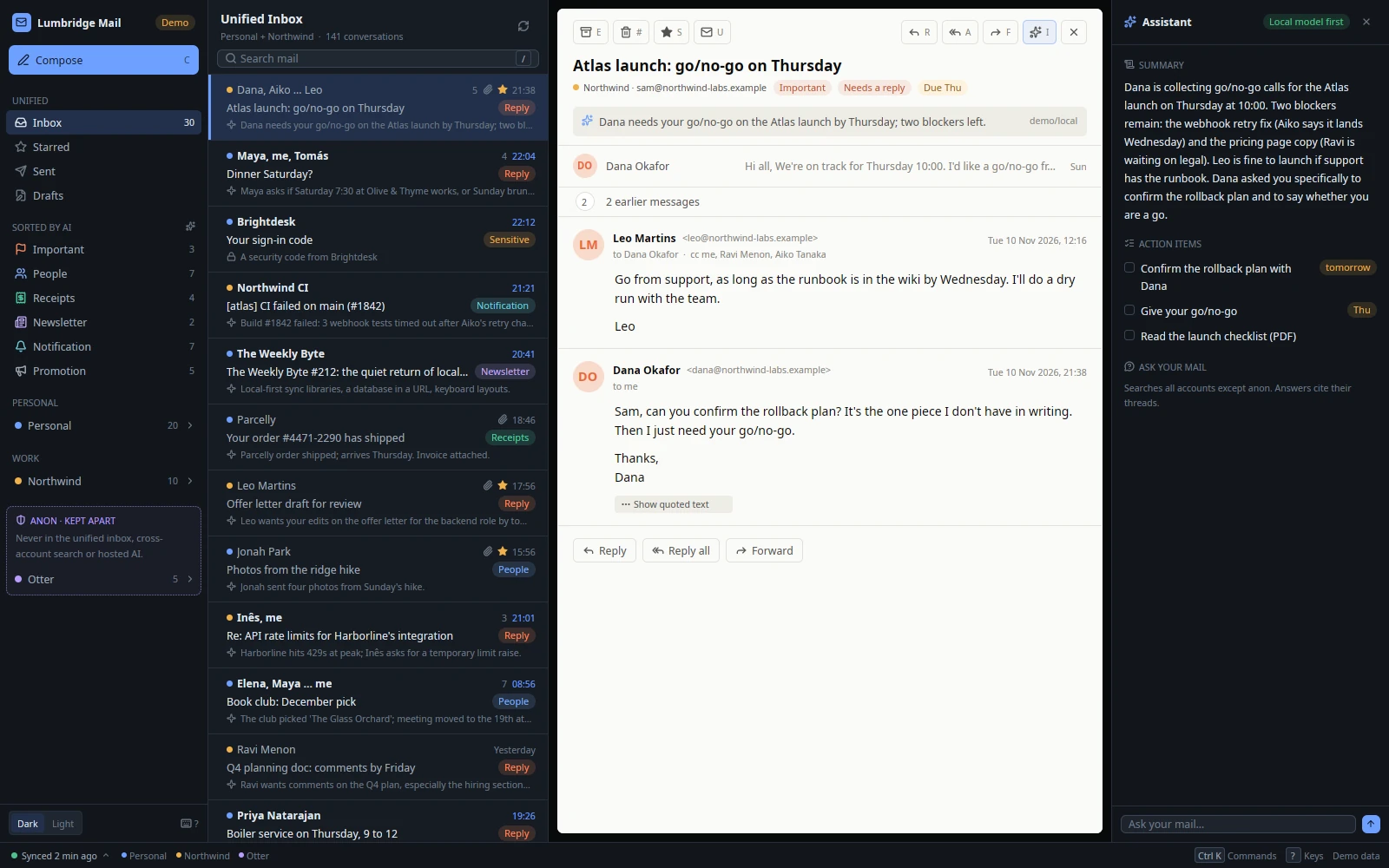
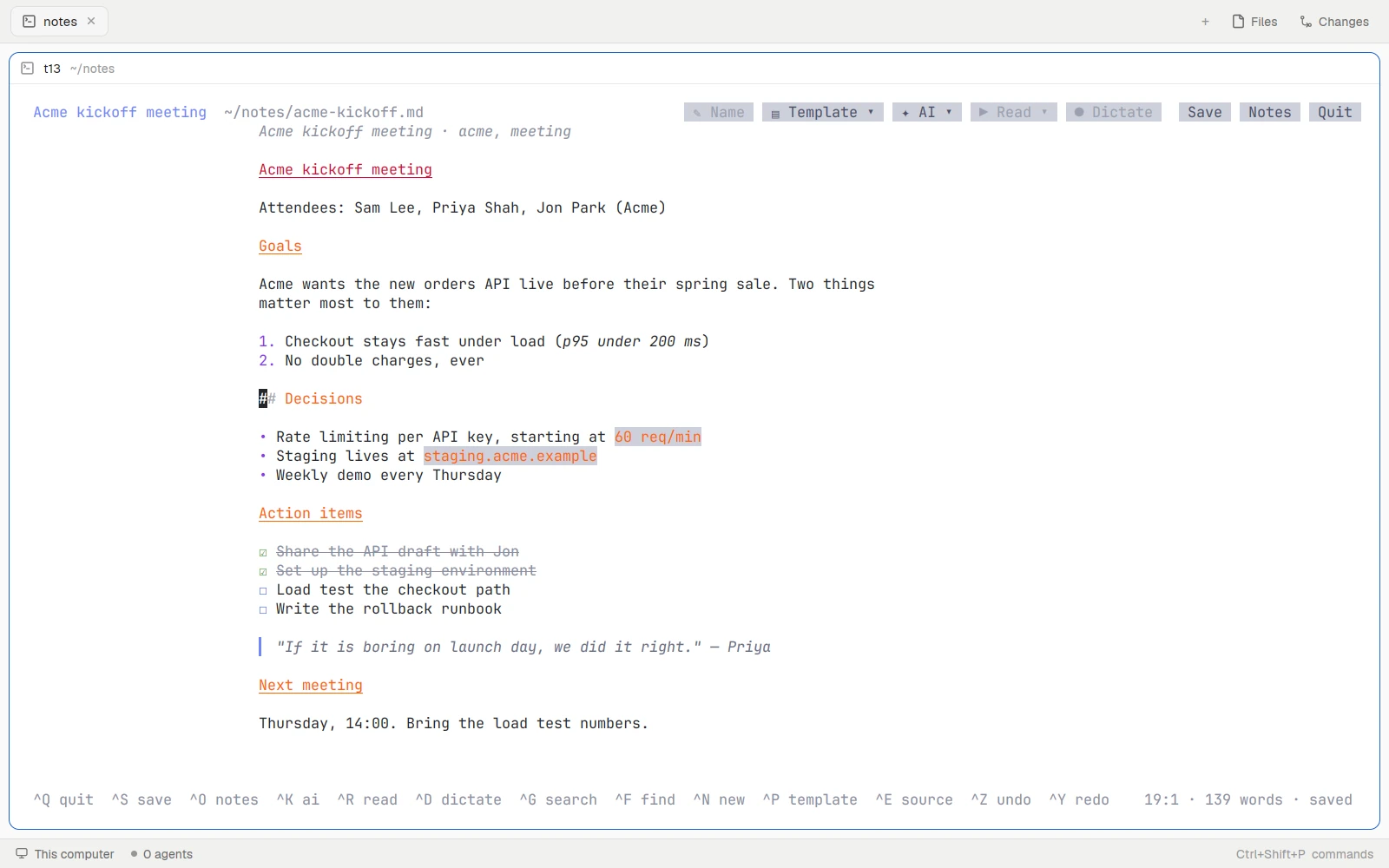
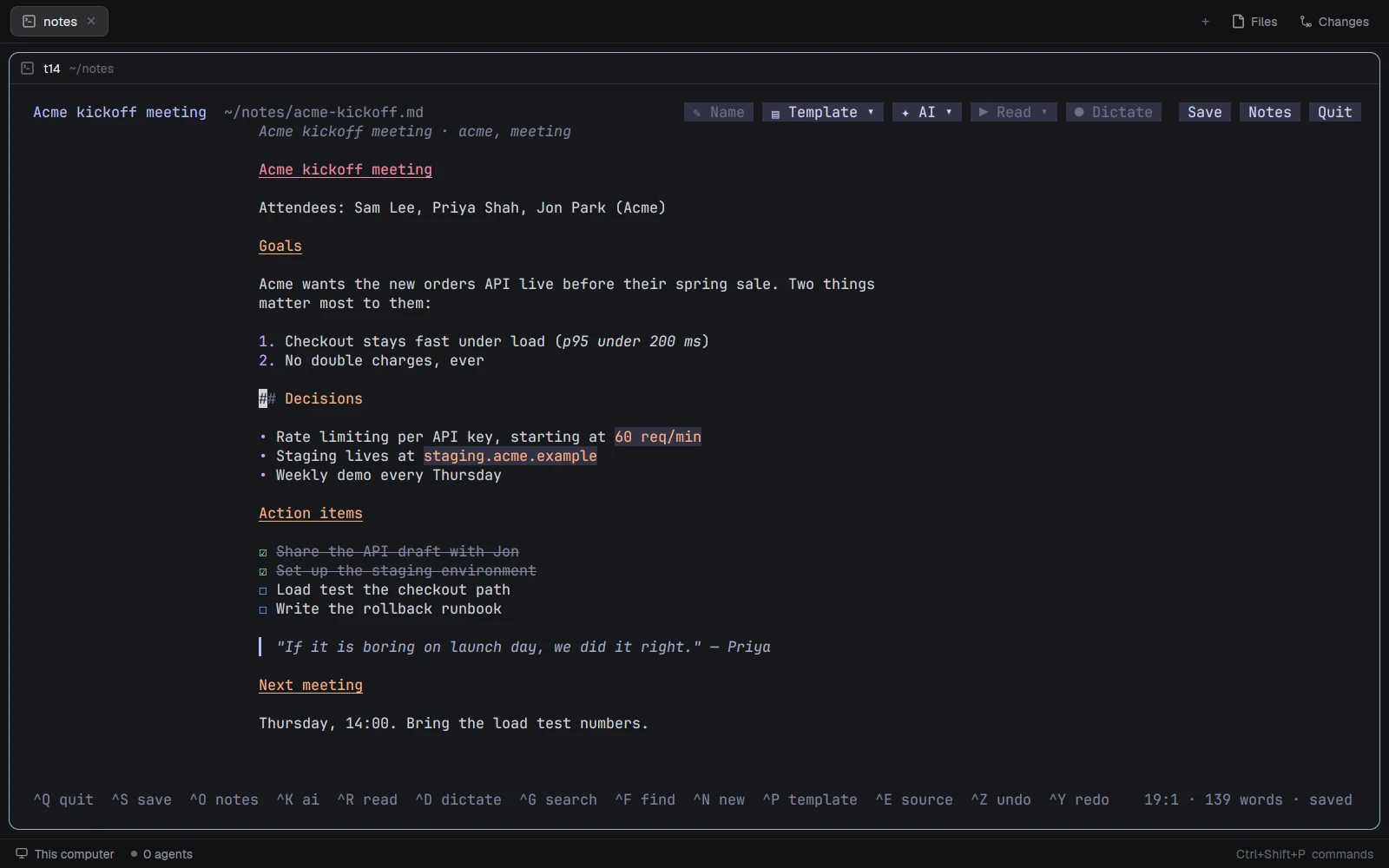
Mail and Notes panes
Lumbridge Mail and Notes as panes inside the App.
Reads through each part’s own command
- PanelIn progress
Apps
One place to see, open, install and remove every Lumbridge part on this machine.
Installs and removes parts
- PanelIn progress
Weight-space programming
A workbench for editing a model’s behavior in its weights instead of its prompt. Early; details when there is something to show.
To be decided
03 · Planned
Planned integrations.
Not built. These are the ones we expect to build first; the order follows who asks.
Integrations 5
A link to another product.
- IntegrationPlanned
GitHub
Issues, pull requests and checks for the repository in the focused space; and GitHub as a code host for the Factory.
Reads; writes behind a confirm
- IntegrationPlanned
Tailscale
Your tailnet’s devices in the machines sidebar: who is online, add one as a Lumbridge machine.
Reads device list
- IntegrationPlanned
Supabase
Projects, tables and logs for a self-hosted or cloud Supabase, next to the code that uses them.
Reads; writes behind a confirm
- IntegrationPlanned
Prime Intellect
Rent compute and start training runs from a panel; watch a run next to the terminal that launched it.
Spends money: always asks first
- IntegrationPlanned
Google Ads
Campaign spend and results as a read-only panel an agent can summarize.
Read-only
No mods of this kind in the other groups yet.
04 · Write one
Fork it, or ask for it.
When the repository opens on November 13, 2026, a mod is a folder in a fork of lumbridge-mods and a pull request. We keep every listed mod in our GitHub organization so installs come from one reviewed place.
- 4.1
Ask
Tell us the tool you want Lumbridge to talk to and what you’d do with it. Requests set the order of the planned list.
- 4.2
Build
A mod is one folder with a manifest and JavaScript. A written work loop lets a coding agent scaffold, check and install it.
- 4.3
Review
Mods that only read are simple to list. Anything that changes a machine or spends money must ask a person first, and says so on its card.
Want an integration that isn’t here?
Tell us the tool and what you’d do with it.