Detach without stopping work
Panes live in a background server. Close the terminal or lose SSH and every shell, agent and test keeps running. Run lumbridge-tui again to reattach, or use named sessions for fully separate sets of panes.
Lumbridge Workspace
Gated · opens on November 13, 2026Lumbridge TUI is a workspace manager that runs inside any terminal. One binary keeps agent terminals running in a background server, shows which pane is working, blocked or idle, and lets agents drive panes, tabs and workspaces through a CLI and a socket API. It suits people who work over SSH, including from a phone.
Tour
Agent state
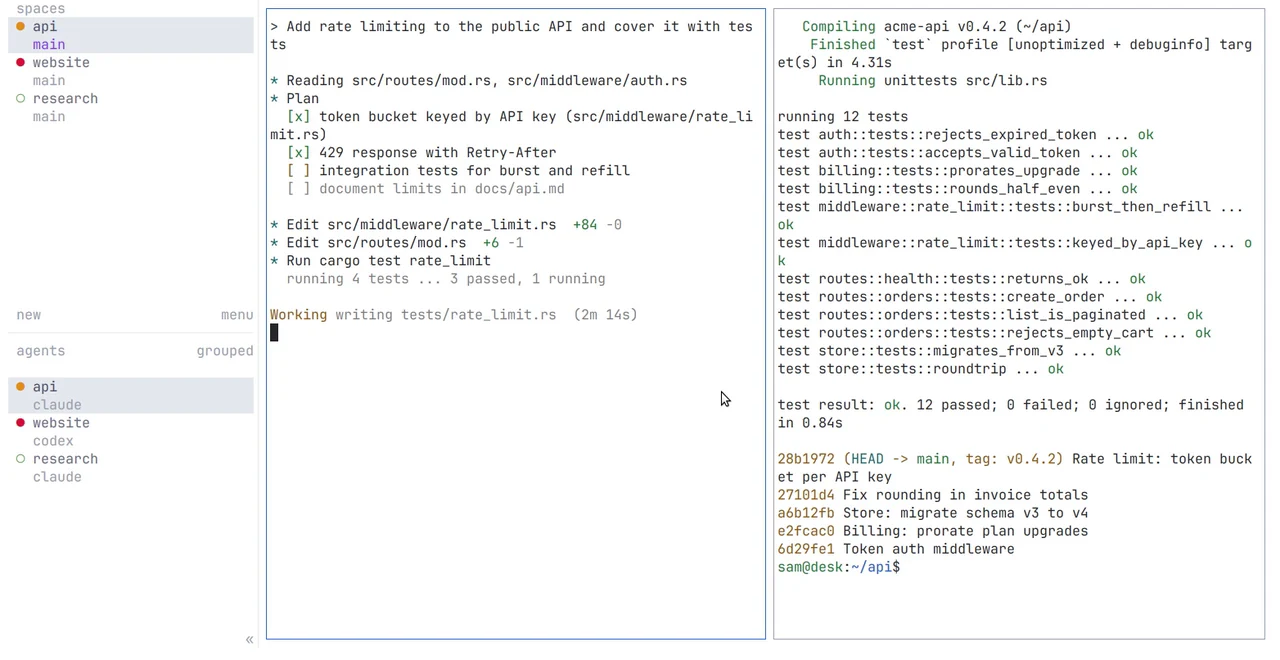
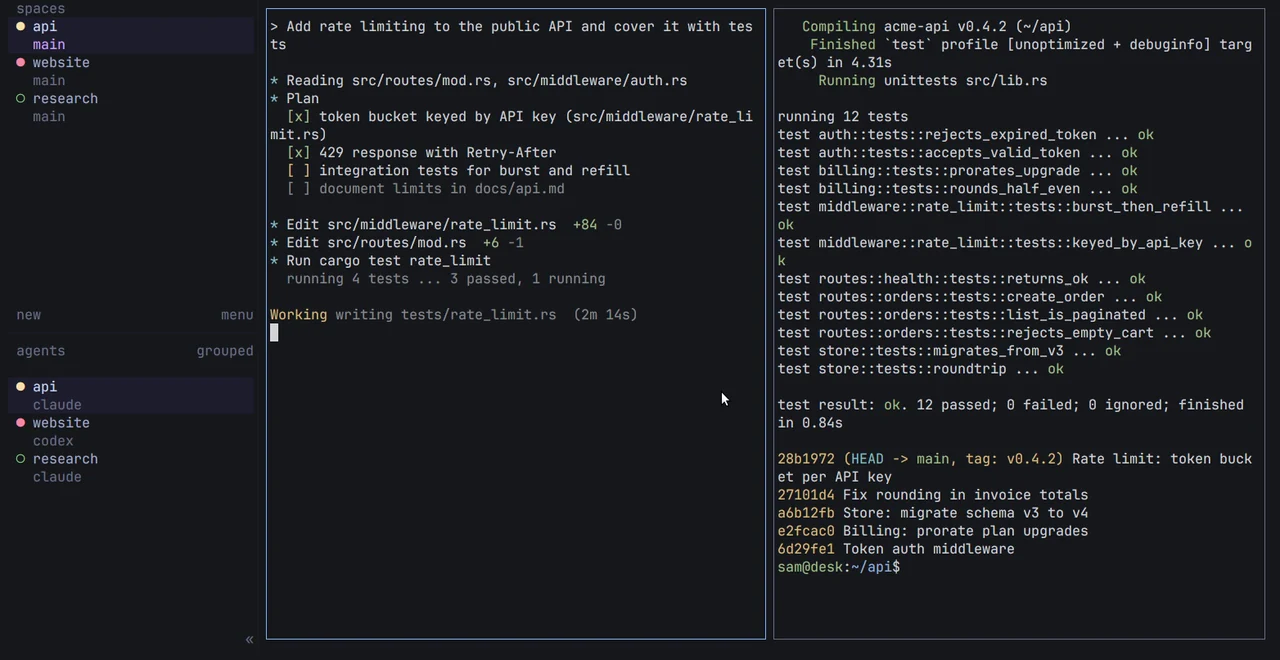
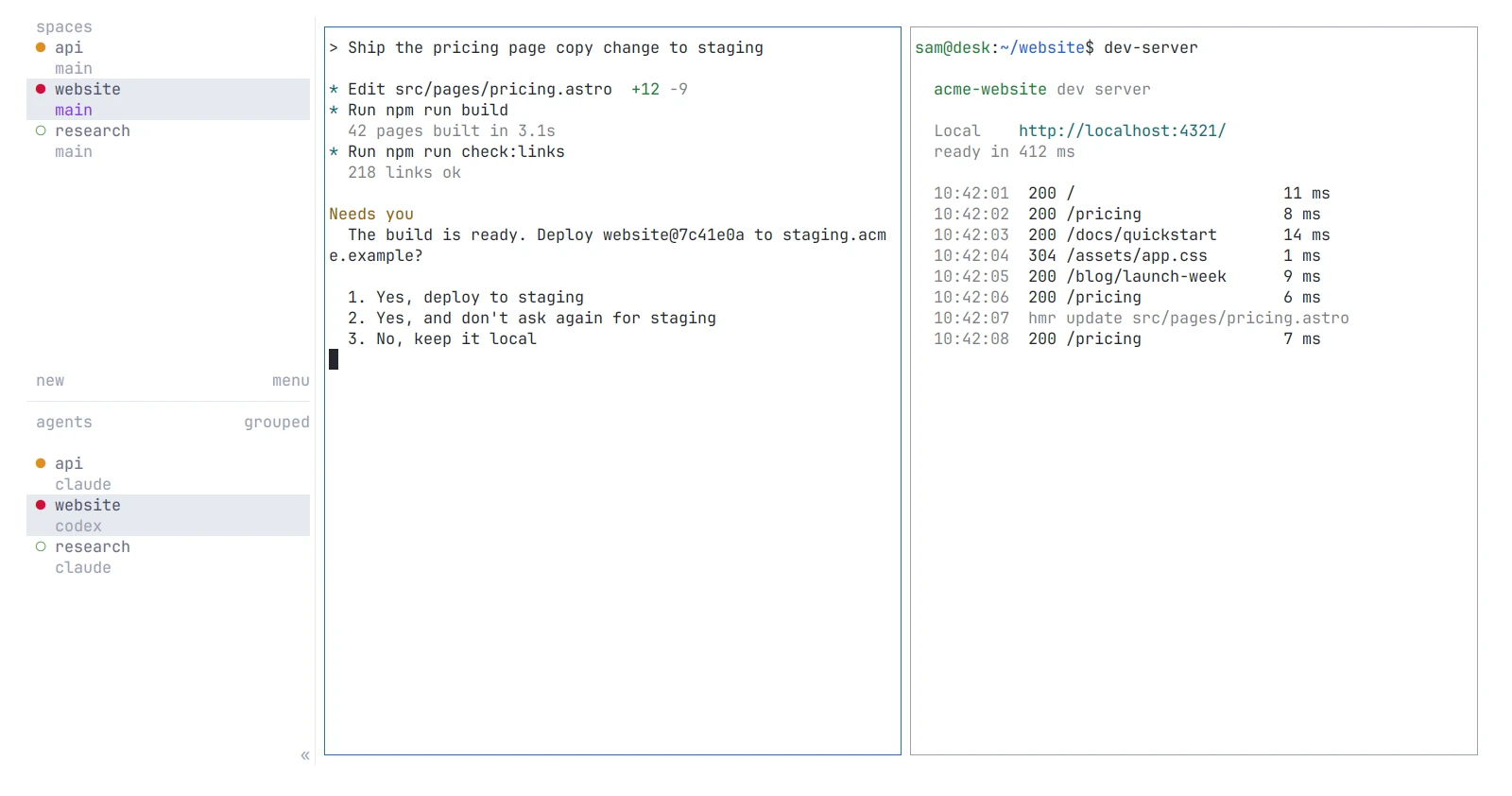
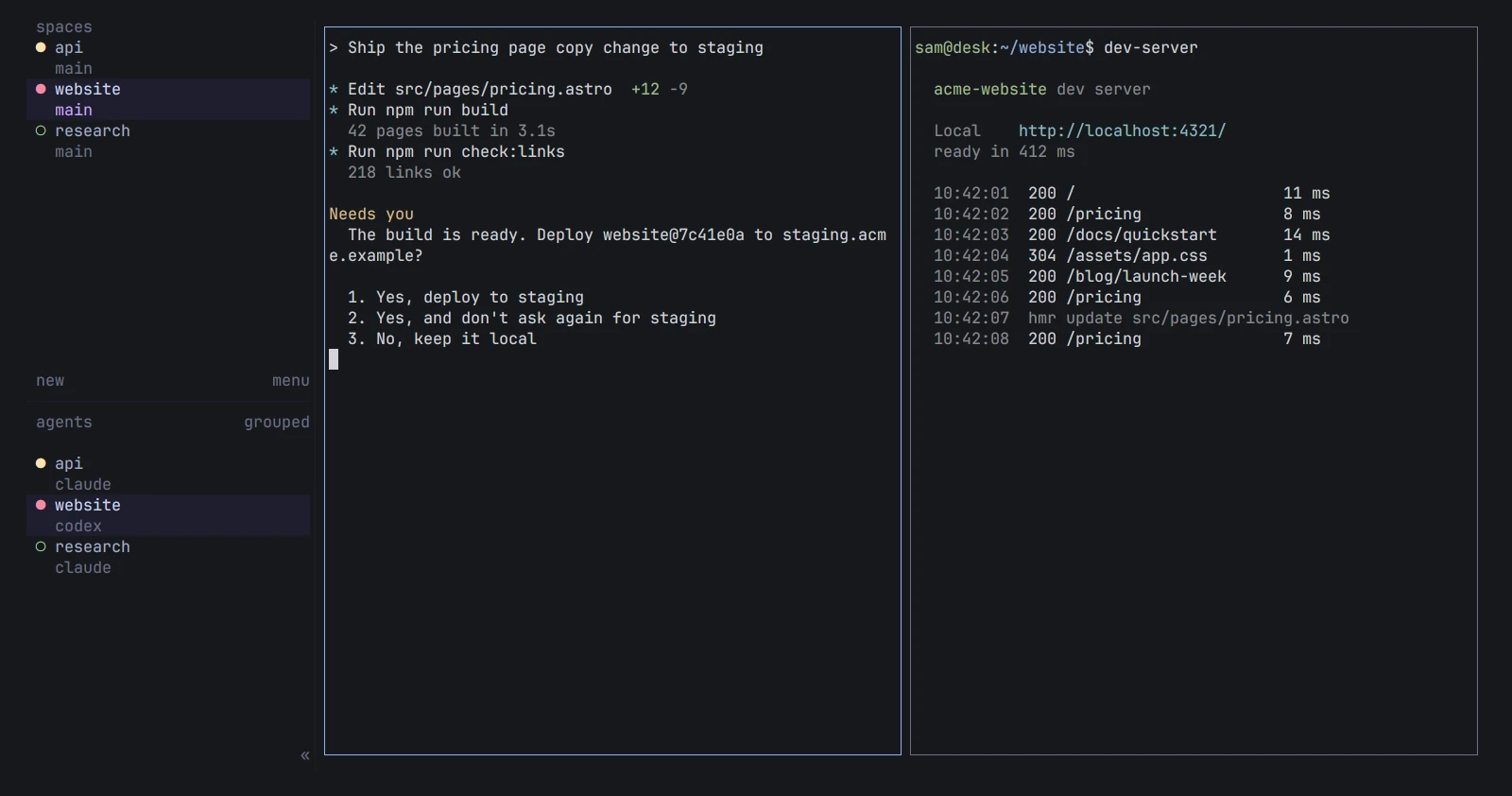
Three workspaces with status dots. An agent waits for an answer in one pane; a dev server logs in the other. Shown in both themes.
01 · What it does
Panes live in a background server. Close the terminal or lose SSH and every shell, agent and test keeps running. Run lumbridge-tui again to reattach, or use named sessions for fully separate sets of panes.
Across every workspace the sidebar shows each agent as working, blocked, done or idle. State comes from what the agent draws on screen, from its process, and from optional integrations installed per agent.
Create workspaces, tabs and panes, read a pane, prompt an agent and wait for it to settle, all from commands. The same calls are available as JSON on a local socket, with a published schema.
Save an SSH machine once and its workspaces appear beside your local ones. Each machine runs its own server; losing one connection does not disconnect the others.
A server restart ends the processes, but workspaces, tabs, panes and folders are restored. With an integration installed, supported agents resume the same conversation, and recent pane screens can be replayed.
A plugin is a folder with a manifest and any command your machine can run. A notebook drawer lists a folder of Markdown notes. lumbridge-fleet feeds load, memory, disk, alerts and service dots into each machine’s sidebar row.
02 · How it works
The first lumbridge-tui starts a background server and attaches a client to it. Later commands talk to that server.
The server owns panes and process state. A client is the terminal UI attached to it. Several clients can attach at once and each can look at its own workspace and tab.
The server reads a snapshot of each pane and matches it against per-agent manifests built into the binary. Integrations let an agent report its own state and its session, which makes blocked and resume more exact.
A saved machine is an SSH target and a remote session. The client connects to the server there through OpenSSH, which keeps handling keys and host checks. Only the machine you are looking at streams pane screens.
lumbridge-fleet is a small Python script. It reads fleet.toml, queries your Prometheus and Alertmanager, and prints the JSON the sidebar expects. The TUI runs it on an interval you set.
03 · Use it
Keyboard control uses a prefix key, ctrl+b by default; the mouse works everywhere too.
lumbridge-tui
lumbridge-tui integration install claude
lumbridge-tui workspace create --cwd ~/acme/api --label api --no-focus
lumbridge-tui pane split --current --direction right
lumbridge-tui agent list
lumbridge-tui agent prompt w1:p1 "Review src/auth.rs" --wait
lumbridge-tui agent read w1:p1 --source recent --lines 80
lumbridge-tui machine add build-1 --label "Build machine"
lumbridge-tui --machine "Build machine" agent list
lumbridge-tui session list --json
lumbridge-fleet --table
04 · Docs
These pages are in the repository and open with it. Until then, the Guide covers the same ground and is readable now.
Build from source with Rust and Zig, or with the Nix flake, then verify and update.
Workspaces, tabs, panes, agents, sessions, and the client and server split.
Which agents are recognized, how state is detected, and what each integration installs.
Prefix keys, copy mode, themes, notifications and the full config reference.
Saved SSH machines, remote attach, reconnects and authentication recovery.
What survives a detach, a server restart and a host shutdown, and how to recover a layout.
Every command, the raw socket methods, event subscriptions and the JSON schema.
The manifest, commands, event hooks, panes, link handlers and how to share a plugin.
Read the Guide chapter: The workspaceRequest access to the repository
05 · Works with
Not yet
Questions
Yes. Core, the App and the TUI began as forks of an open-source project for running coding agents, also under Apache-2.0, and we stay on that license. The project is named and linked in the credits on the Open source and Community pages. Compare says where it is ahead of us today: it is released, and we are not.
Linux and macOS, built from source, in any modern terminal. It also works in an SSH client on a phone; the layout adapts to narrow screens. A Windows build from source is documented but untested by us.
No. The updater, version checks, announcement fetch and hosted agent catalog are removed. lumbridge-tui update only prints how to rebuild. The fleet feeder queries only the monitoring addresses you put in fleet.toml.
Through the CLI or the JSON socket. An agent can split a pane, start another agent, prompt it with agent prompt and block on agent wait until it is done or blocked. A skill file in the repo teaches an agent these commands.
The keys will feel familiar, with a ctrl+b prefix, splits and detach. The difference is that it knows what an agent is: it tracks state per agent, rolls it up per workspace, notifies you, and gives scripts a way to prompt and wait.
Apache-2.0. The repository is private today and opens on November 13, 2026.
Self-host it, or talk to us about setting it up with you.