Terminals from the phone
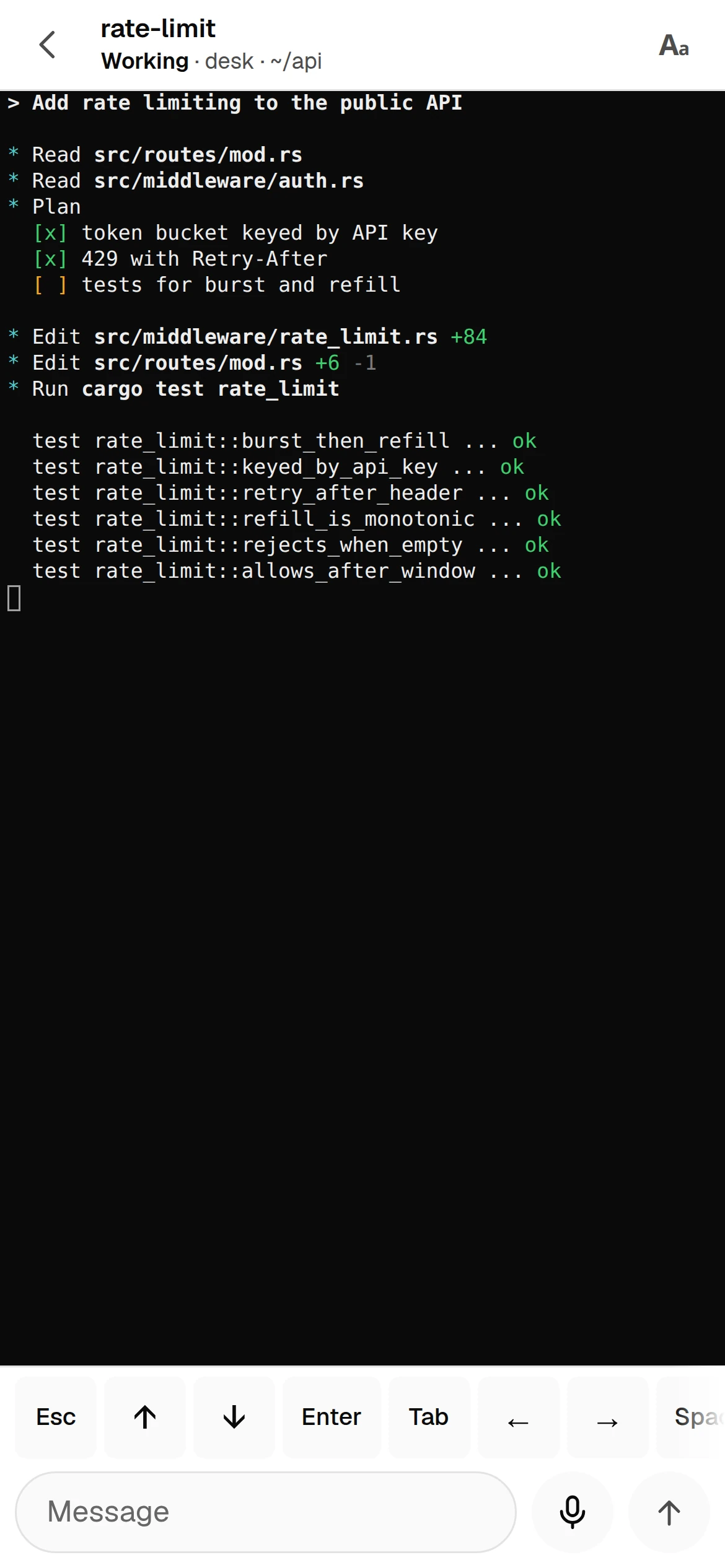
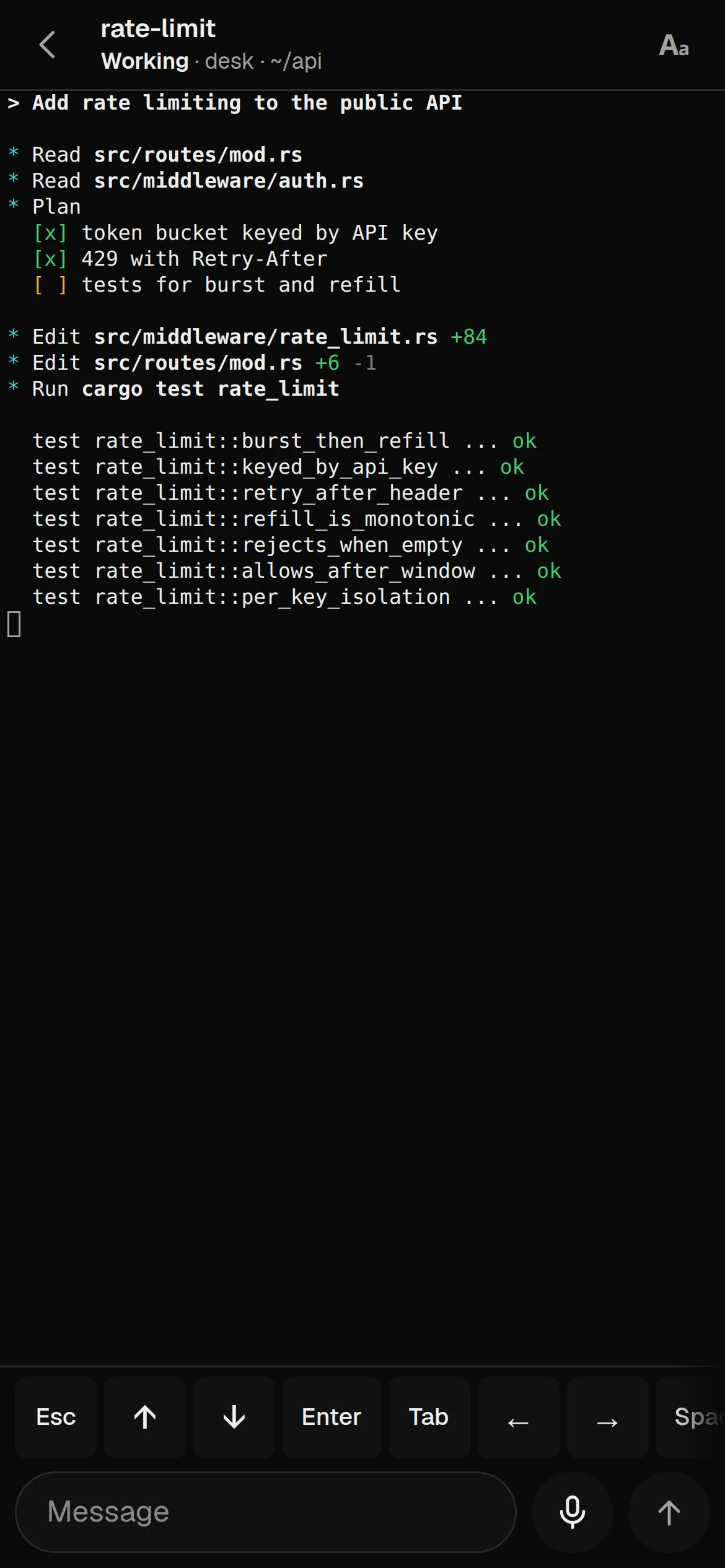
See every agent terminal on every machine, open one, read its screen and type into it. Watching never resizes the pane on your desktop. A key bar puts Esc, arrows, Enter and Tab under your thumb.
Lumbridge Workspace
Gated · opens on November 13, 2026Lumbridge Mobile is the phone app, its screens and the gateway server they talk to. From a phone you watch your agents’ terminals, answer the ones that are waiting, approve what an agent has drafted, and keep notes and tasks. It is for people who run agents on their own machines and want to stay in the loop away from the desk.
Tour
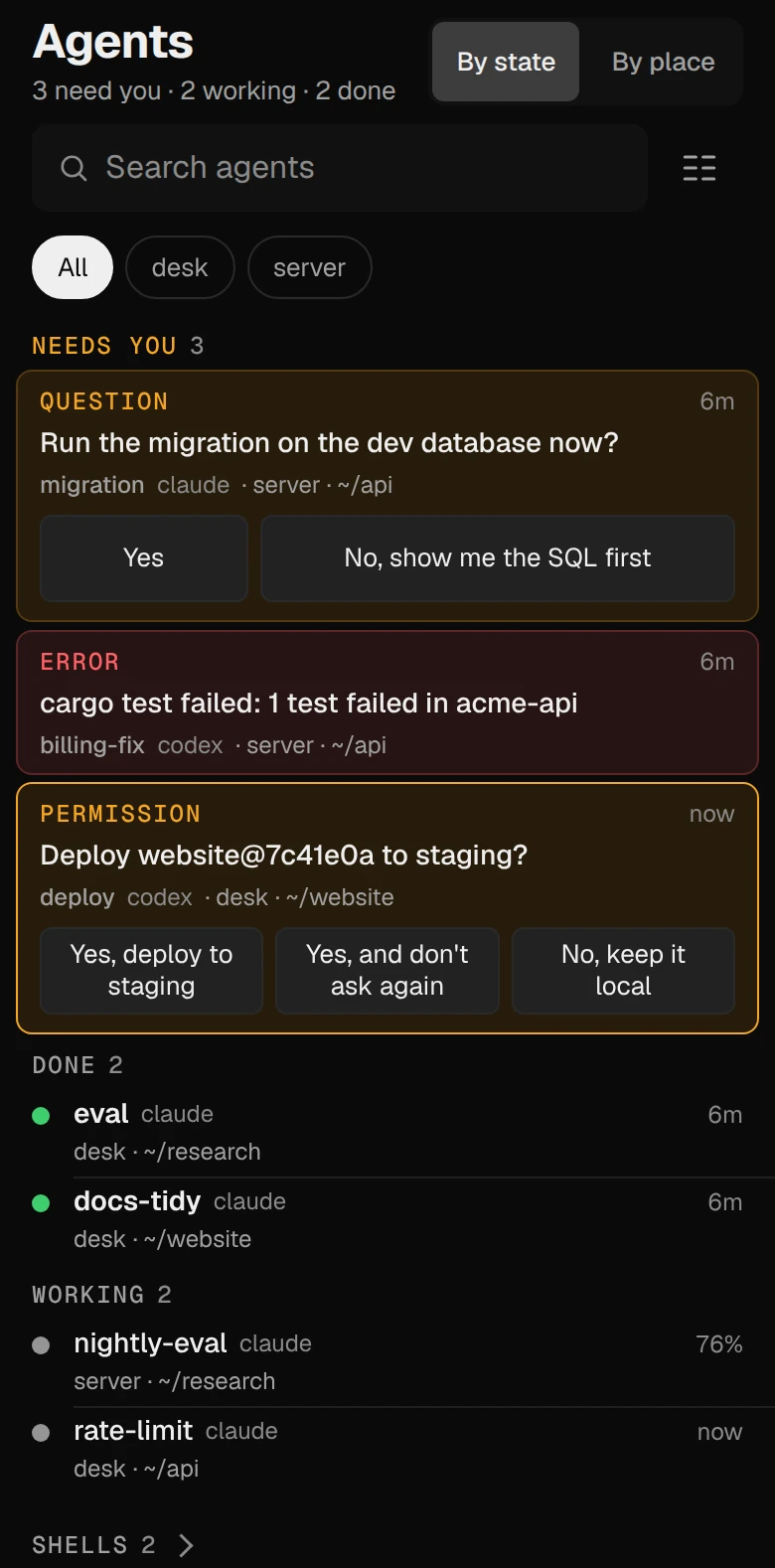
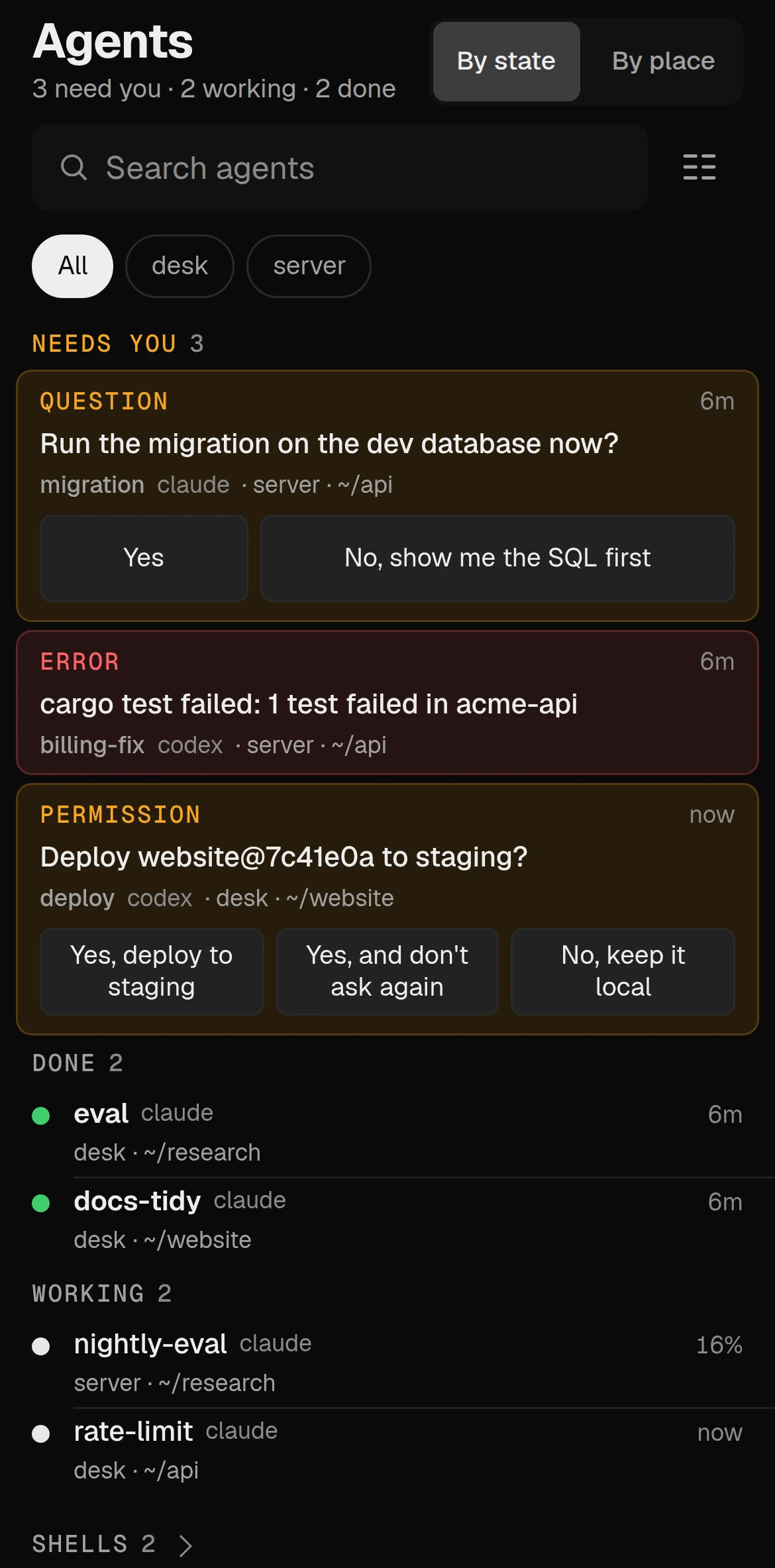
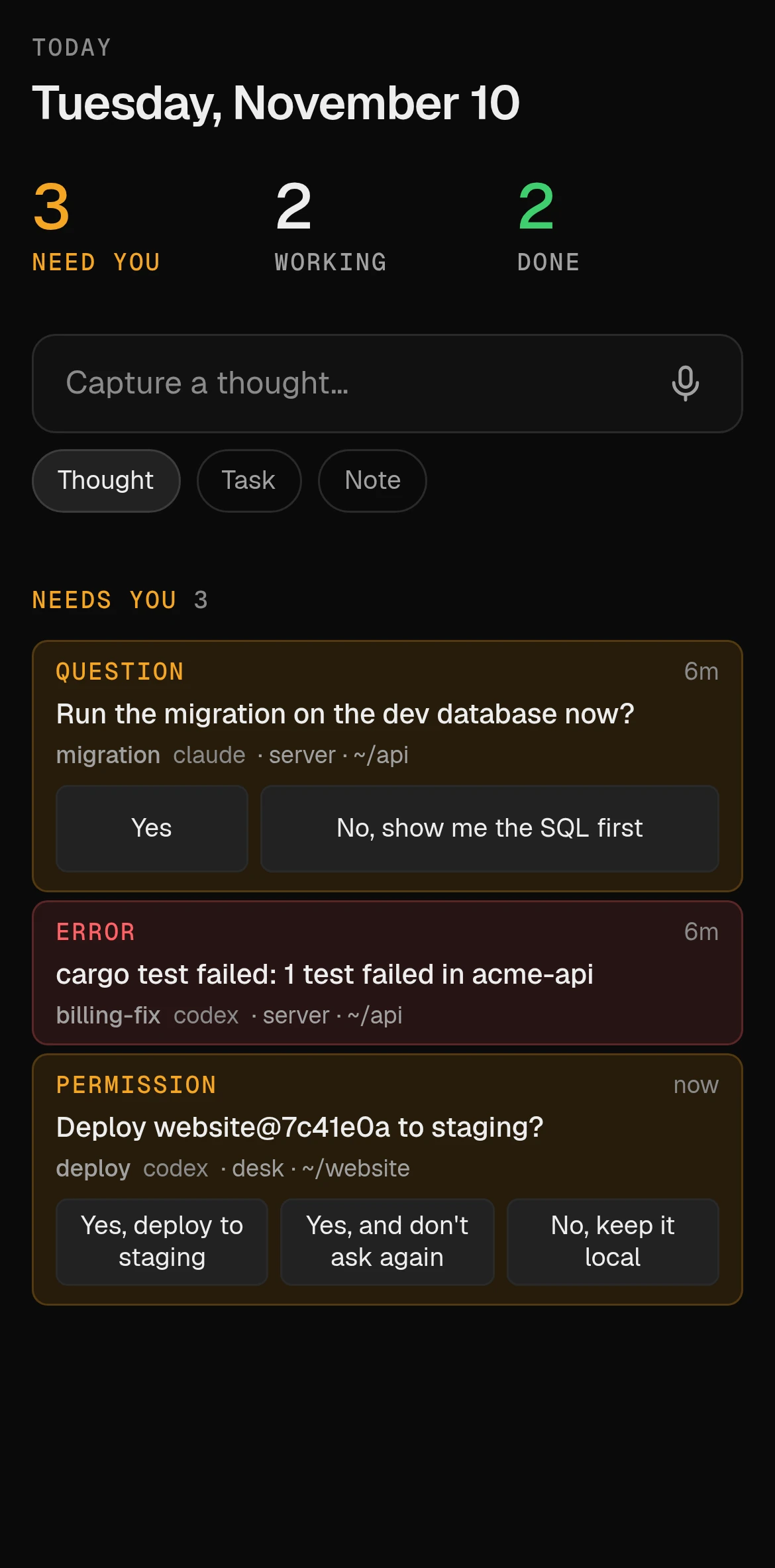
Themes
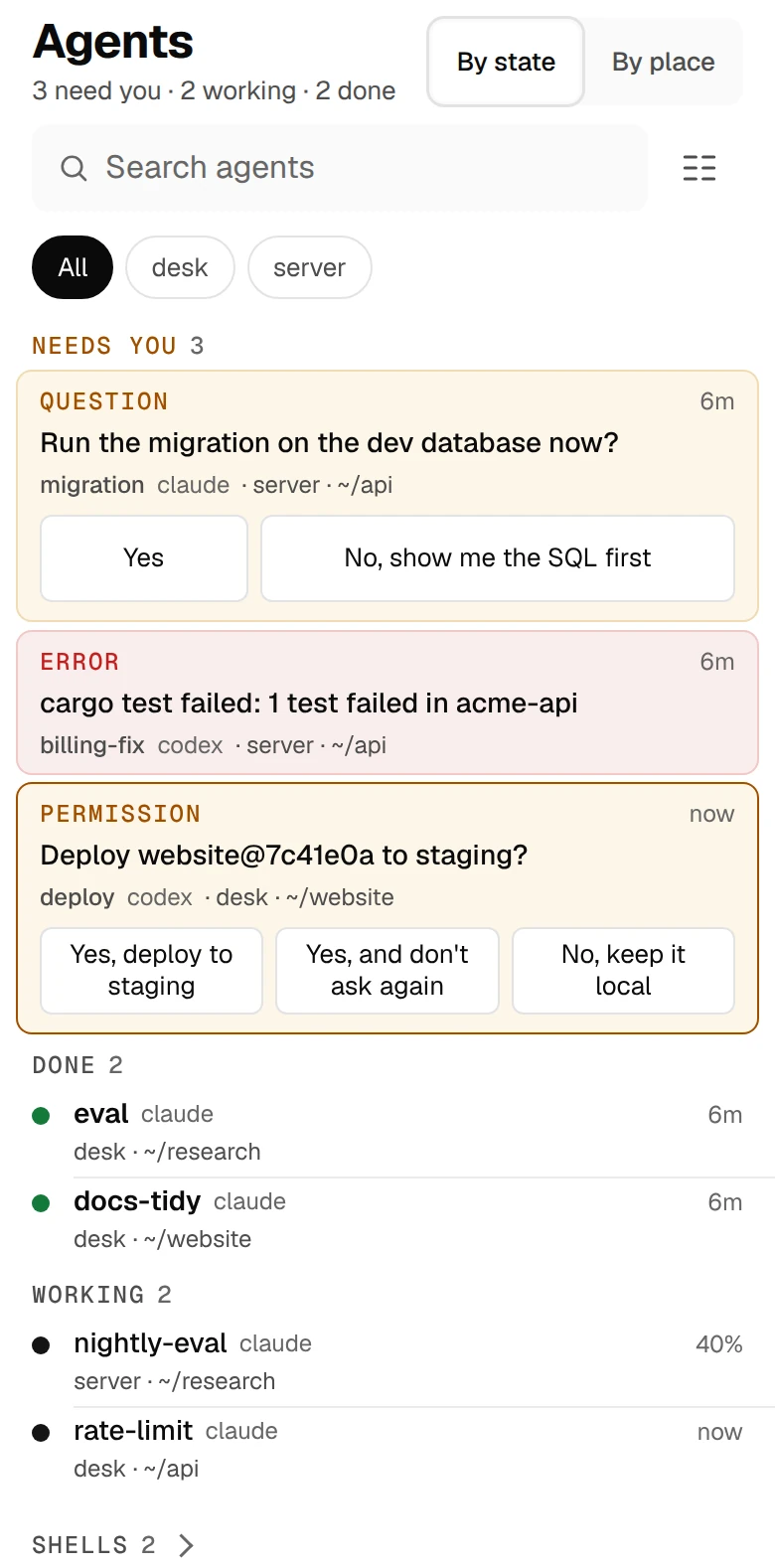
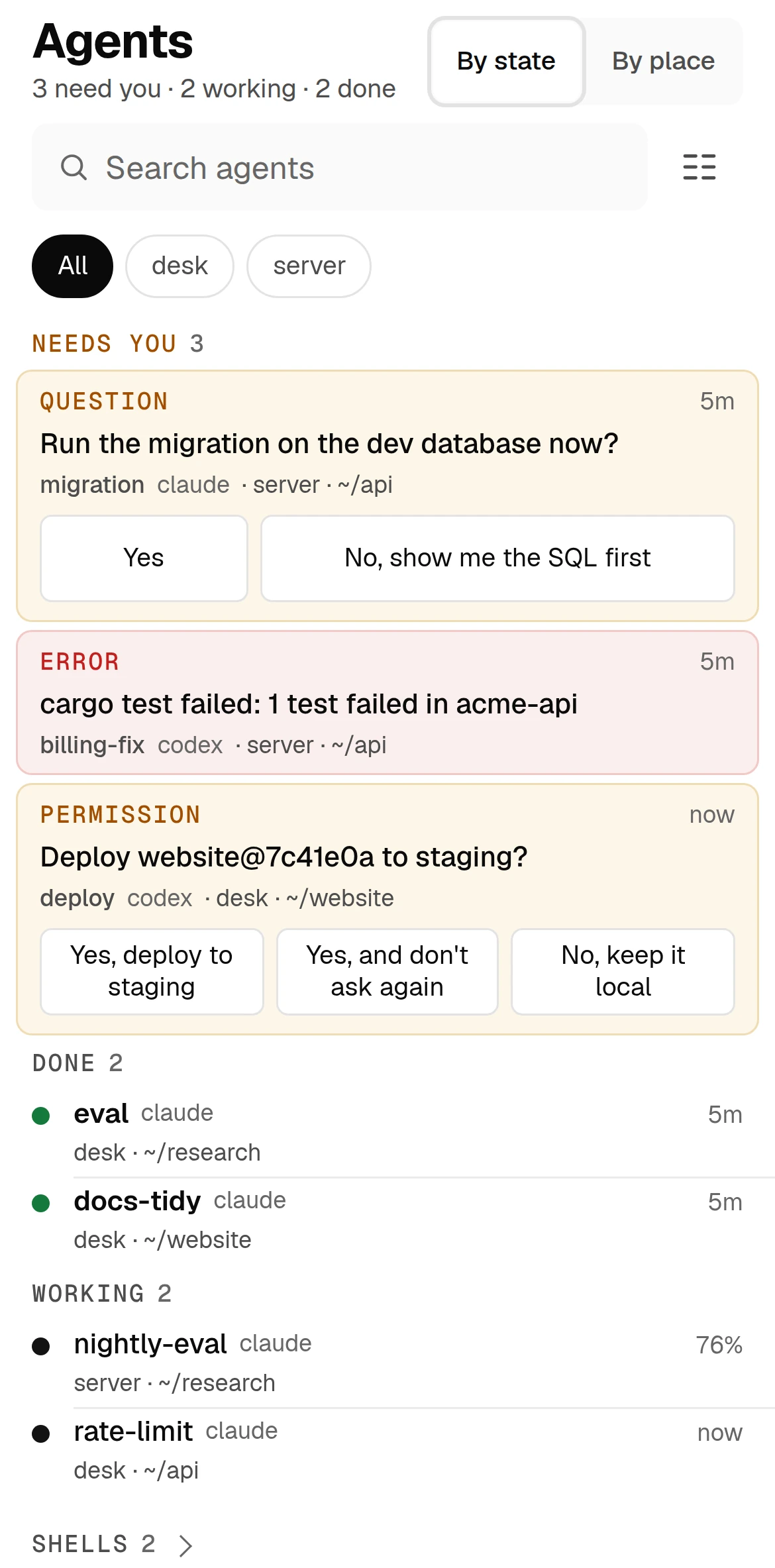
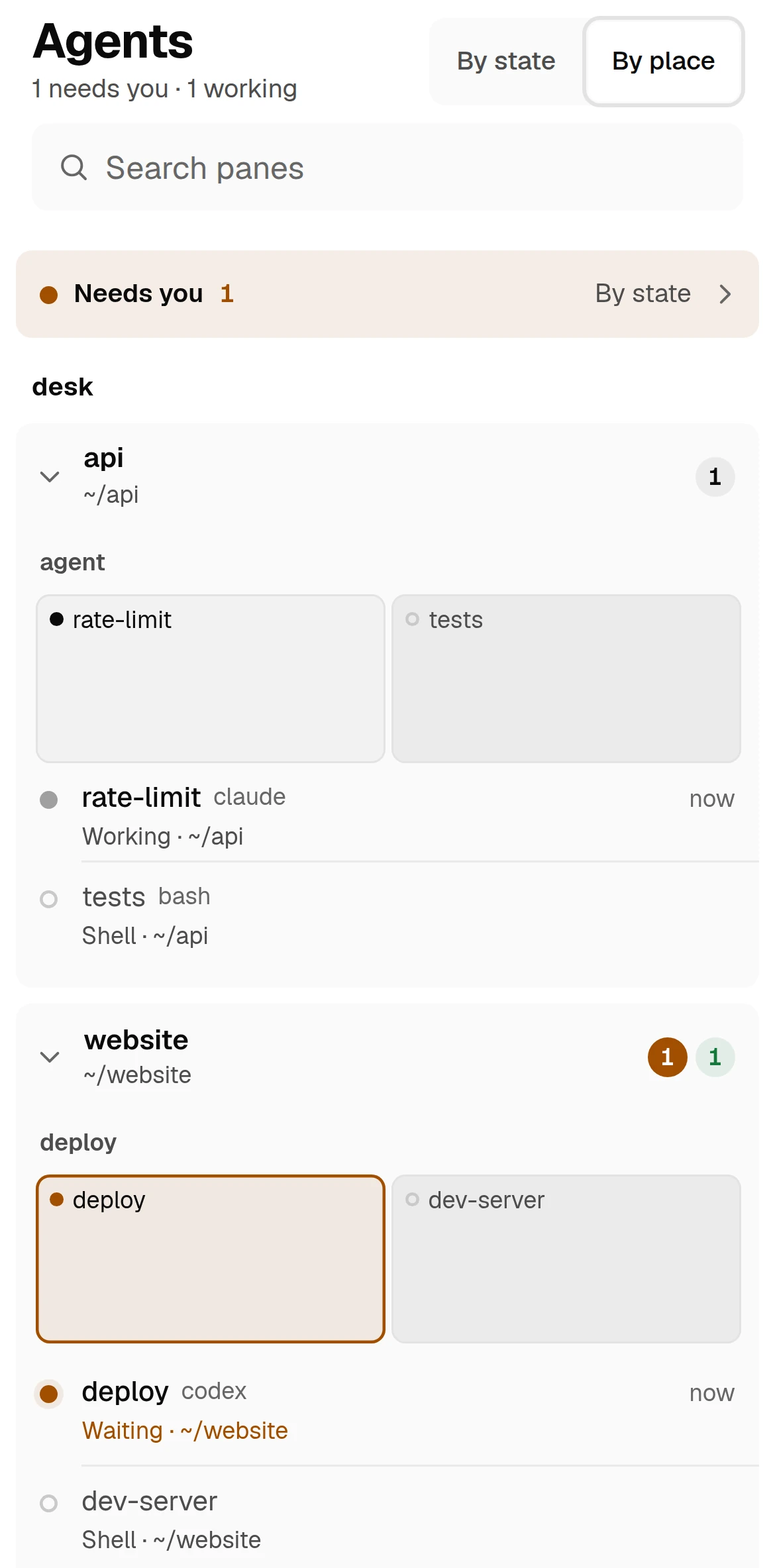
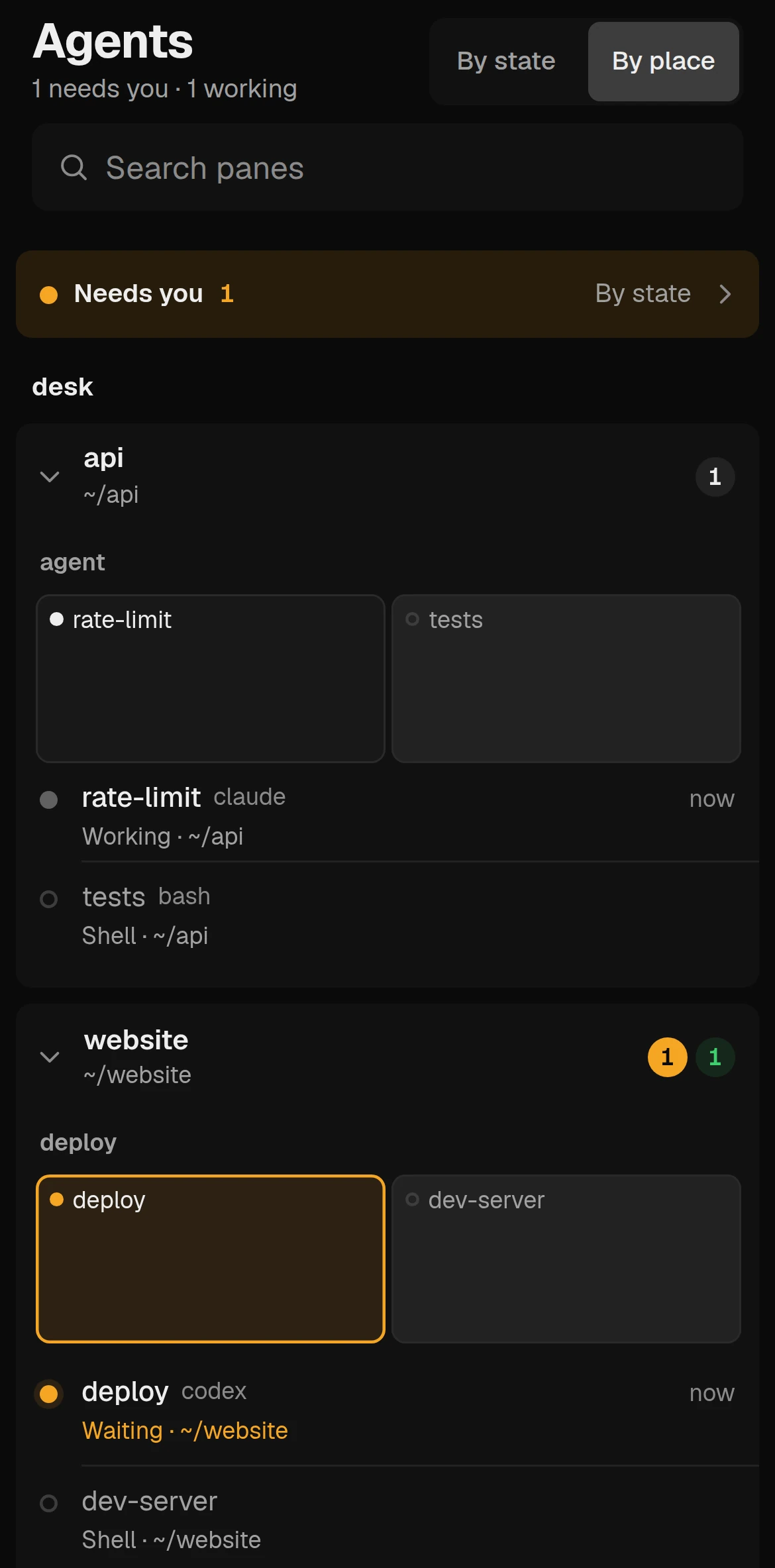
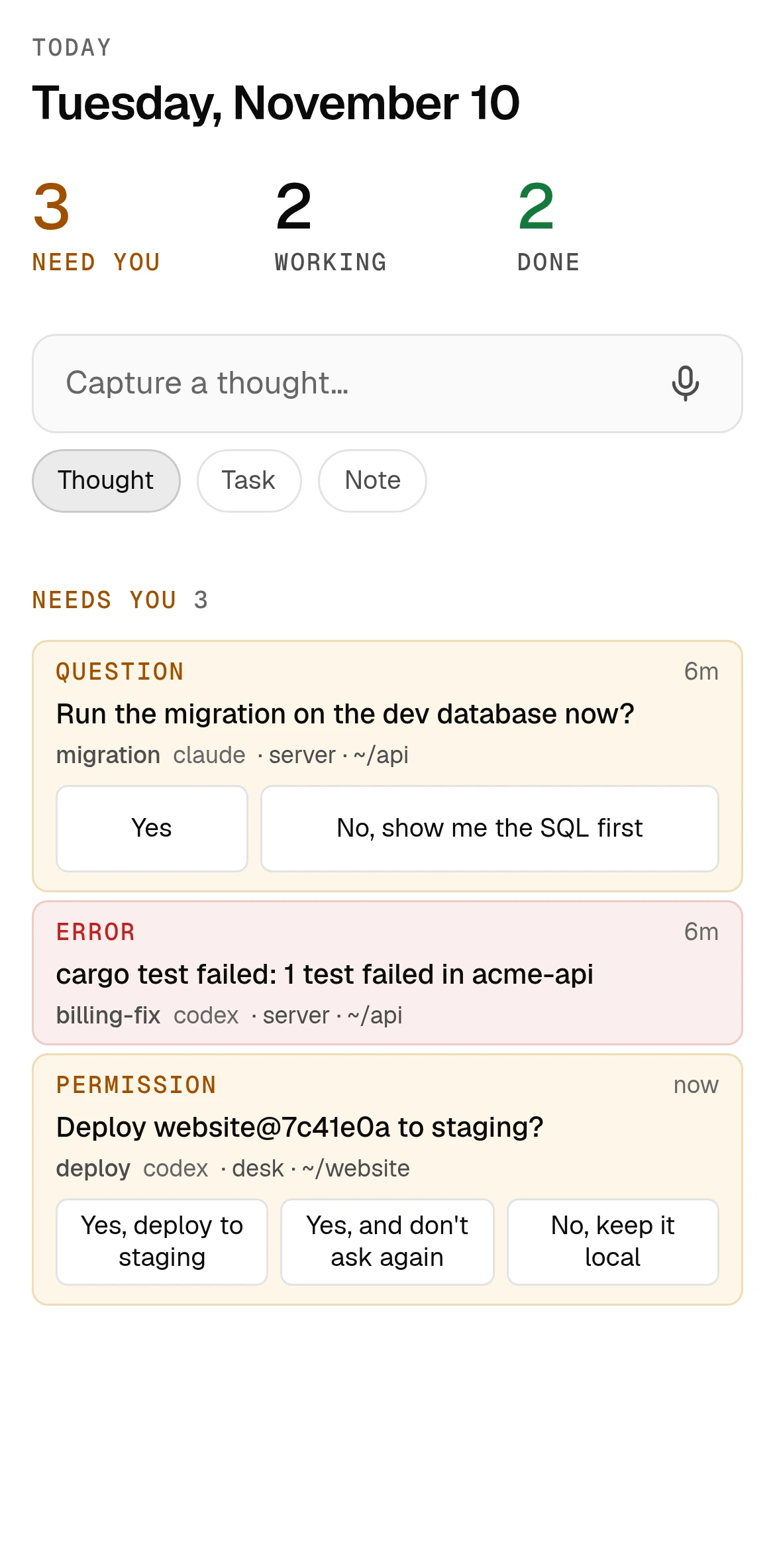
The agents list, sorted by who needs you. Answer from the card.
01 · What it does
See every agent terminal on every machine, open one, read its screen and type into it. Watching never resizes the pane on your desktop. A key bar puts Esc, arrows, Enter and Tab under your thumb.
When an agent stops at a numbered menu, the menu becomes buttons in the list. The first tap arms a button and says what it will do. The second presses the key, only if the screen still offers that choice.
An agent can only draft. You see the full text before anything is sent, approve with two taps or reject with one. If the words changed after you read them, the approval is refused.
Each device pairs once with a link that works one time, for ten minutes. The gateway stores only a hash of the device’s token. Revoking a device ends its sessions within five seconds.
Web Push tells you when an agent needs you or has finished, with switches for each and quiet hours. The lock screen says only that something is waiting, never the text.
Notes, tasks and spoken thoughts live in your own Postgres. A device paired as an agent can search and read notes and propose new ones over MCP. A proposal is saved only when you keep it.
02 · How it works
Core’s API is a shell, so the gateway is the trust boundary. The phone holds one device token and nothing else.
A TypeScript web app with no UI framework, installable from the browser. The same build is wrapped in a Tauri 2 shell for Android and iOS. Notes and tasks keep working after an offline reload.
A Rust server that terminates TLS, serves the screens and exposes /ws and /api. For terminals it runs lbc connect and forwards ten methods: list, read, attach, send keys, interrupt, label and the like. Run, exec, file and kill calls are refused. It never starts a core itself.
Three checks, all required. The device must be an allowed node on your Tailscale network, checked before the TLS handshake. It must hold a paired device token. A browser’s Origin must be on the list. Ten bad tokens block a source for five minutes.
Postgres holds notes, tasks, thoughts, questions from agents and note proposals. Migrations are numbered SQL files, applied by hand and recorded with a checksum. Edits carry a version, so a stale write gets the current row back instead of overwriting it.
03 · Use it
The repo’s scripts build the screens, start a throwaway gateway, pair devices and build the phone shells.
cd web && npm ci && npm run build && cd ..
scripts/dev.sh 18610              # scratch gateway; prints a URL
scripts/dev.sh 18610 stop

scripts/pair.sh my-phone          # one-time QR code, good for 10 minutes
scripts/pair.sh my-laptop --link  # the same link as text

scripts/build-android.sh
scripts/build-ios.sh

curl https://desk/mcp \
  -H "Authorization: Bearer <device-token>" \
  -d '{"jsonrpc":"2.0","id":1,"method":"tools/list"}'
04 · Docs
These pages are in the repository and open with it. Until then, the Guide covers the same ground and is readable now.
The rules that do not bend, the three admission checks, and why the gateway never starts a core.
Step by step: admit the node, build and install on Android, pair, the iPhone Home Screen app, taking a phone off.
How drafts and questions from agents reach the phone, the two-tap rule, and which devices may not approve.
The agent role, the short list of routes it may call, and the four notes tools served at /mcp.
Notes, tasks, thoughts and files: the tables, the migrations, the HTTP API and how conflicts are answered.
The Tauri shell, the app id, the build scripts, and what is still open on iOS.
The scratch instance, the throwaway database, the end-to-end suites and running two test runs side by side.
Read the Guide chapter: More machinesRequest access to the repository
05 · Works with
Not yet
Questions
You add the phone’s node name to the gateway’s allowed list, then make a pairing link on the server. The link works once, for ten minutes. The phone trades it for a long-lived token and clears the link, so a copy in browser history is useless.
No. It expects to sit behind Tailscale and asks it who each connection is. A device that is not on the allowed list gets a closed socket: no TLS, no page. The only outside services are the phone makers’ push services, and payloads to them are encrypted.
It can list terminals, read them and type into them. It cannot start a command on its own, run a program on a machine, read files or kill a terminal: those Core methods are not on the gateway’s list. Typing into a terminal is still real power, so pair only devices you hold.
Not through the gateway. The gateway keeps a list of the devices an agent can operate, and refuses approvals and answers from them. The check asks which machine is calling, with a fresh lookup each time, not which token it holds.
Apache-2.0. The repository opens on November 13, 2026.
Self-host it, or talk to us about setting it up with you.