Hold-a-key dictation on macOS
Hold right Option to talk, or tap it for hands-free. The app records, asks the front for the words and pastes them into the app you are in. A small pill on screen shows what it is doing.
Lumbridge Voice
Gated · opens on November 13, 2026Lumbridge Voice turns audio into words. An HTTP front sits in front of an open speech-recognition model running on your own GPU box, and clients send it recordings: a macOS app that dictates while you hold a key, the phone app, or any script with curl. It is for teams that want dictation and meeting transcripts without sending audio to someone else’s service.
Tour
Vocabulary
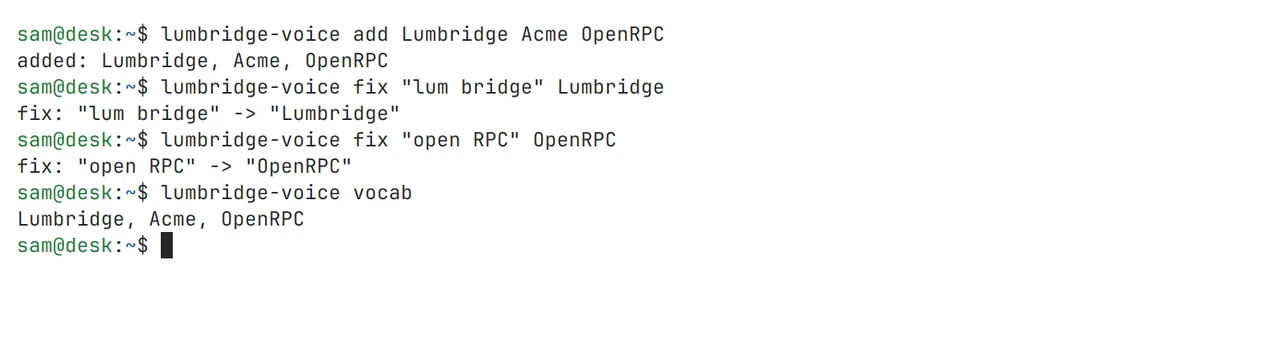
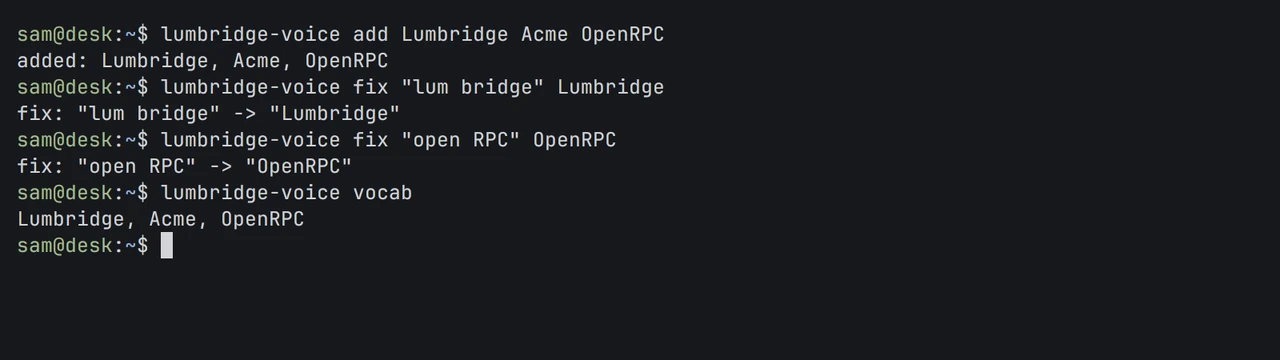
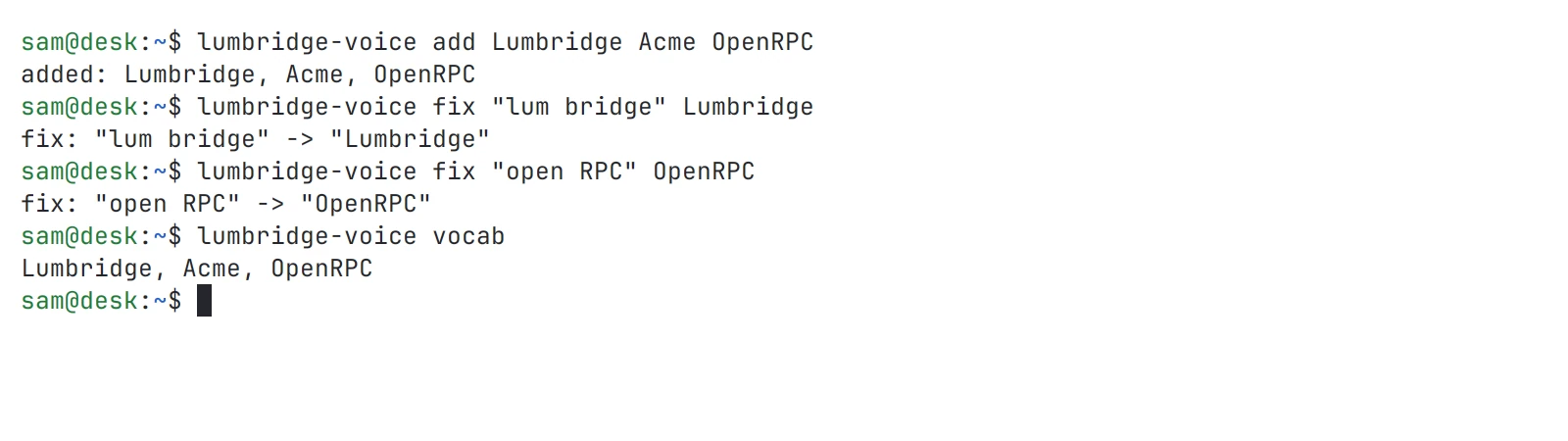
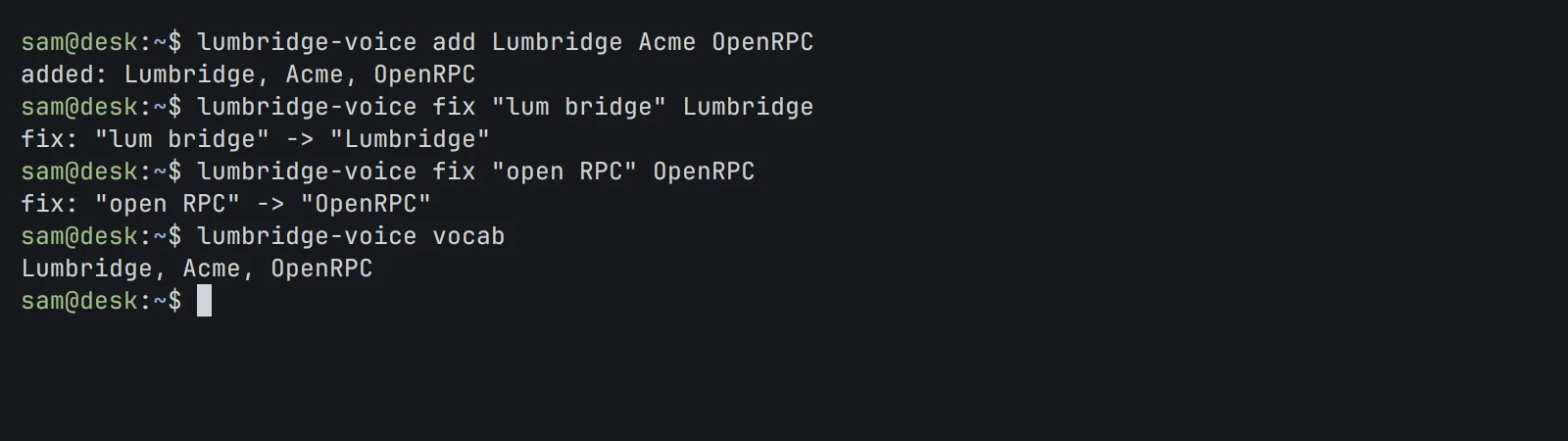
Add terms, fix a word it mishears, then print the list. Shown in both themes.
01 · What it does
Hold right Option to talk, or tap it for hands-free. The app records, asks the front for the words and pastes them into the app you are in. A small pill on screen shows what it is doing.
POST a file to /v1/audio/transcriptions and get JSON, plain text, or verbose JSON with a start and end time for every word. /v1/audio/translations returns the speech in another language.
Add diarization=true and each word carries a speaker number. The front finds the speaker turns, cuts the recording at them and transcribes each turn on its own. /v1/audio/diarizations returns the turns alone.
Tell it your names once: lumbridge-voice add spells a term the same way every time, and fix replaces a word it keeps mishearing. The list travels with each dictation as instructions to the model.
A second service takes raw audio over a WebSocket at /v1/stream and sends back partial and final text as you speak. It ends an utterance on trailing silence and boosts the words listed in a vocabulary file.
The Mac app tries the dictation route, then the plain transcription route. If the GPU box cannot be reached at all, it uses the recognizer built into macOS, set to on-device only.
02 · How it works
The front holds no model. It speaks a stable HTTP API to callers and one adapter to whatever speech model sits behind it.
One HTTP service with readiness, transcription, diarization, translation and dictation routes. The front in service today is Python. A Rust front with the same API is in the repo, tested against recorded answers of the Python one, with the model behind a Transcriber trait and a mock adapter for trying it without a GPU.
The transcription model runs on vLLM on loopback, so only the front can call it. The streaming service loads a smaller model in its own process. Both are started by launch scripts and service units kept in the repo.
A Swift menu-bar app. It watches the key, records 16 kHz audio, cuts it into phrases, sends each to the front with your vocabulary, applies your fixes and pastes. It keeps a local history of recent dictations.
lumbridge-voice on the Mac shows status and recent dictations, edits the vocabulary, and runs a nightly learn step that proposes new terms from what you dictated.
03 · Use it
Any HTTP client can call the front. The lumbridge-voice command on the Mac manages the dictation vocabulary.
# is the front up and the model ready?
curl http://gpu-box:8806/ready

# a meeting recording, with word times and speakers
curl http://gpu-box:8806/v1/audio/transcriptions \
  -F file=@meeting.wav -F response_format=verbose_json -F diarization=true

# speech in another language, written in English
curl http://gpu-box:8806/v1/audio/translations -F file=@call.wav -F language=English

# on the Mac: vocabulary and recent dictations
lumbridge-voice add Lumbridge
lumbridge-voice fix "lum bridge" Lumbridge
lumbridge-voice last 5
04 · Docs
These pages are in the repository and open with it. Until then, the Guide covers the same ground and is readable now.
Every route of the front, its fields, responses and errors, with real answers from a running service.
The WebSocket at /v1/stream: options, the messages in each direction, endpointing and word boosting.
Keys, the pill, the settings file, building and installing, and the three background agents it runs.
The front’s TOML file and environment variables: listen address, adapter, upload limit, model address.
Why verbatim is the default instruction, with the measurements on repeated digits that decided it.
The adapter trait, the mock model, and the listed places where it answers differently from the Python front.
The openly licensed test corpus, how to rebuild it, and the scripts that measure word errors after a change.
Read the Guide chapter: VoiceRequest access to the repository
05 · Works with
Not yet
Questions
No. The front calls only the model server you run, and the Mac app’s fallback is the macOS recognizer with on-device recognition required. Nothing in the repo calls an outside speech service.
The front stores nothing. The streaming service has an optional capture mode that keeps audio and transcripts for 30 days so you can review mistakes. It is off unless you turn it on, and it records only the callers you list.
The front and the model servers run on Linux with a GPU. The dictation app is for macOS. Anything that can send an HTTP request can transcribe, so the phone app and scripts on any system are clients too.
That depends on your GPU and the model you run, so we do not quote a figure here. Dictation sends short phrases, so text arrives phrase by phrase rather than after a long recording. The same audio can come back with a word heard differently between runs.
Apache-2.0. The repository opens on November 13, 2026. In the Rust front the model sits behind one trait, so a different speech model is a new adapter and the API stays the same.
Self-host it, or talk to us about setting it up with you.