Guide
From a fresh Ubuntu machine to a working company.
Eight chapters, in order. Each one adds a part and ends with something running. All twelve parts open on November 13, 2026.
- Start hereWhat Lumbridge is, what you need on a fresh Ubuntu machine, how the release works, and the order of this guide.All twelve parts
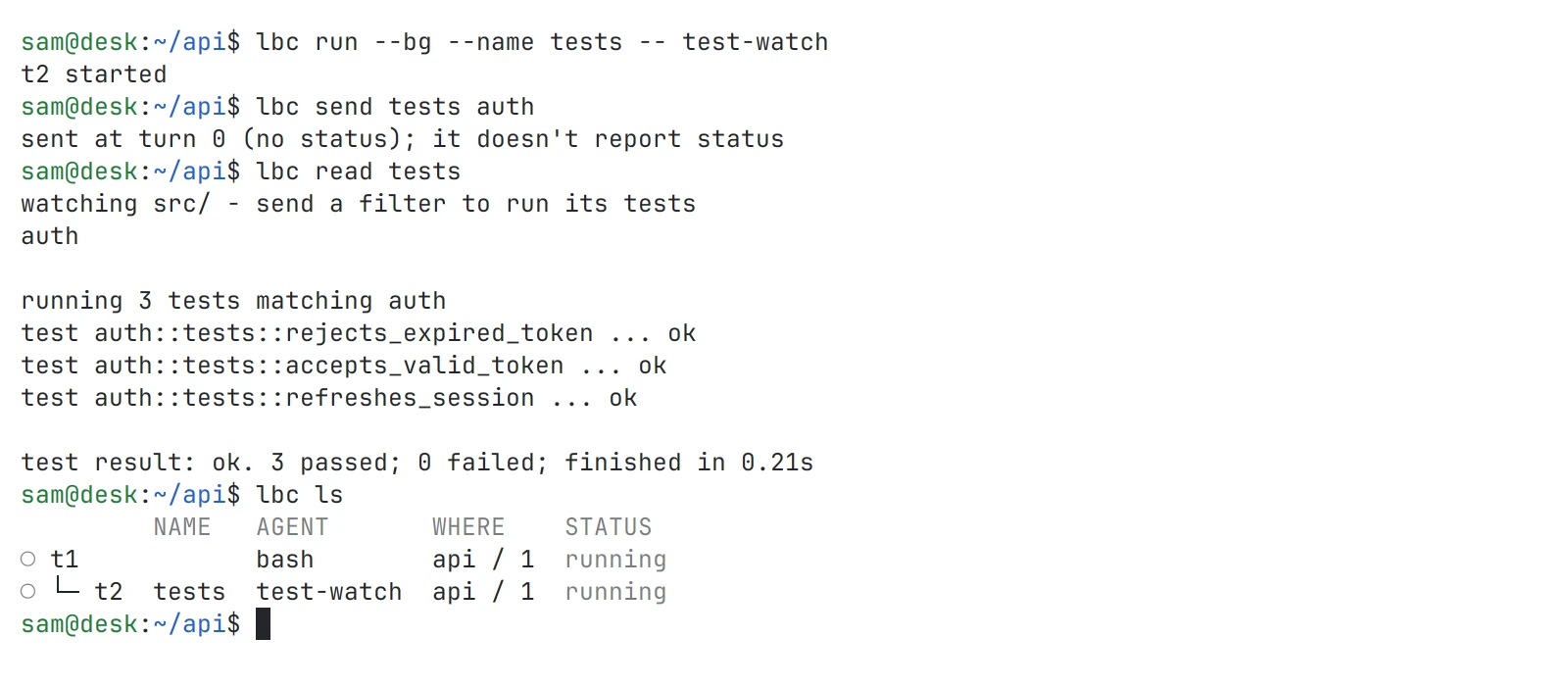
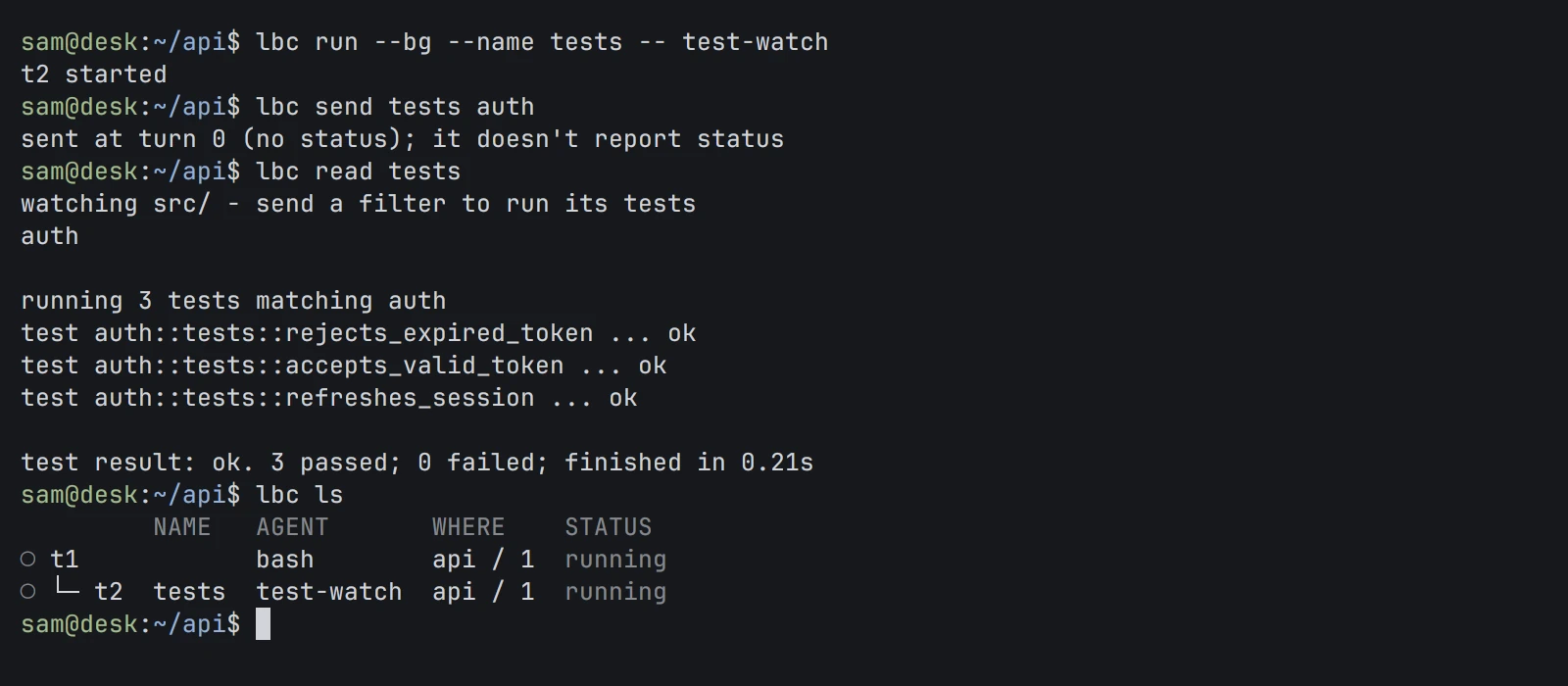 Install CoreBuild Lumbridge Core from source on Ubuntu, then run, list, read, attach to and type into a terminal that stays alive.Core
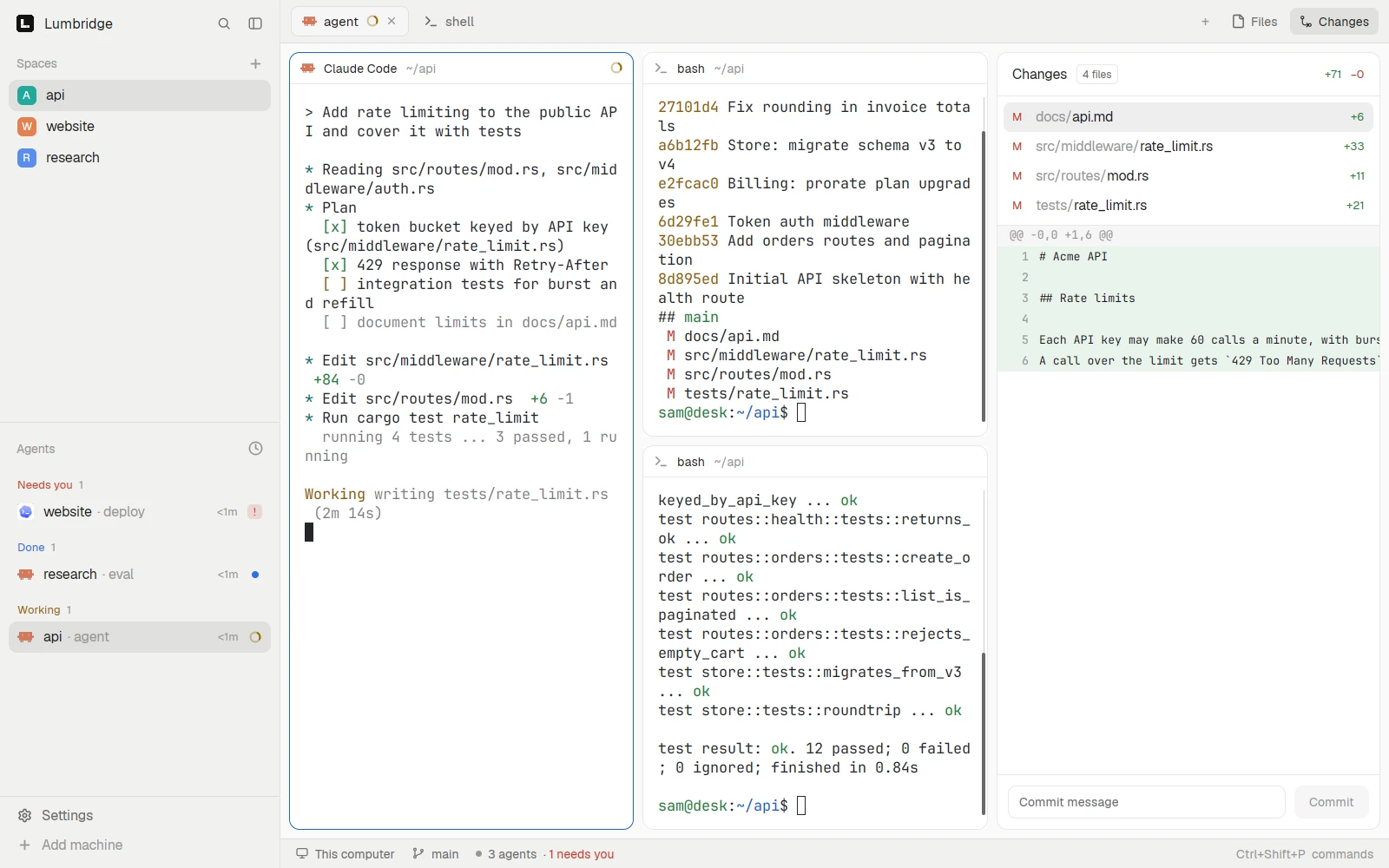
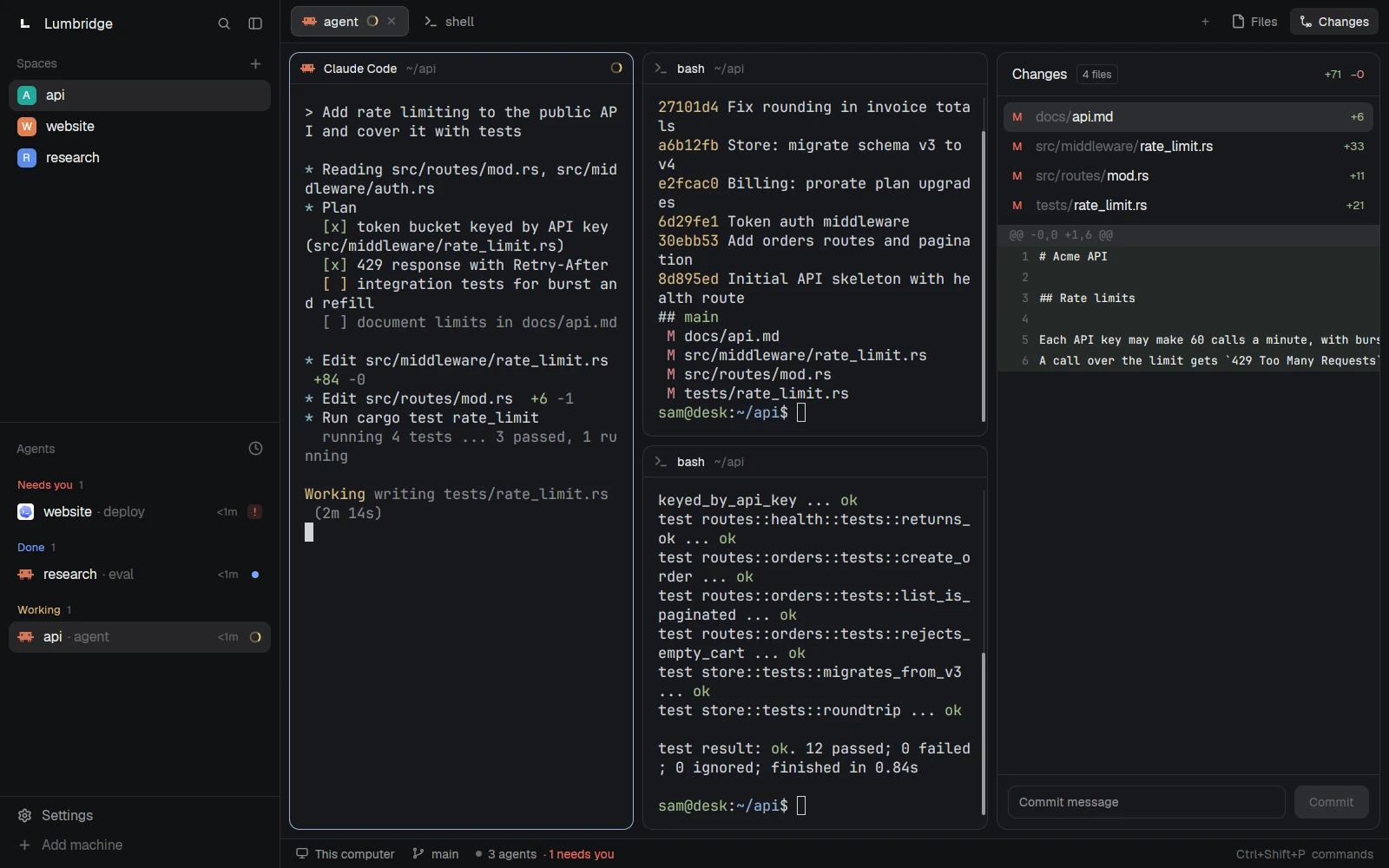 A workspace: the App and the TUIBuild the desktop App and the terminal TUI, open them for the first time, and learn spaces, tabs and agent status.AppTUICore
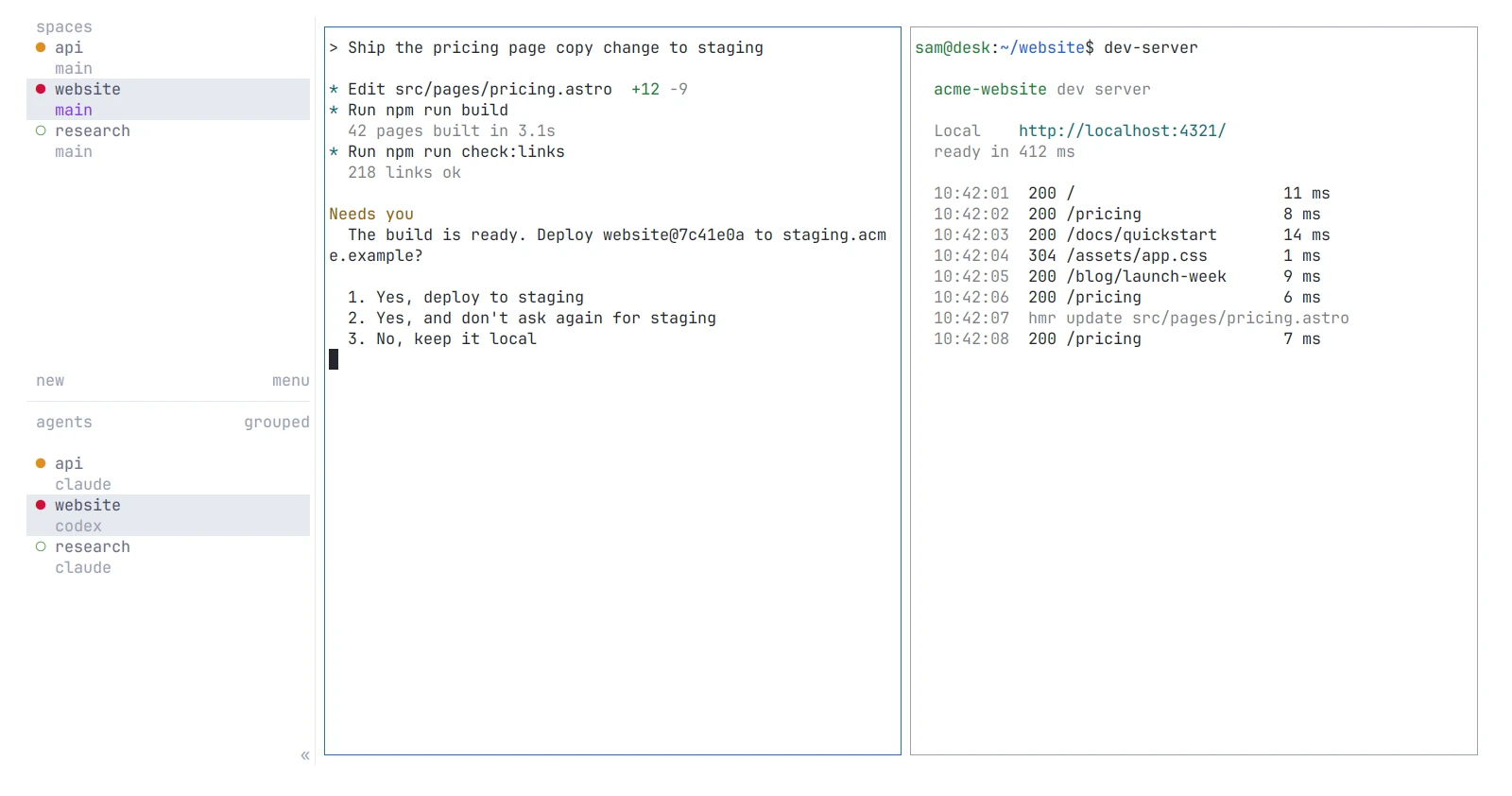
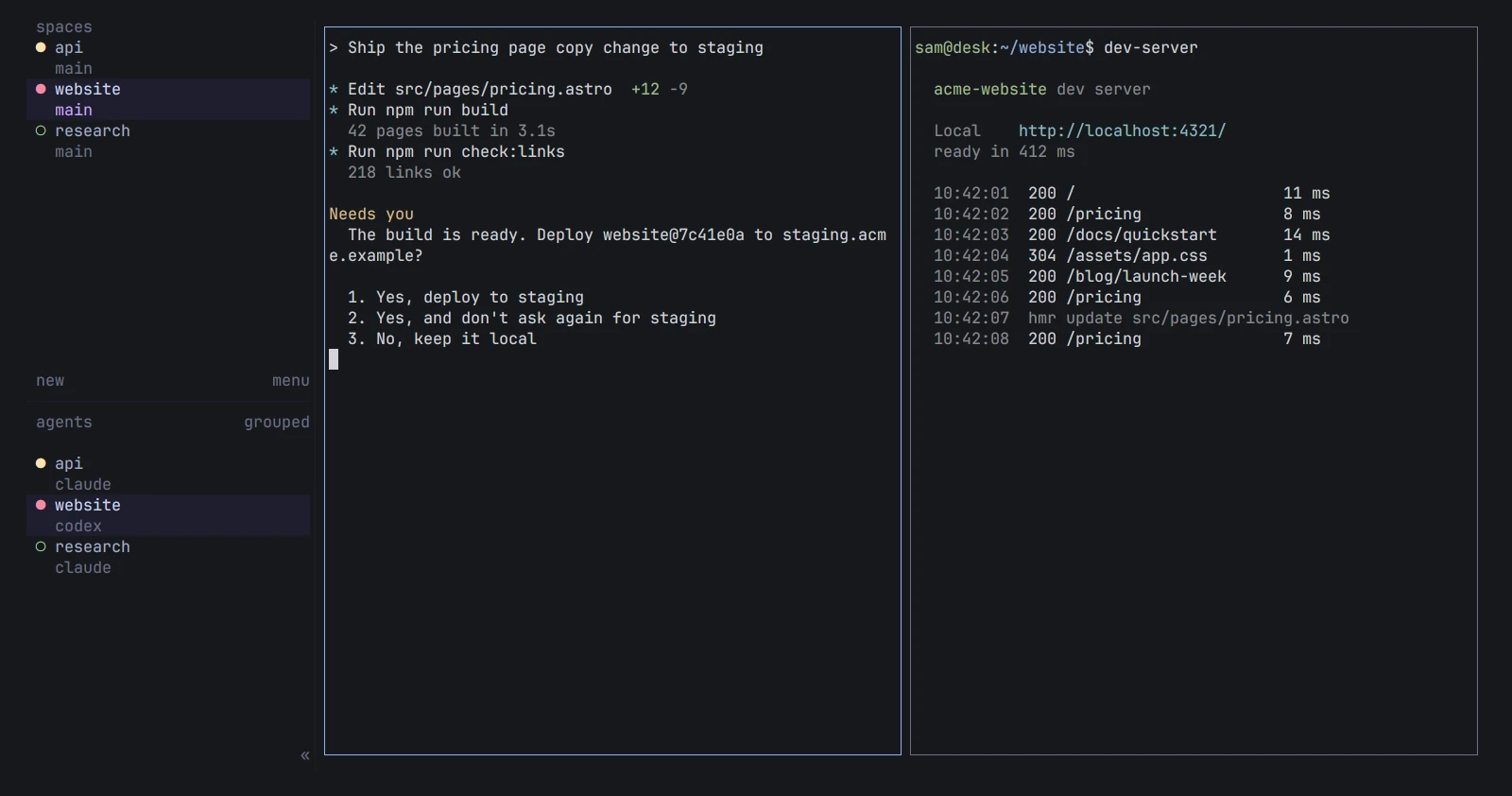 AgentsRun a coding agent in a Core terminal, let it start another agent and hear back, and take over a terminal yourself.CoreAppTUI
- A second machineAdd a machine over SSH, run and attach to programs there from your desk, and see every machine in one list.CoreAppTUIModsMobile
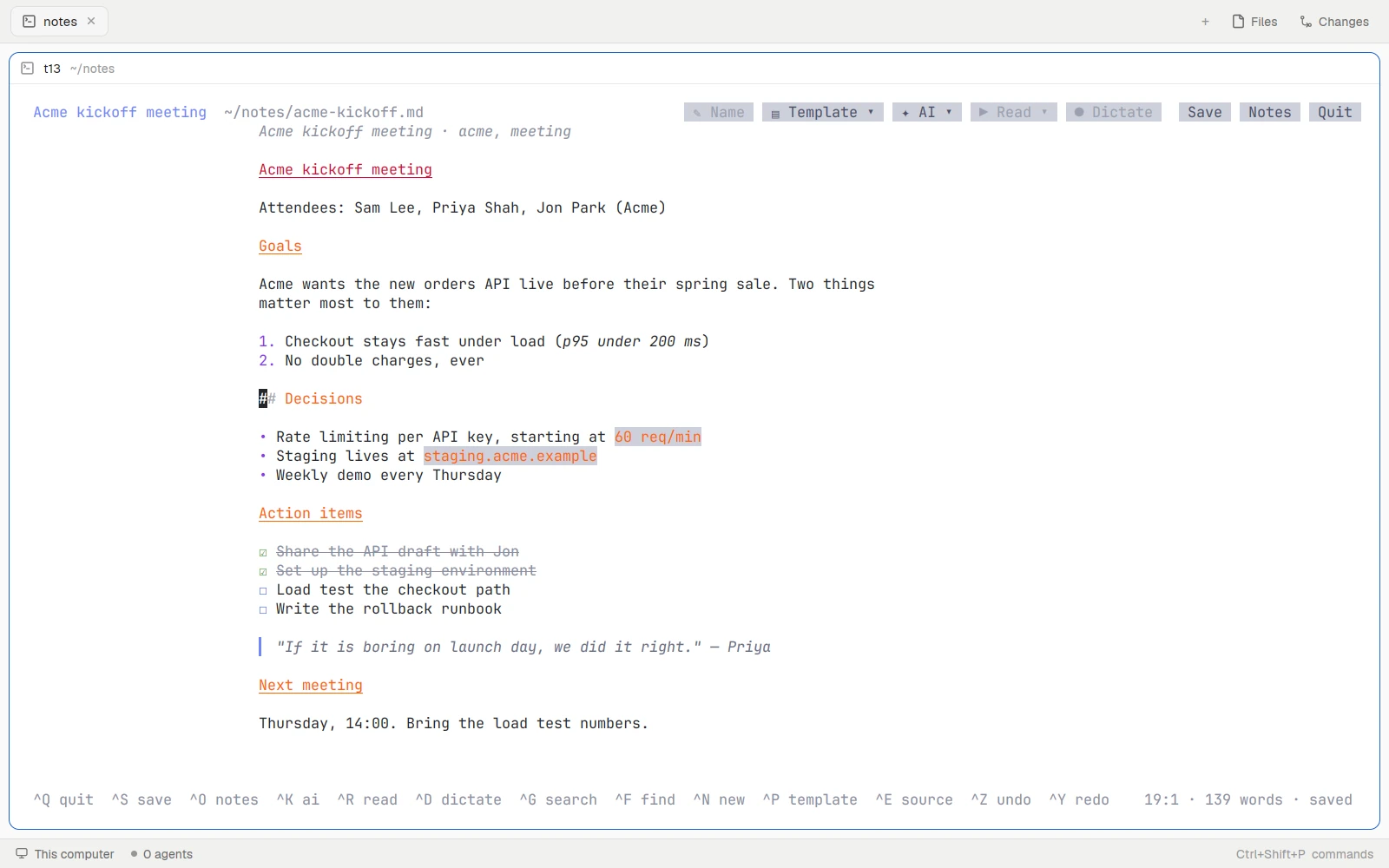
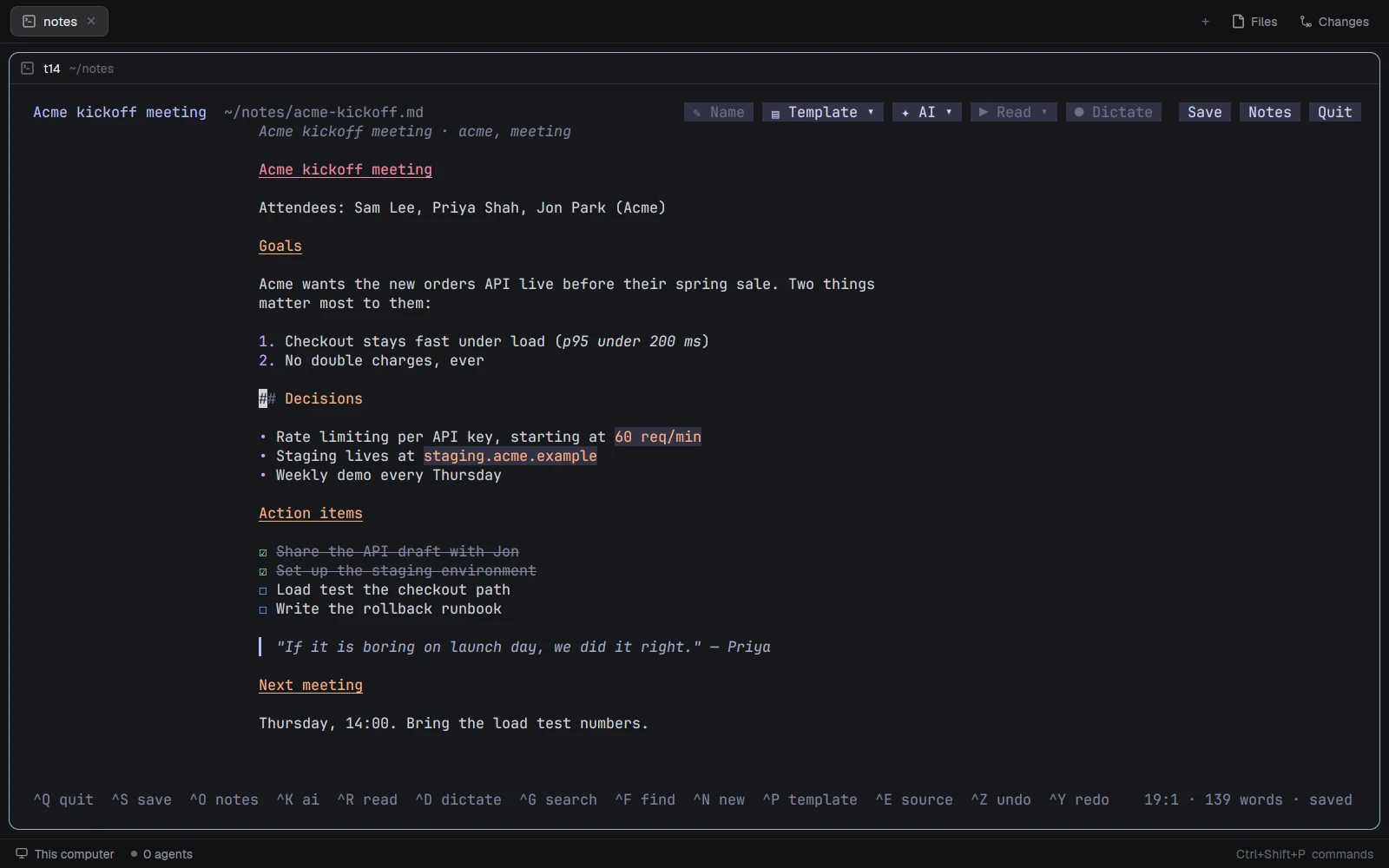 Notes, Library and MailWhere notes, documents and mail live on disk, the commands an agent calls, and what never reaches a model.NotesLibraryMail
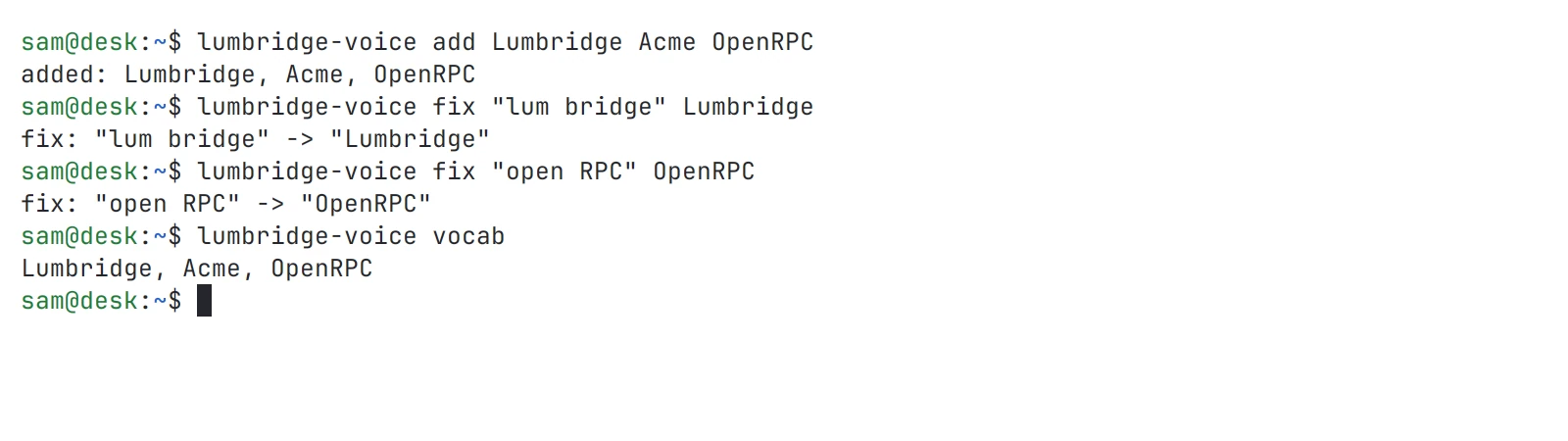
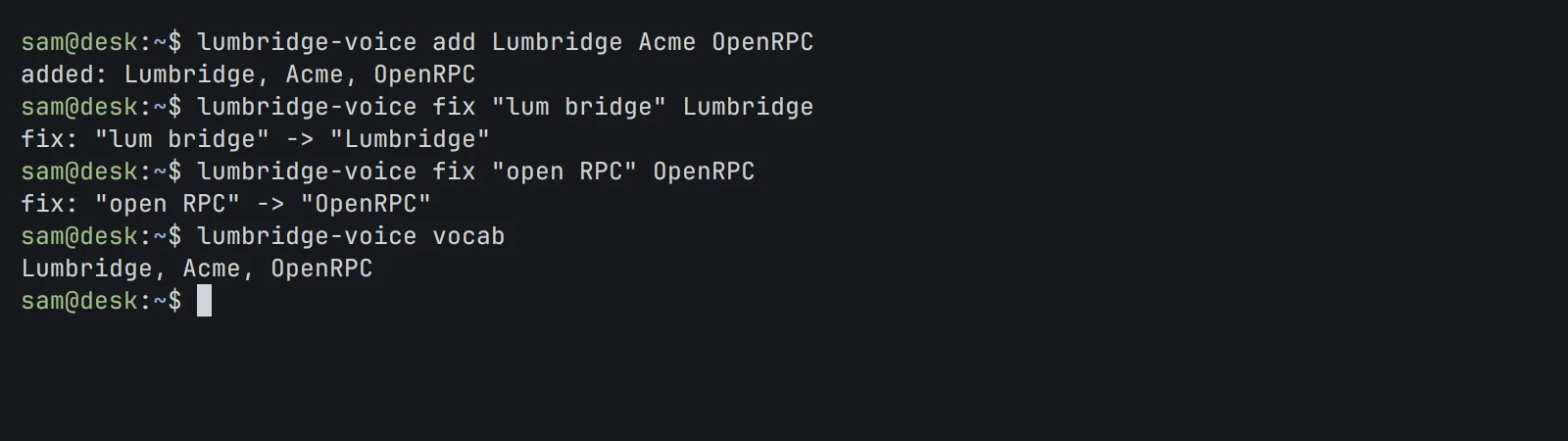 Voice and SpeakTurn speech into text with Voice and text into speech with Speak, and what each needs running behind it.VoiceSpeakComputerNotes
- The Factory and modelsPoint the Factory at a repository, see what gates a change and who merges, then choose where your models run.FactoryComputerNotesMail
- The manualThe manual: reference chapters for every part, with its commands, its files and what is not built yet.
Stuck on a step?
Write to us. An engineer who works on that part replies.