Guide · Chapter 4
- Chapter 1: Start here
- Chapter 2: Install Core
- Chapter 3: A workspace: the App and the TUI
- Chapter 4: Agents
- Chapter 5: A second machine
- Chapter 6: Notes, Library and Mail
- Chapter 7: Voice and Speak
- Chapter 8: The Factory and models
Agents
Run a coding agent in a Core terminal, let it start another agent and hear back, and take over a terminal yourself.
You need
- Core installed (chapter 2)
- A coding agent that runs in a terminal, installed and signed in, such as Claude Code or Codex
- A repository to work in. The examples use ~/acme/api
To Core, an agent is a program in a terminal. Core does not ship an agent or sign you in to one. It gives the agent a place to run that outlives you, a way to start helpers, and a way for you to step in.
Run an agent in a Core terminal
lbc run --bg --name fix --cwd ~/acme/api claude "Fix the failing test in src/auth.rs."
lbc get fix
lbc read fix --lines 100
lbc send fix "Do not touch other files."
lbc wait fix --timeout 600
lbc interrupt fix
lbc ls
Use --bg for agents, or the whole screen streams into your shell. Put the first task in lbc run: a message sent to an agent that is still starting can be lost. lbc send waits while a person has a half-typed draft in that terminal, so a message never lands in the middle of your typing. lbc interrupt stops the current turn, not the program.
How state is reported
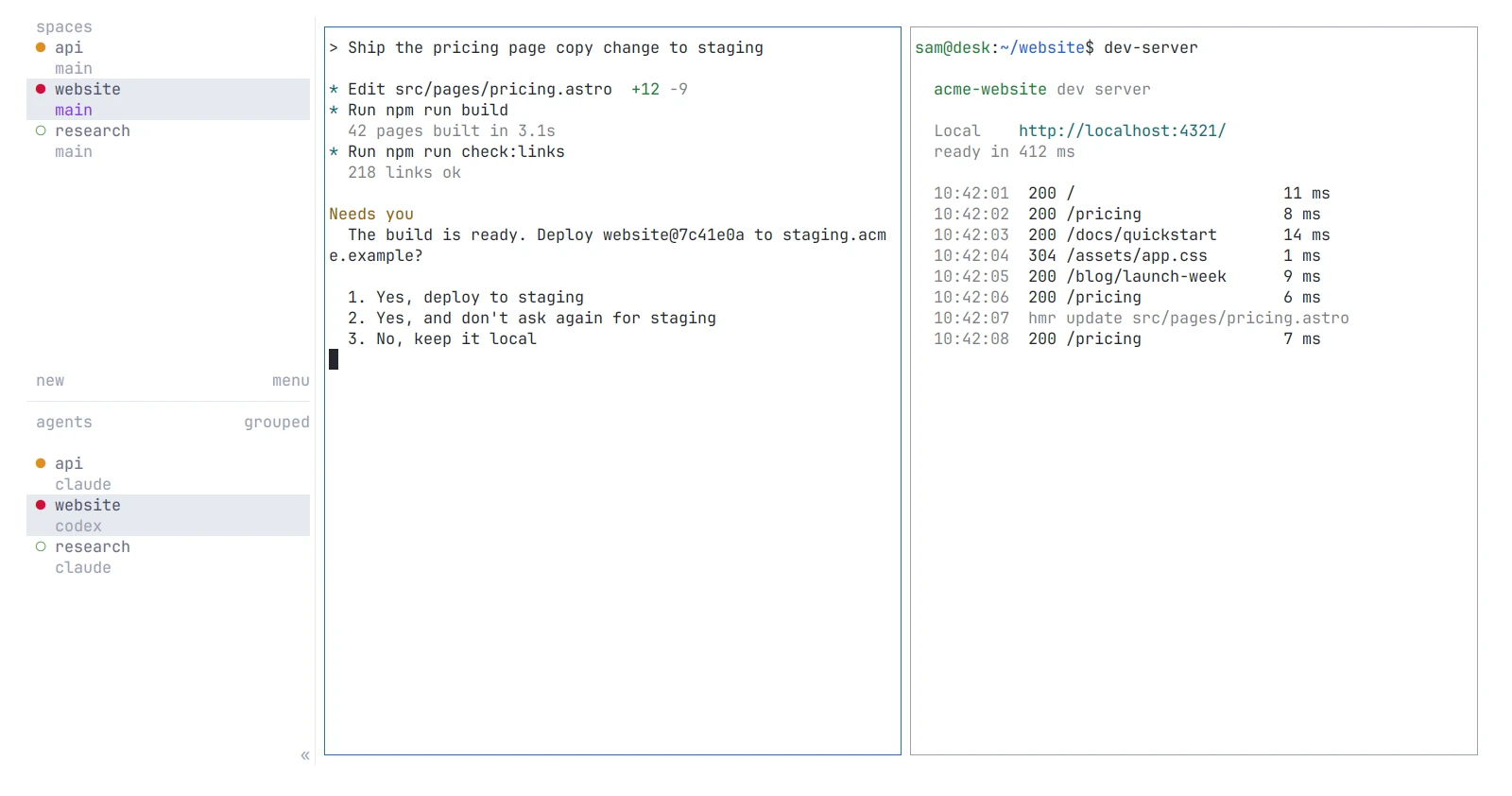
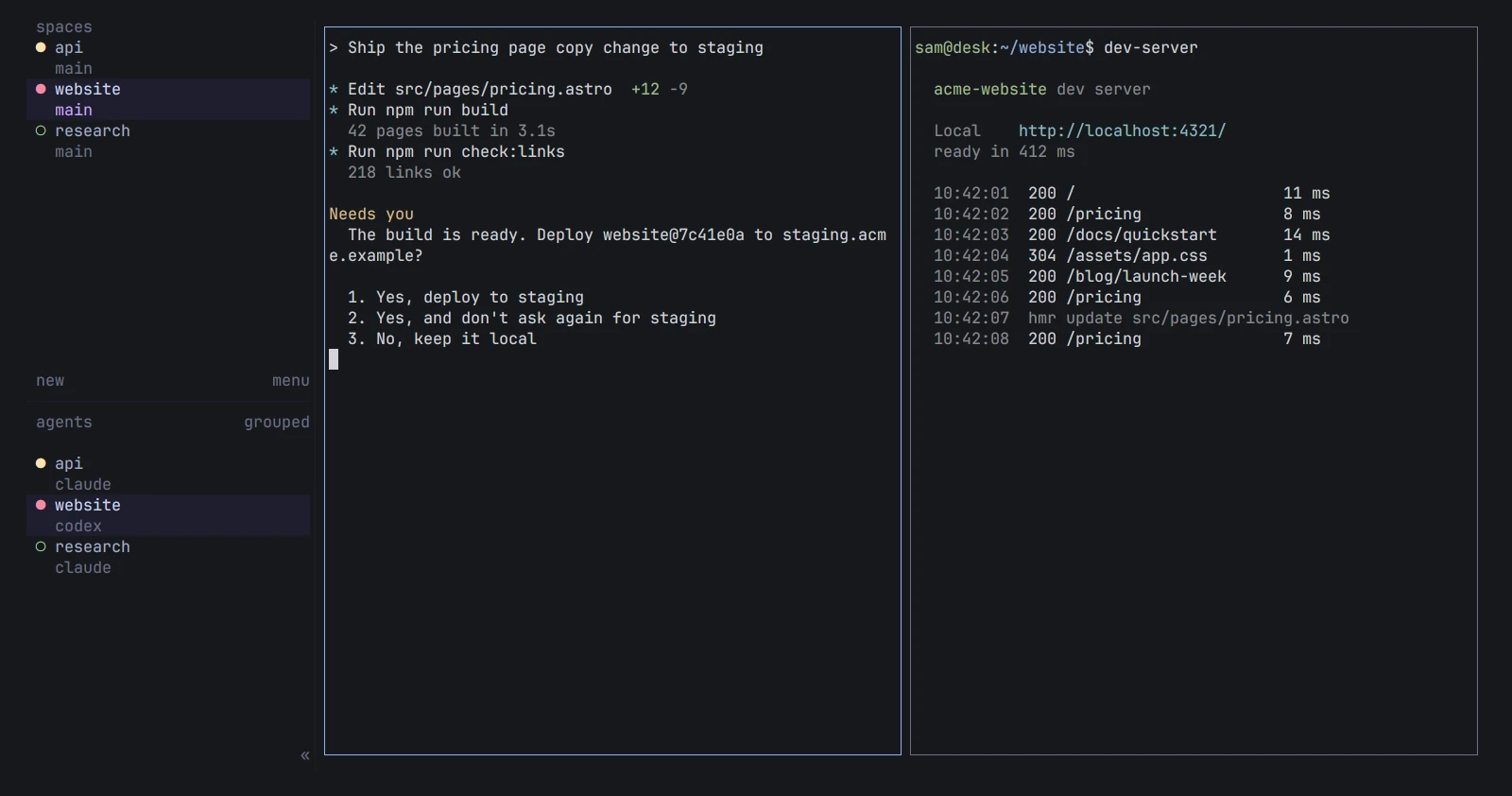
An agent says what it is doing through a terminal escape sequence, OSC 7501: working, done, blocked, idle or error. Core stores what the program reports and nothing else. It never reads the screen to guess. lbc get shows the current status, lbc events follows changes, and the App turns the same reports into the working, blocked, done and idle marks you saw in chapter 3. Blocked means the agent needs you.
Let an agent start another agent
Run lbc --skill and give the output to your agent. It is the guide Core prints for agents, in one read. An agent inside a Core terminal finds its own address in LBC_TERMINAL_ID. Terminals it starts with lbc run become its children. A child reports back with lbc send to the parent’s address, and the parent waits with lbc wait --children all. Core also types a short note into the parent when a child is blocked, hits an error or exits. Children end when their parent ends, unless started with --outlive-parent.
mkdir -p ~/.config/lumbridge-core/templates
cat ~/.config/lumbridge-core/templates/reviewer.md
---
description: Read-only code review. Give it file paths and scope.
command: claude
---
You are a focused review agent. Do not edit files or start other agents.
If a parent assigned the review, report back with lbc send.
lbc templates
lbc run --bg --name review --cwd ~/acme/api reviewer "Review src/auth.rs only."
lbc wait review --timeout 600
lbc read review --lines 100
Take over as a person
lbc attach fix puts your terminal on the agent. You are now typing to it directly, and ctrl+\ hands it back without stopping it. Use lbc attach fix --observe to watch without typing or resizing. If the agent is stuck on a dialog, you can answer it without attaching: lbc keys fix down enter. In the App, click the blocked agent in the sidebar and type in its pane.
The next chapter adds a second machine, so the same commands run a build or an agent somewhere other than your desk.
Parts in this chapter Lumbridge Core · Lumbridge App · Lumbridge TUI