Guide · Chapter 6
- Chapter 1: Start here
- Chapter 2: Install Core
- Chapter 3: A workspace: the App and the TUI
- Chapter 4: Agents
- Chapter 5: A second machine
- Chapter 6: Notes, Library and Mail
- Chapter 7: Voice and Speak
- Chapter 8: The Factory and models
Notes, Library and Mail
Where notes, documents and mail live on disk, the commands an agent calls, and what never reaches a model.
You need
- Rust and git (chapter 1). Notes needs nothing else
- For Library: a Postgres with a vector extension, and embedding and rerank endpoints you run
- For Mail: a desktop session, and an IMAP account when you are ready for real mail
These three parts hold your own material. Each keeps its data on your machine in a form you can read without it, and each gives agents a narrow set of commands. Install them one at a time; none needs the others.
Notes: a folder of Markdown
git clone https://github.com/lumbridge-corp/lumbridge-notes
cd lumbridge-notes
cargo install --path .
lumbridge-notes --dir ~/work-notes
lumbridge-notes ~/work-notes/plan.md
ls ~/work-notes/.lumbridge/templates ~/work-notes/.lumbridge/prompts
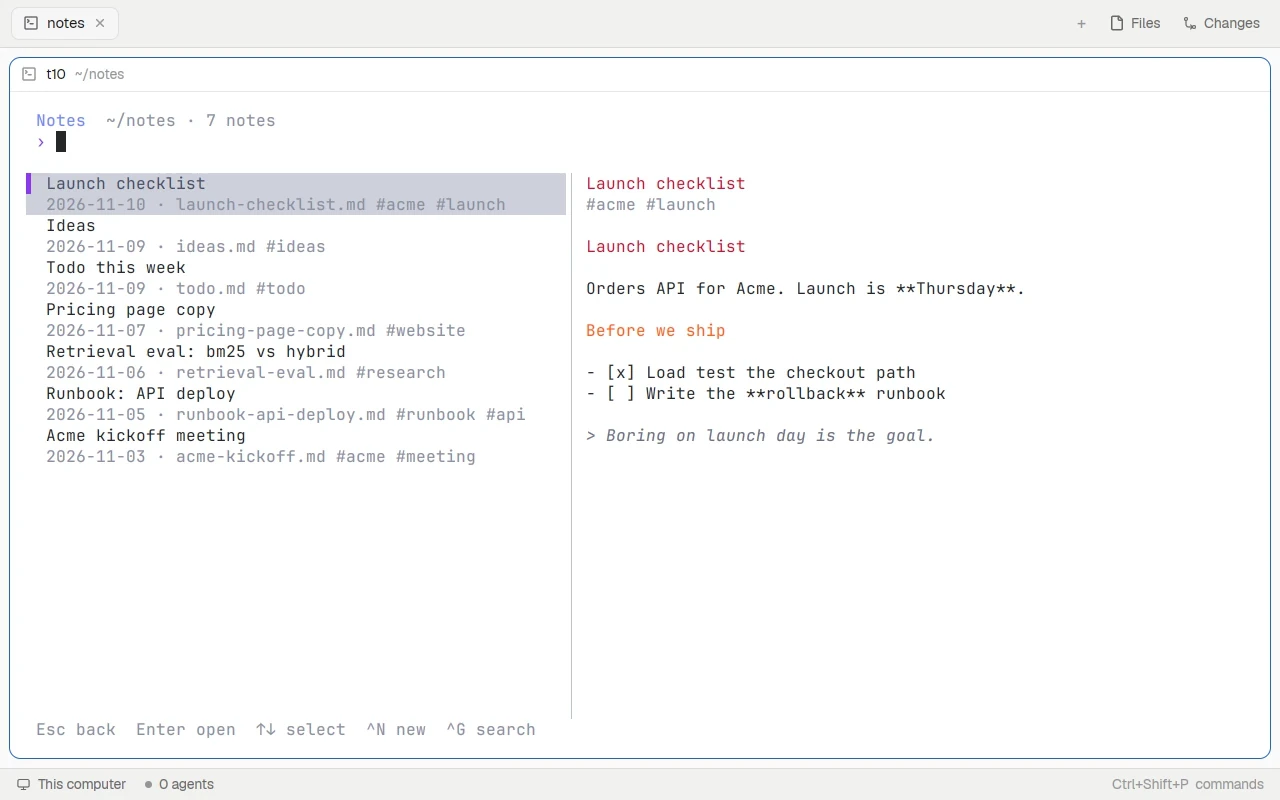
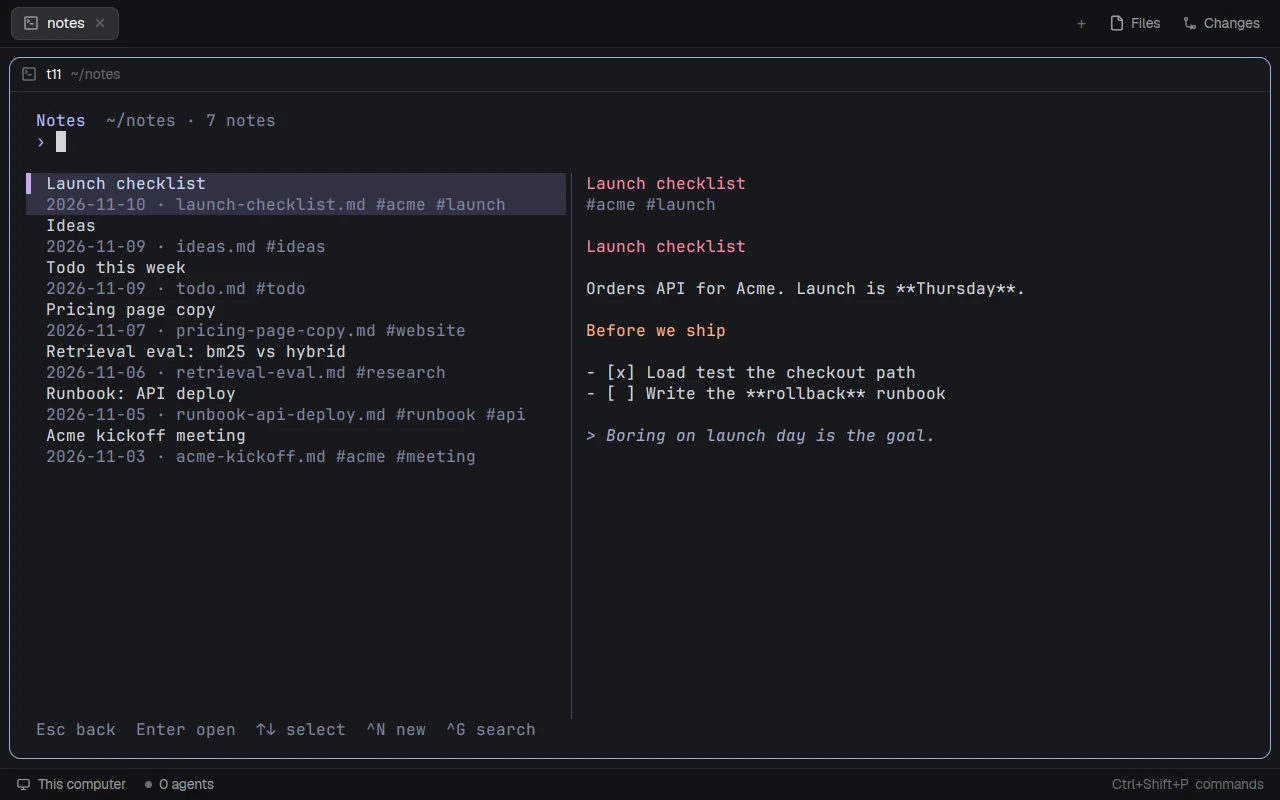
A note is one .md file. There is no database and no account. Templates and AI prompts are Markdown files too, in a .lumbridge folder inside the notebook. An agent has no special command: it writes Markdown into the folder, the editor notices the change, and a new notebook gets an AGENTS.md that explains the format. Nothing goes to a model unless you set an [ai] server in ~/.config/lumbridge-notes/config.toml and press Ctrl-K, and you see the answer before it changes the note.
Library: documents and code with sources
Library is one service with two shelves. The docs shelf is a Markdown vault kept in git. The warehouse holds bare mirrors of repositories. Git is the truth and Postgres is the index. People use two command-line clients, and agents reach the same shelves as MCP tools at /mcp, behind a bearer token.
export LUMBRIDGE_LIBRARY_URL=http://library.acme.example:8830
lumbridge-docs status
lumbridge-docs clip https://example.com/queue-design --tag queues
lumbridge-docs ask "how do we retry failed jobs?" --max-tokens 2000
lumbridge-docs fact acme-queue max_retries 5 --source https://example.com/queue-design
lumbridge-docs facts acme-queue --history
lumbridge-warehouse mirror https://example.com/acme/queue.git --tag rust
lumbridge-warehouse search retry with backoff --lang rust --limit 5
lumbridge-warehouse grep "max_retries" -r acme/queue
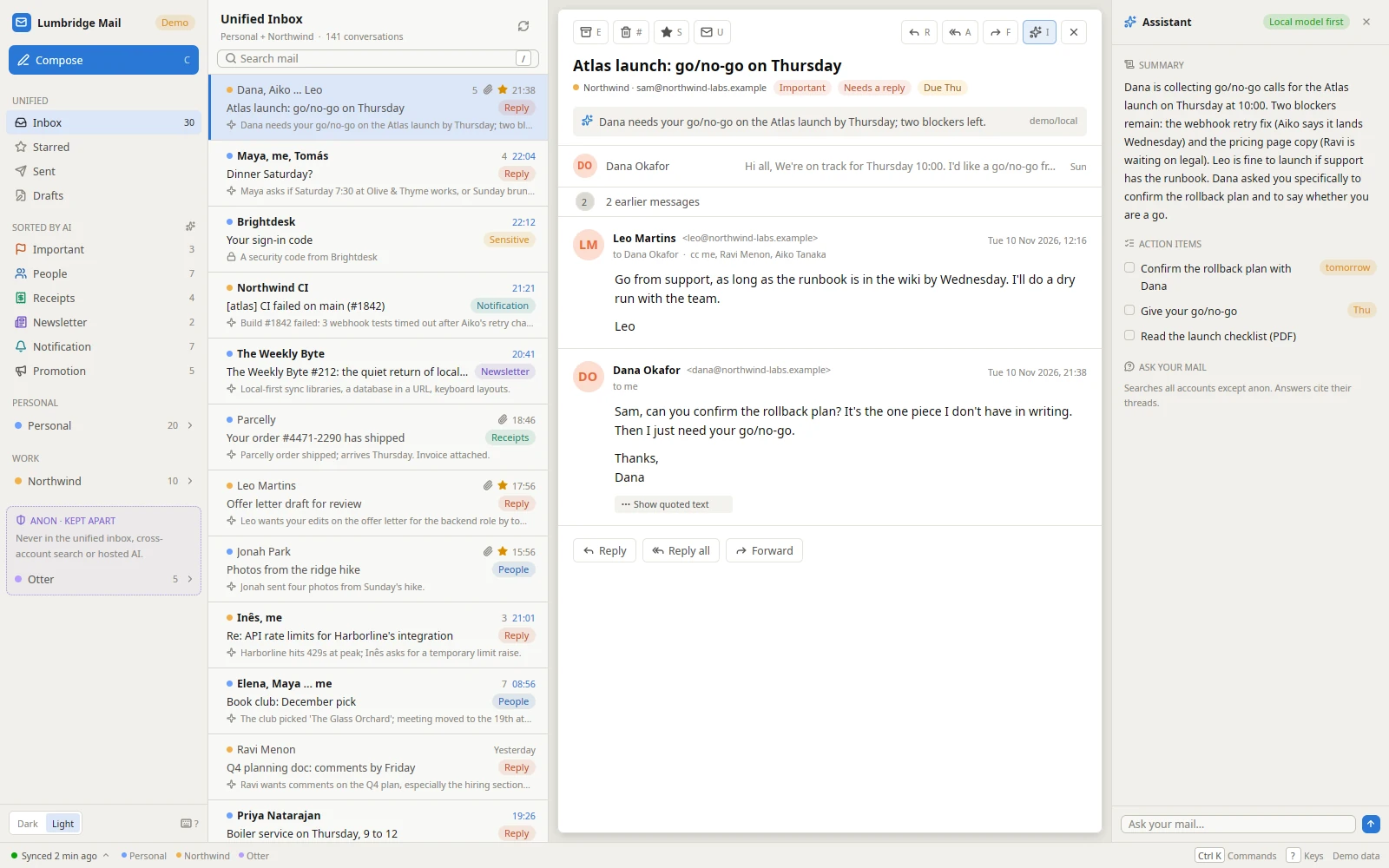
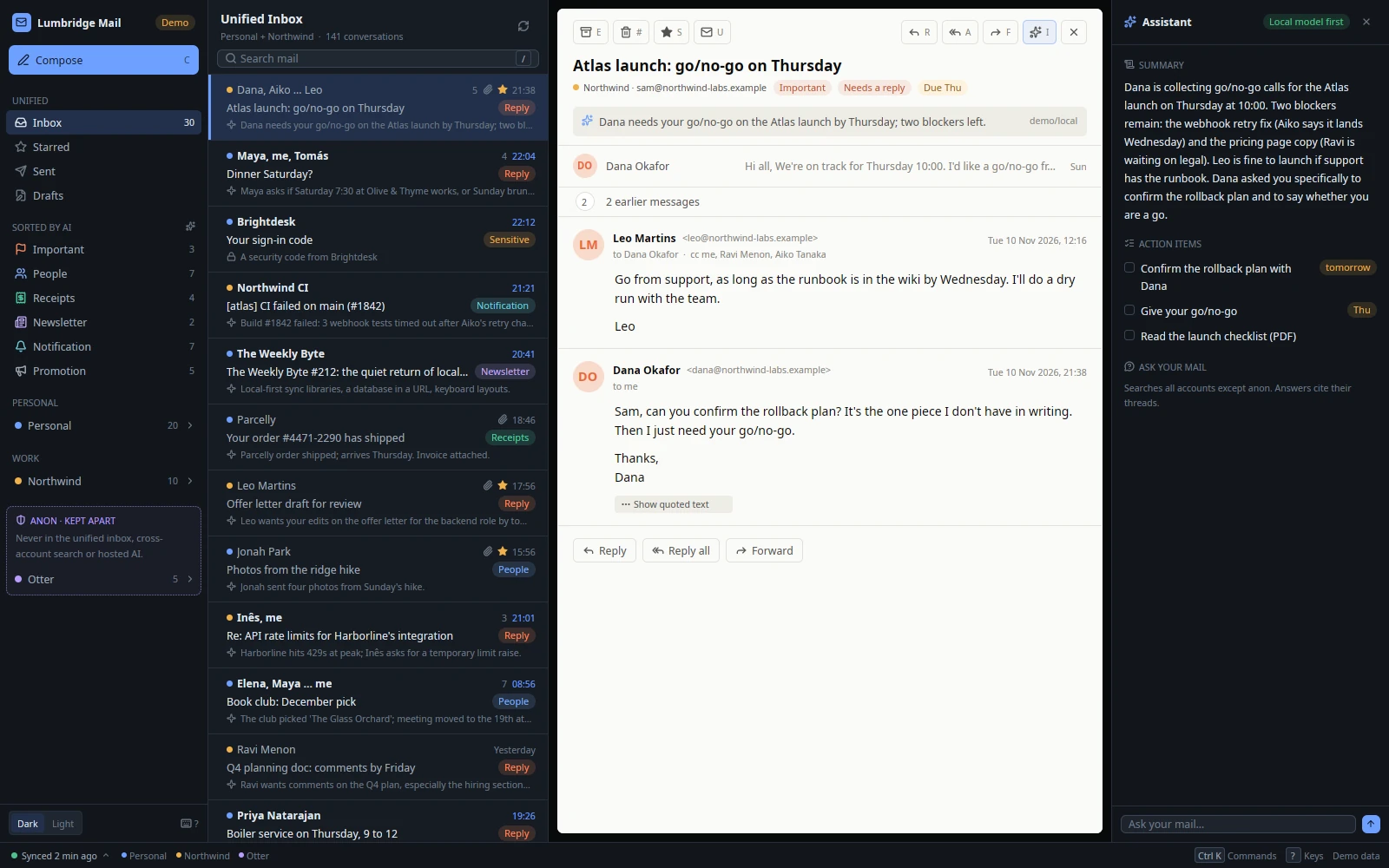
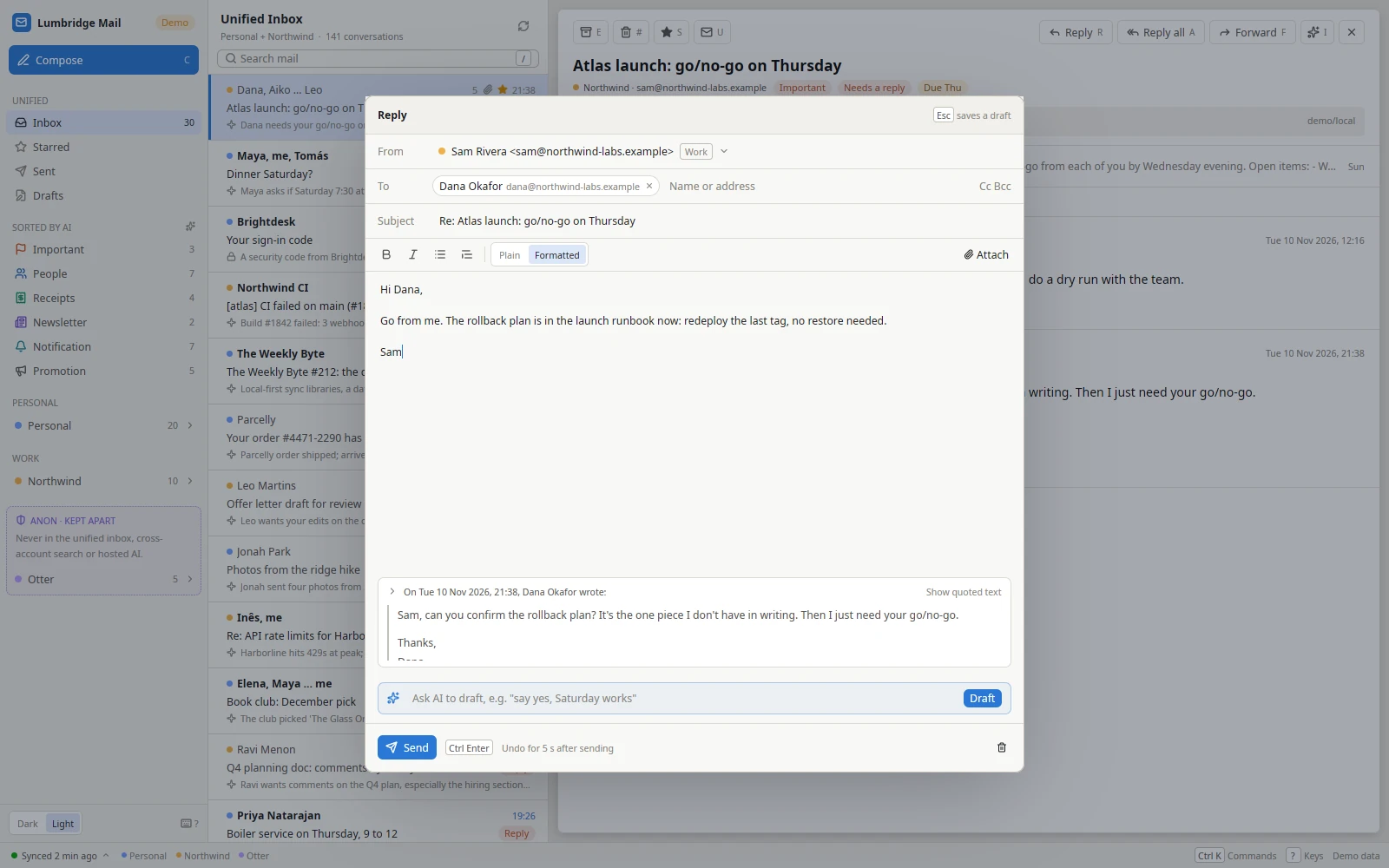
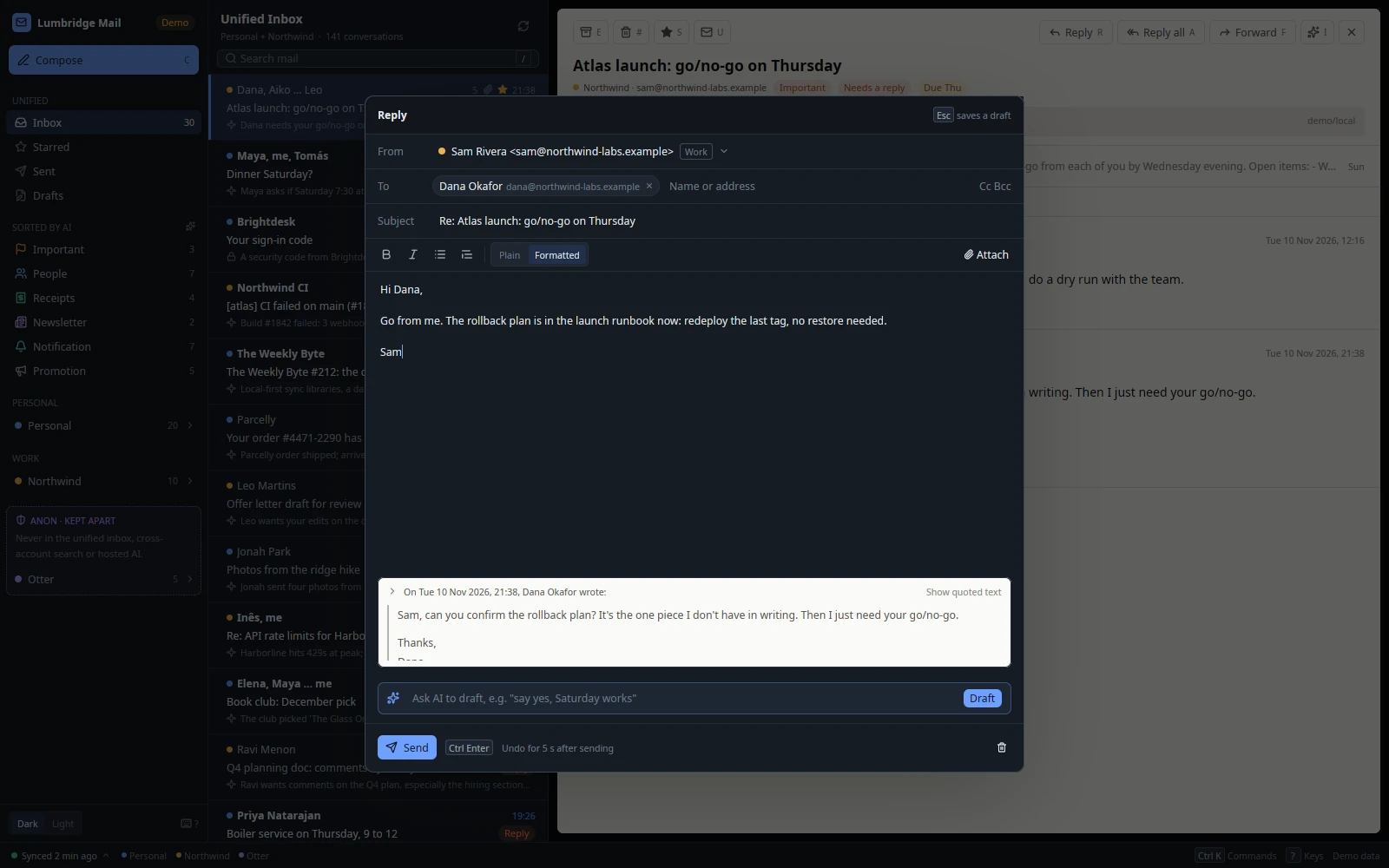
Mail: agents draft, a person sends
git clone https://github.com/lumbridge-corp/lumbridge-mail
cd lumbridge-mail
cargo build --release -p lumbridge-mail-app -p lumbridge-maild
deploy/install-linux.sh --systemd
lumbridge-mail --demo
systemctl --user enable --now lumbridge-maild
lbmail account add --id work --persona work --email sam@acme.example --provider imap --imap-host imap.acme.example --smtp-host smtp.acme.example
lbmail account set-password work
lbmail ls --unread
lbmail show work/t-q4
lbmail draft work/t-q4 "say yes and propose Thursday" --save
lbmail ask "what did we agree about the renewal?" --account work
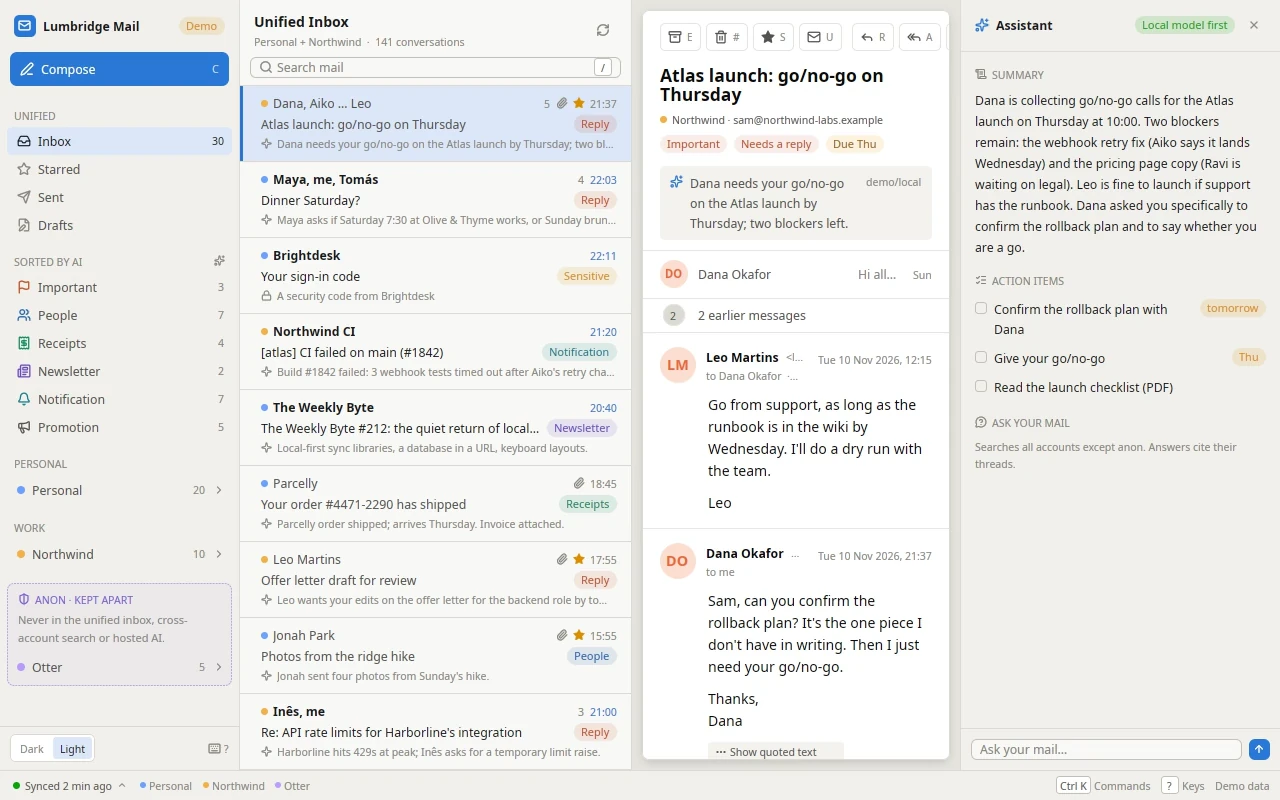
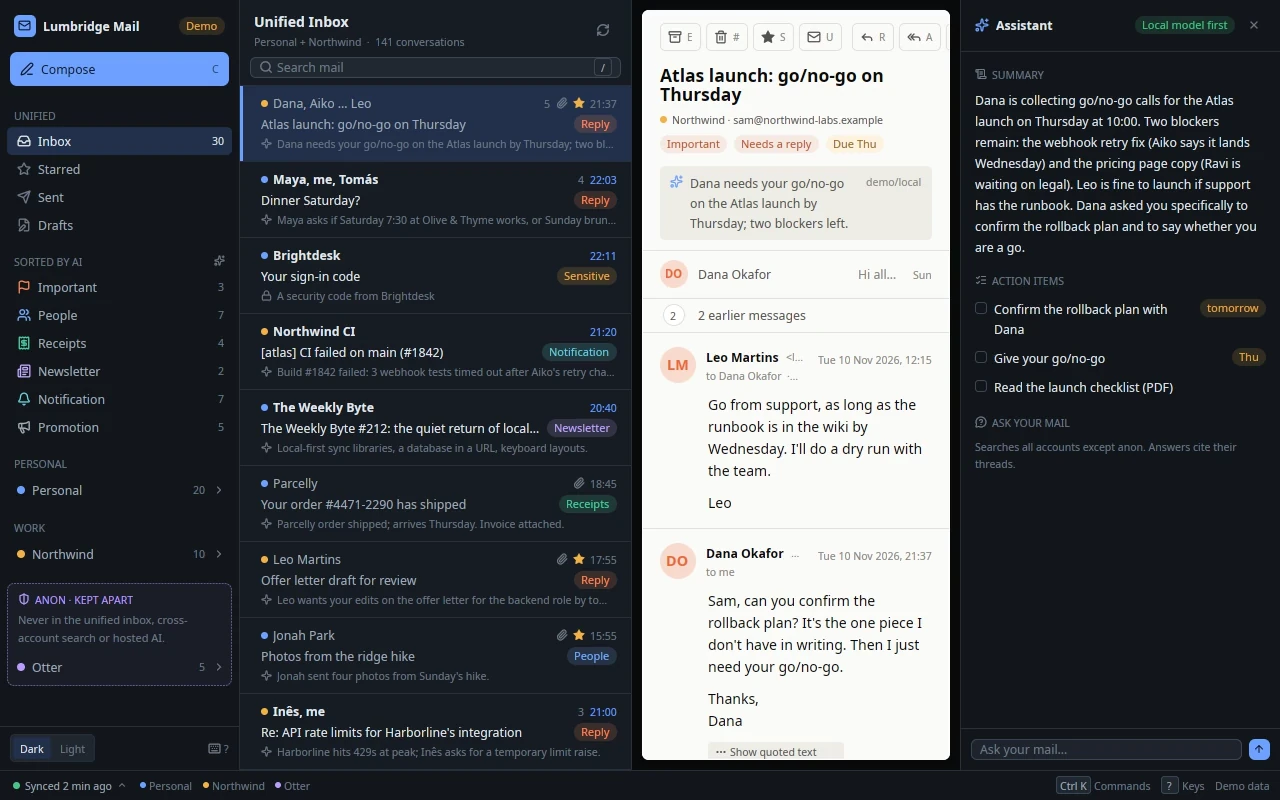
- Where it lives: mail and the search index in a SQLite file under
~/.local/share/lumbridge-mail, settings in~/.config/lumbridge-mail/config.toml, passwords in the OS keyring. - Only a person sends. The daemon accepts a send only from a connection that showed the person token, which the App does. An agent can save a draft with
lbmail draft --save; you read it and press Send in the App. - Sensitive mail never reaches a model: security codes, password resets, sign-in links, account alerts, bank and government mail. Plain rules catch it first, and agents see it as one fixed line.
- Each account has an AI policy:
off,local_onlyorany. An account with theanonpersona never goes to a hosted model and stays out of the unified inbox, search and ask unless you name it. - Everything else goes to the model fenced as untrusted data. The recipients and subject of a draft are set by code, not by the model.
The next chapter adds speech: dictating with Voice, listening with Speak, and the model servers they need behind them.
Parts in this chapter Lumbridge Notes · Lumbridge Library · Lumbridge Mail