Terminals that stay
Start a program with lbc run and close your viewer; the program keeps running. Come back with lbc attach, or read its screen and history with lbc read without attaching.
Lumbridge Runtime
Gated · opens on November 13, 2026Lumbridge Core runs programs and coding agents in terminals that keep going after you leave. Agents can start other agents, send them work and hear back, and a person can attach to any terminal and take over. Core draws nothing: you use it from a shell, from an agent, or from your own app.
Tour
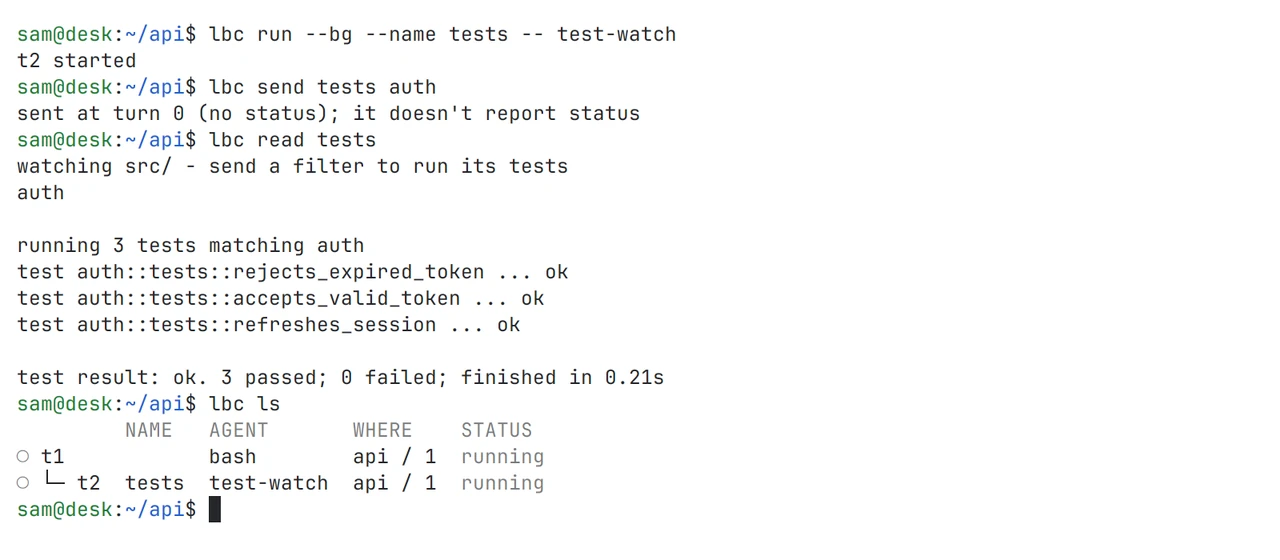
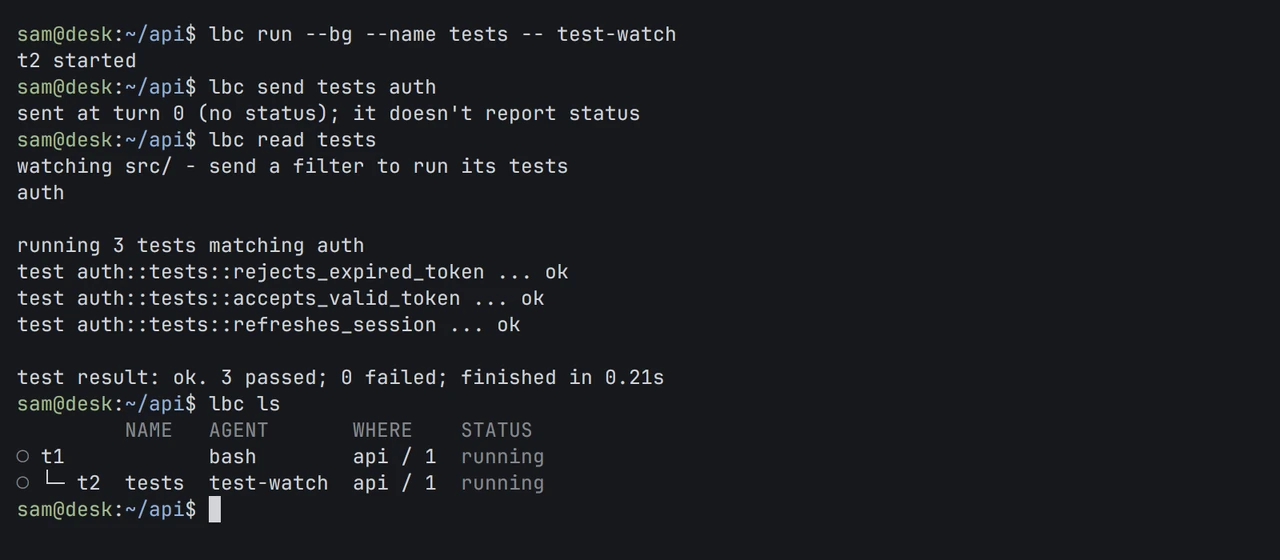
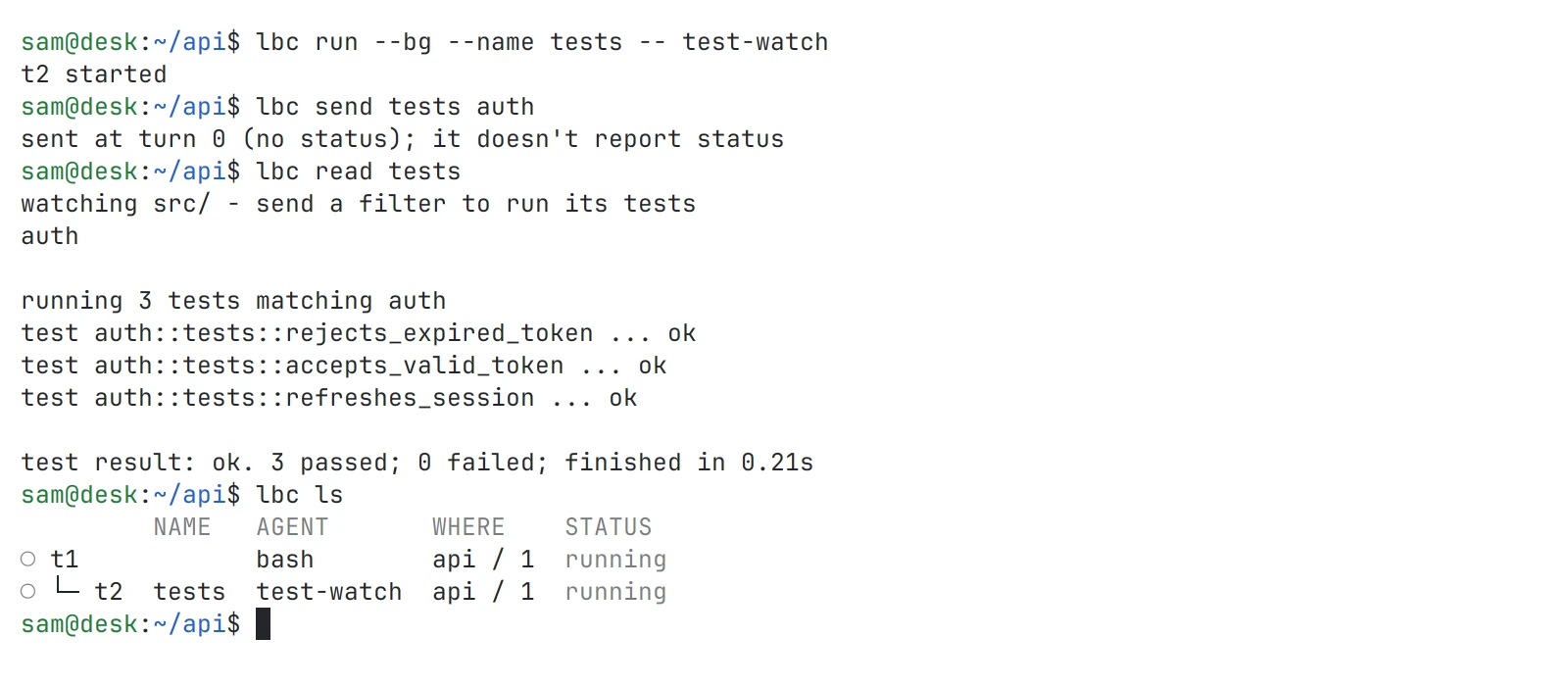
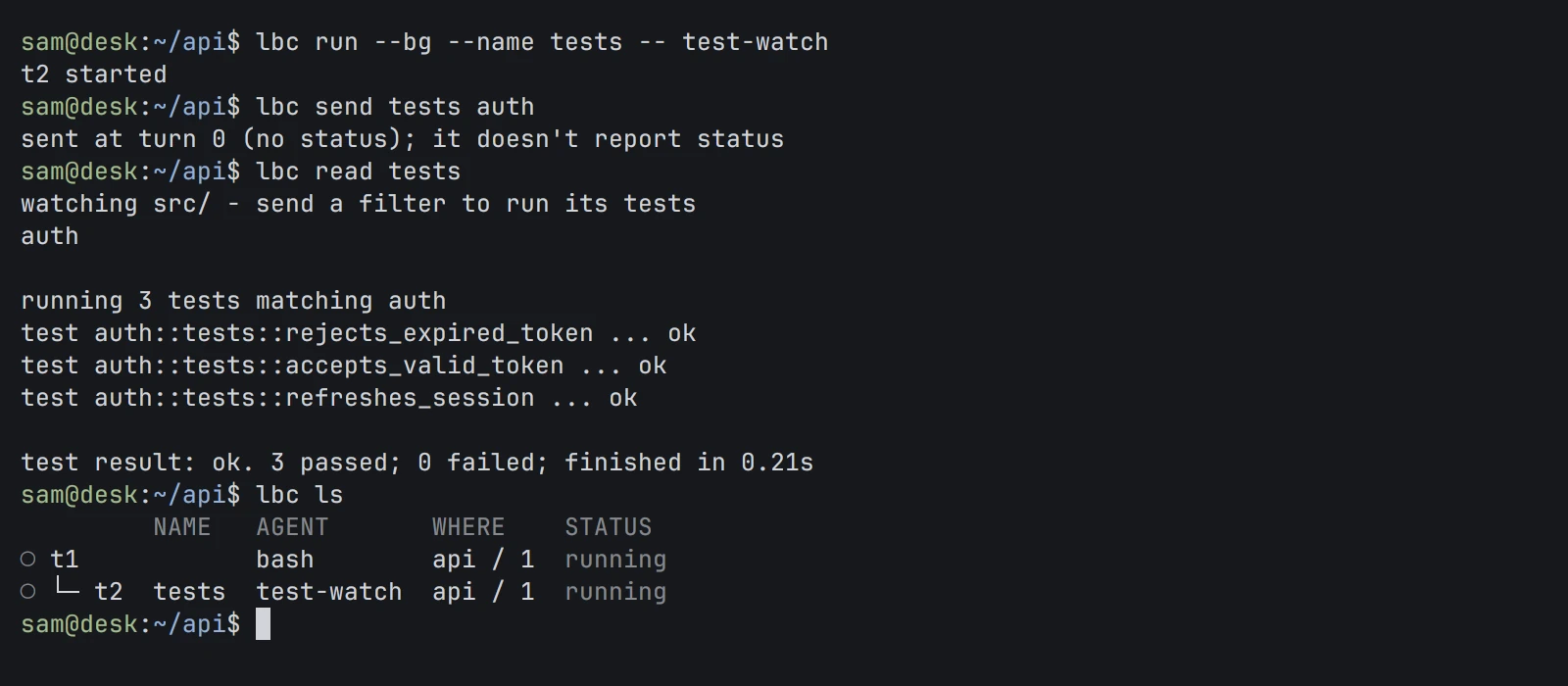
The lbc command
Start a program in the background, send it text, read its screen and list what is running. Shown in both themes.
01 · What it does
Start a program with lbc run and close your viewer; the program keeps running. Come back with lbc attach, or read its screen and history with lbc read without attaching.
An agent started inside a Core terminal becomes its child. Children report back with lbc send, parents wait with lbc wait --children, and the parent gets a note when a child needs attention or ends.
A program says it is working, done, blocked or in error through a terminal escape sequence (OSC 7501). Core stores what it reports. It does not guess from screen text, and a program that reports nothing has no status.
Add a machine with lbc machine add, over SSH or a connection command of your own. Programs and files stay on that machine; your local Core brings its terminals into the same list under addresses such as build-1/t3.
lbc exec runs one command, here or on a machine, and returns exactly what it wrote and its exit code. lbc file reads, writes and makes exact edits to files there.
lbc schema prints the whole request and response API as OpenRPC with JSON Schema. Clients speak JSON-RPC on the local socket, or over stdin and stdout with lbc connect.
02 · How it works
The lbc command starts a background Core when it needs one. Everything else is a client of that Core: the CLI, agents, the desktop app.
Core listens on a Unix socket in a directory only your account can enter. Each terminal is owned by a separate holder process, so restarting Core or swapping in a new build with lbc update --from leaves programs running.
Core records which terminal started which. Children end with their parent unless started with --outlive-parent. Sends and notes wait while a person has an unfinished draft in that terminal, so a message never lands in the middle of your typing.
A template is one Markdown file: a command that starts an agent, and the role it is given. lbc run reviewer "task" starts that agent, waits until it reports ready, then sends the role and the task.
The local Core keeps one connection per machine and merges terminal lists and events. The remote Core owns its programs, history and files. If the connection drops, the programs keep running and Core reconnects.
03 · Use it
These are the commands an agent uses too. lbc --skill prints the agent guide in one read.
lbc machine add deploy@build-1 --name build-1
lbc run --bg --on build-1 --cwd /srv/api --name tests cargo test
lbc run --bg --name review reviewer "Review src/auth.rs. Read-only."
lbc send review "Focus on the error path."
lbc wait review --timeout 600
lbc read review --lines 100
lbc ls
lbc attach build-1/tests
lbc exec --on build-1 --cwd /srv/api git status
lbc file read --on build-1 /srv/api/Cargo.toml --limit 40
lbc events --label team=api
04 · Docs
These pages are in the repository and open with it. Until then, the Guide covers the same ground and is readable now.
Build from source with Rust, Zig and just, install lbc, and swap a running Core to a new build.
Every lbc command and flag, generated from the binary’s own help.
Adding machines over SSH or a custom connection, remote files, and what to check when a connection fails.
The template file format, readiness, and how the first message is sent.
Who can connect, what sessions do and do not separate, where state lives, and how updates work.
The OpenRPC document, plain and framed connections, the attach stream and event notifications.
The guide lbc --skill prints: how an agent delegates, waits, reports back and cleans up.
Read the Guide chapter: CoreRequest access to the repository
05 · Works with
Not yet
Questions
Yes. Core, the App and the TUI began as forks of an open-source project for running coding agents, also under Apache-2.0, and we stay on that license. The project is named and linked in the credits on the Open source and Community pages. Compare says where it is ahead of us today: it is released, and we are not.
Linux and macOS, on x86_64 and aarch64, built from source. The Windows code paths are kept but untested by us.
No. Core has no telemetry, no update check and no download. It listens on a local Unix socket, not a TCP port. The only network traffic is the SSH connection you set up to your own machines.
Through the same lbc commands a person uses. Give an agent lbc --skill and it gets the guide in one read. Coding agents such as Claude Code or Codex run inside Core terminals, and output is JSON when piped.
Core has no panes, windows or layouts; it draws nothing. It adds what agents need: parent and child terminals, status reported by the program, notes to the parent, waits, remote machines in one list, and a typed API.
Apache-2.0. The repository is private today and opens on November 13, 2026.
Self-host it, or talk to us about setting it up with you.