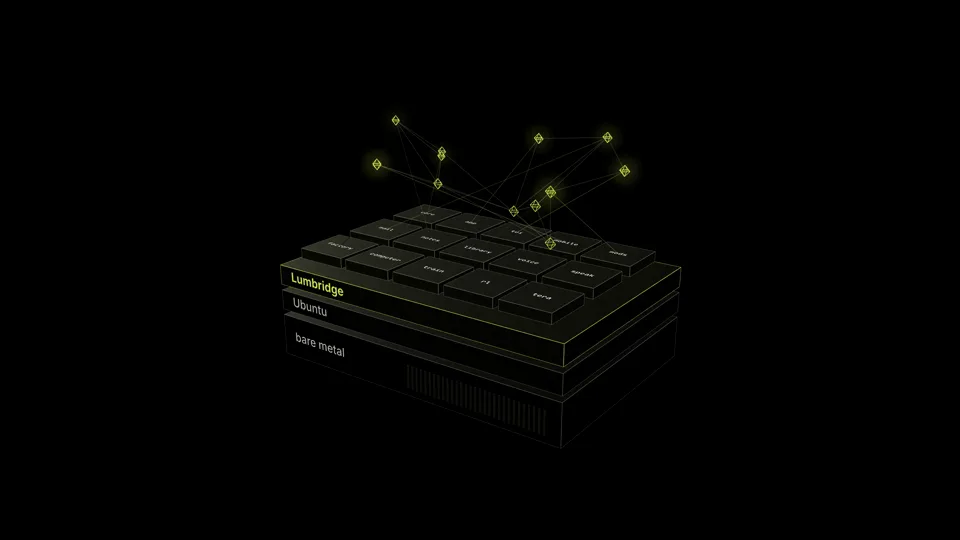
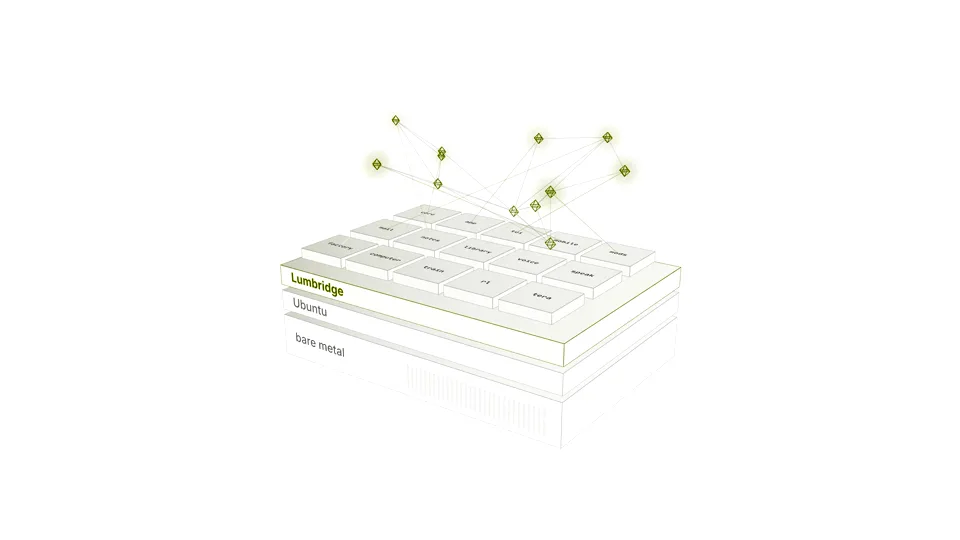
The apps

Your apps, on the left.

Each one is part of Lumbridge, not a separate program. Your agent uses most of them as tools.

One by one

What each app does.

Today

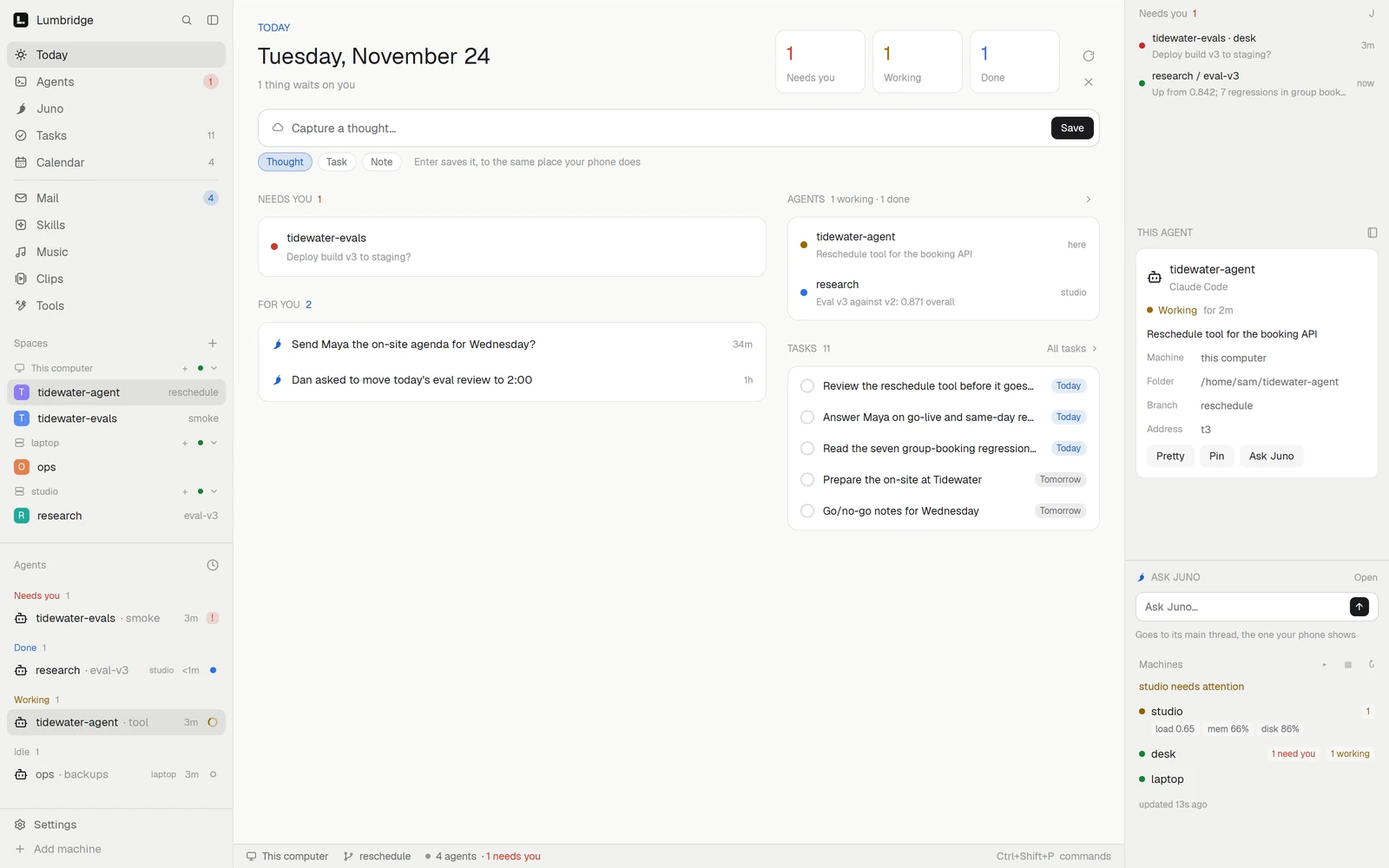
The date, what needs you, questions from your agent, the agents at work and your next tasks. A box at the top captures a task, a thought or a note.

  • You Capture, tick off a task, answer a question.
  • Your agent Reads what needs you.
Lumbridge
Lumbridge Today: the date, what needs you, questions from your agent, working agents and today's tasksLumbridge Today: the date, what needs you, questions from your agent, working agents and today's tasks
Today: what needs you, your agent’s questions and today’s tasks. Invented data.Open full sizeOpen full size

Agents

Every agent on every connected machine, grouped by machine, with its state, folder and branch. The ones that need you come first.
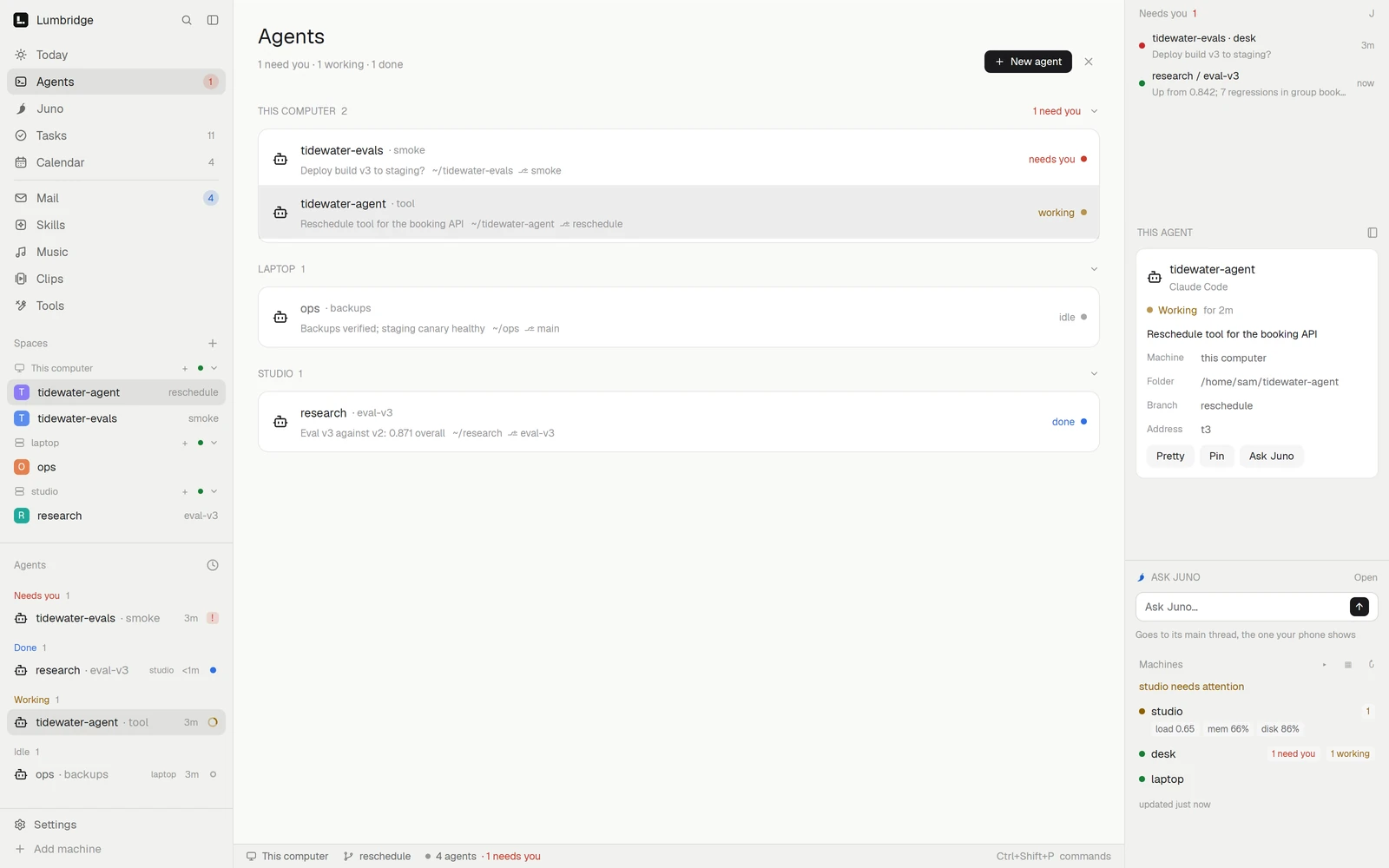
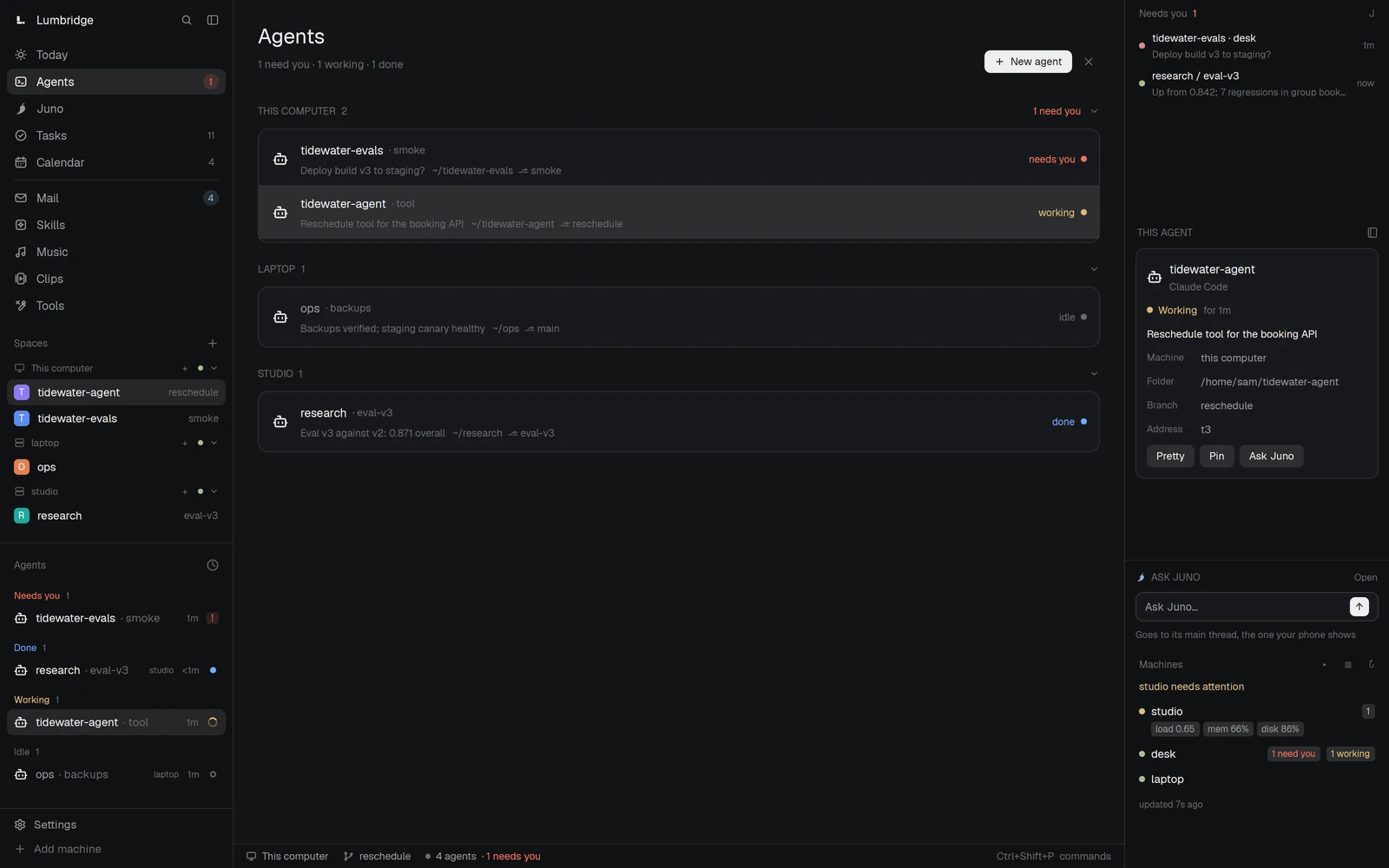
  • You Open, peek at or pin an agent. Start a new one on any machine, with a folder and a first task.
  • Your agent Lists agents, reads a terminal, starts an agent, sends it text and interrupts it.
Lumbridge
Lumbridge Agents: four coding agents on three machines, one needs you, one working, one done, one idleLumbridge Agents: four coding agents on three machines, one needs you, one working, one done, one idle
Agents: every agent on every machine, with its state and branch. Invented data.Open full sizeOpen full size

Your agent

One long thread with your main agent, under the name you gave it. Your phone and your voice use the same thread.
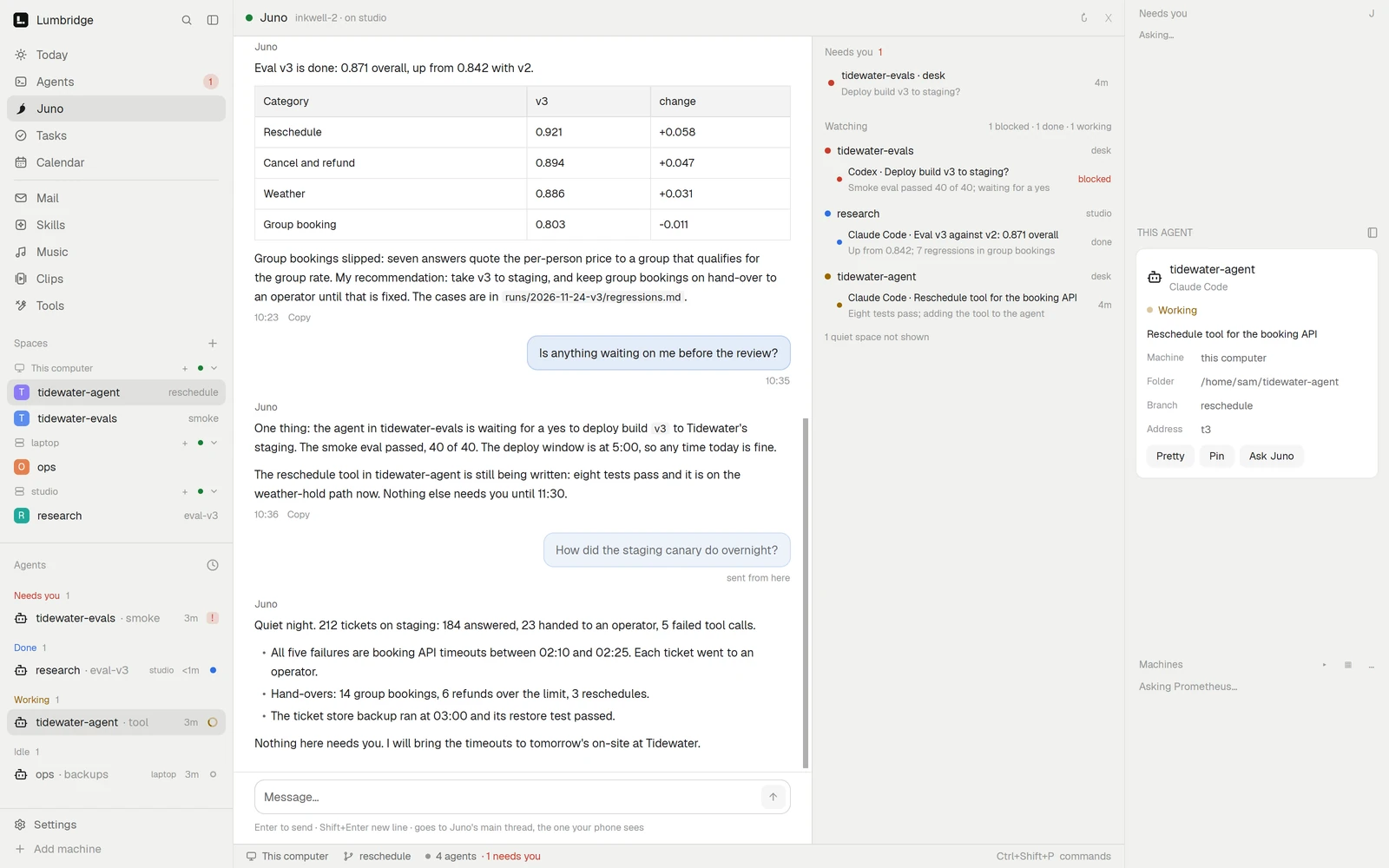
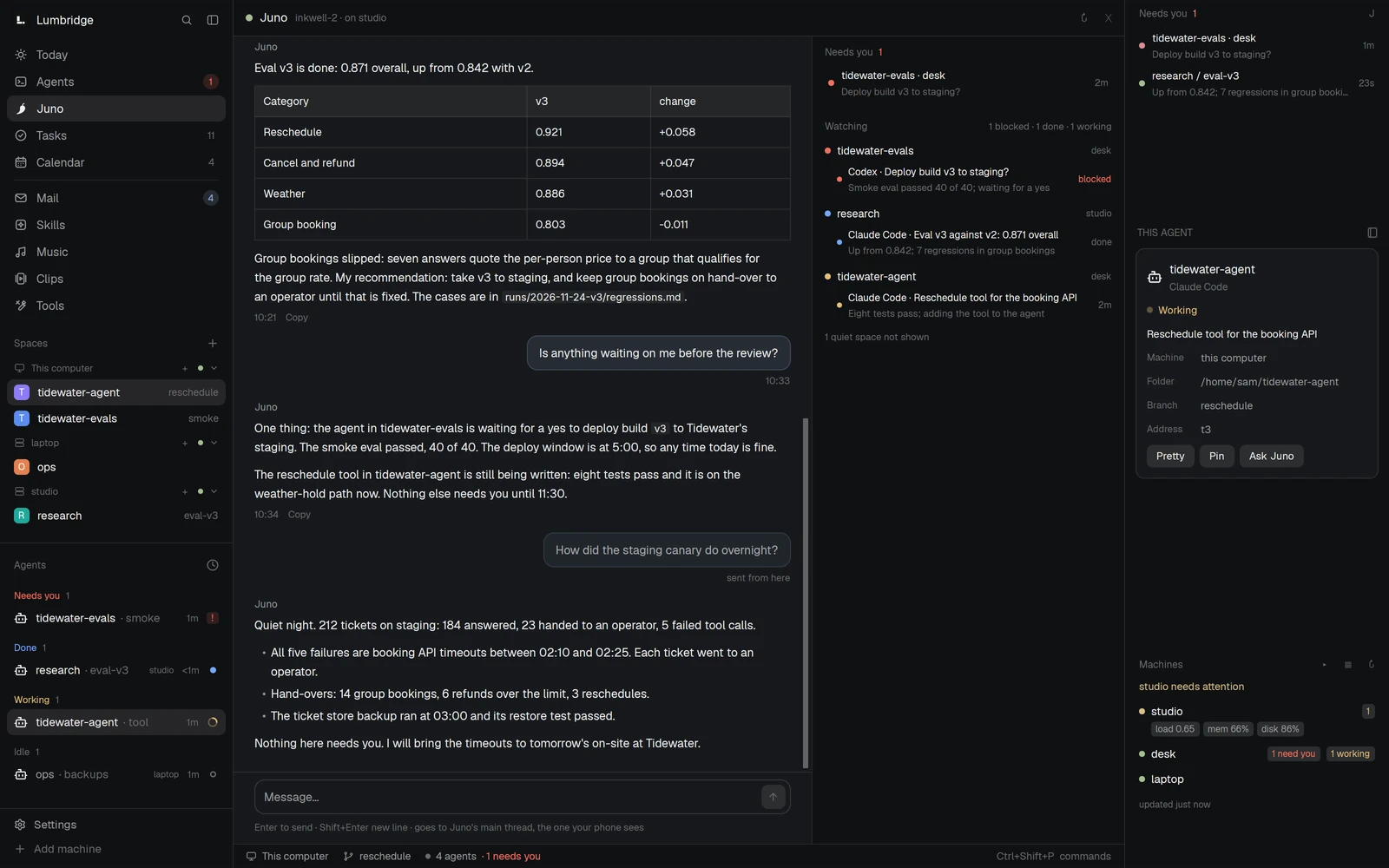
  • You Write to it. Approve or reject what it asks to do, in a dialog that shows the exact text.
  • Your agent This is the agent. It has no command that approves its own request.
Lumbridge
Lumbridge agent thread: Juno reports an eval result by category in a table, recommends what to ship and says what is waitingLumbridge agent thread: Juno reports an eval result by category in a table, recommends what to ship and says what is waiting
Your agent, named Juno here, reports in one long thread. Invented data.Open full sizeOpen full size

Tasks

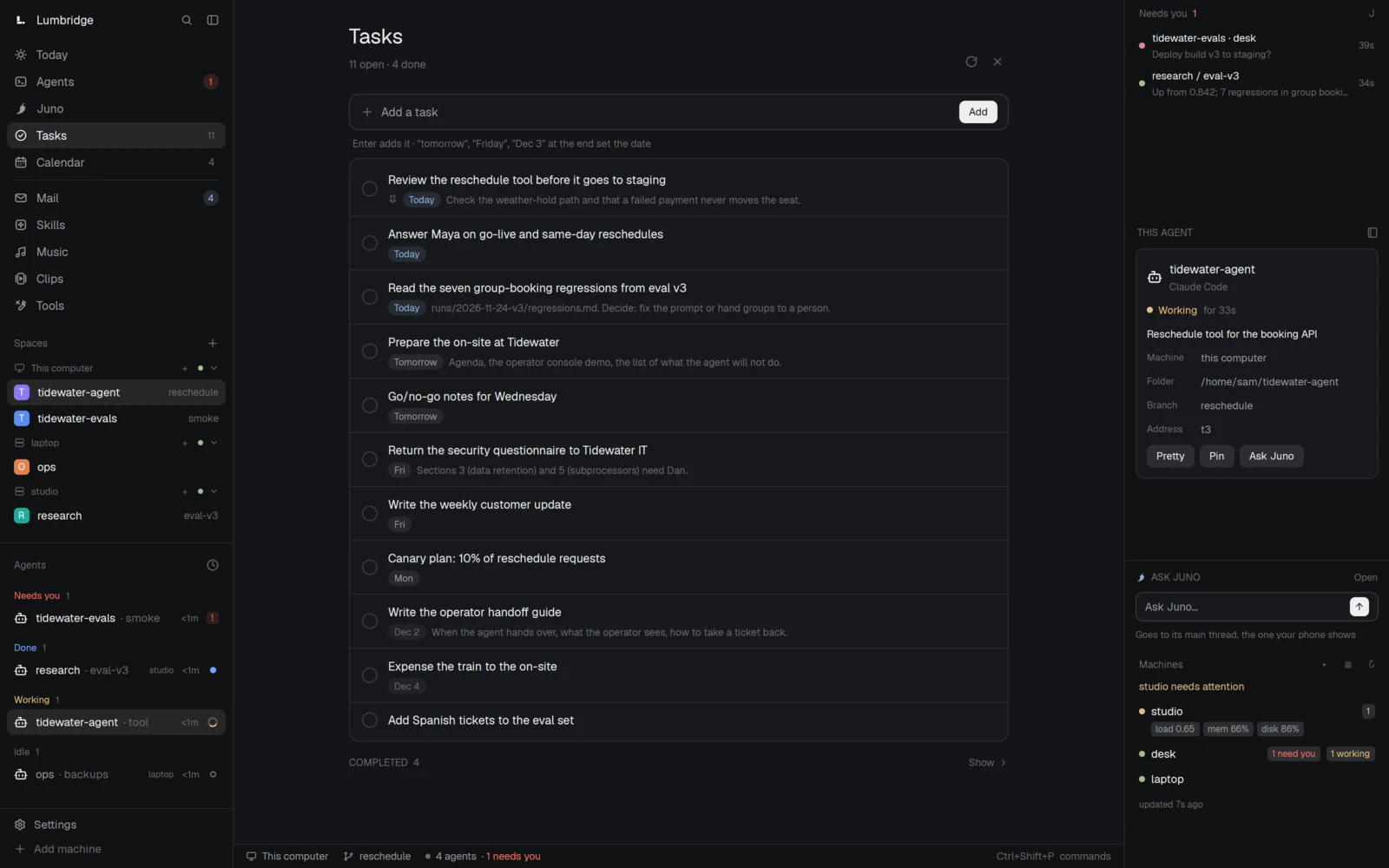
Open tasks: pinned first, then by due date. Completed tasks fold away.
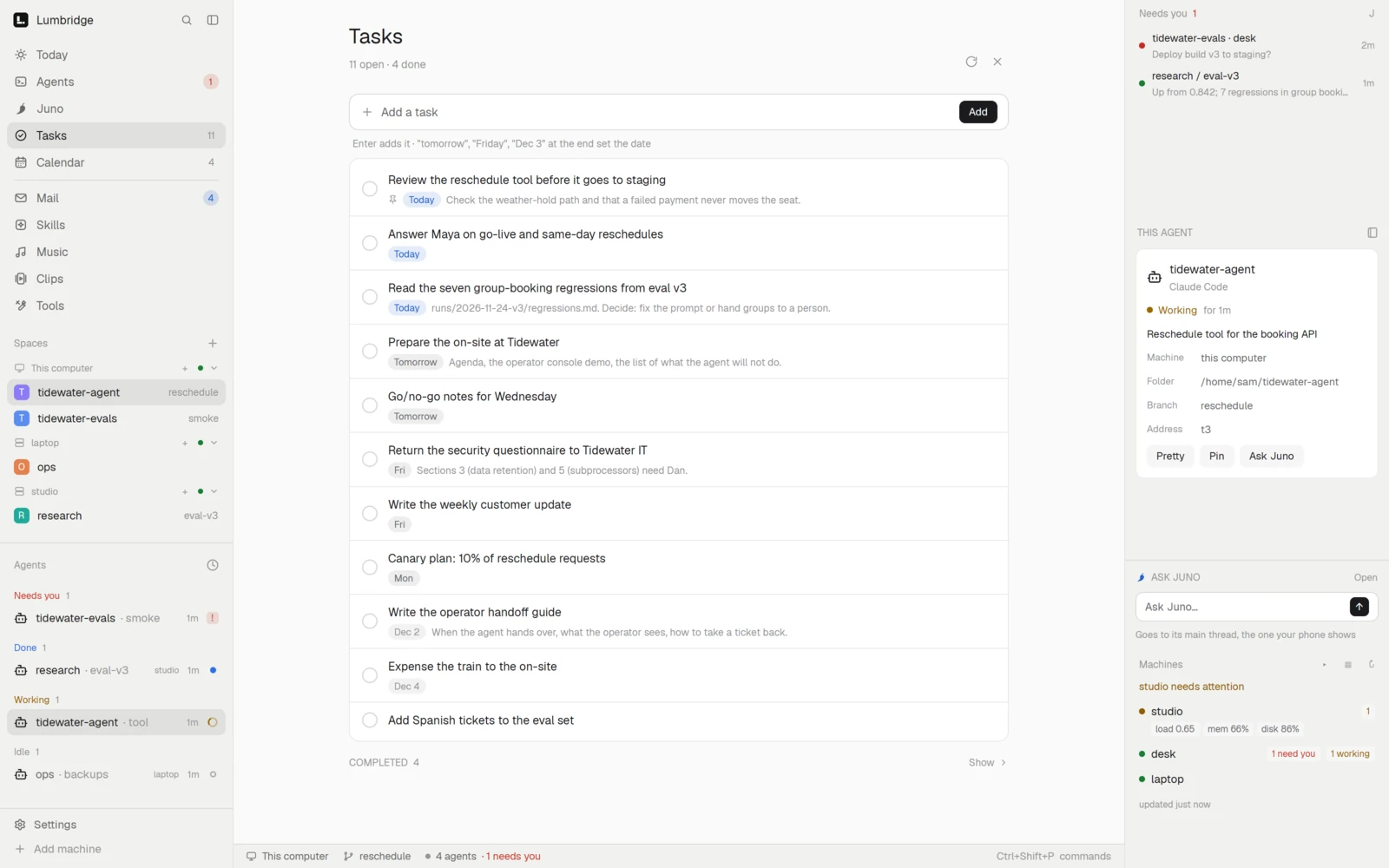
  • You Add a task with a due date in plain words. Edit, pin, complete, delete and undo.
  • Your agent No tool yet.
Lumbridge
Lumbridge Tasks: eleven open tasks with due dates and notesLumbridge Tasks: eleven open tasks with due dates and notes
Tasks: open tasks by when they are due. Invented data.Open full sizeOpen full size

Calendar

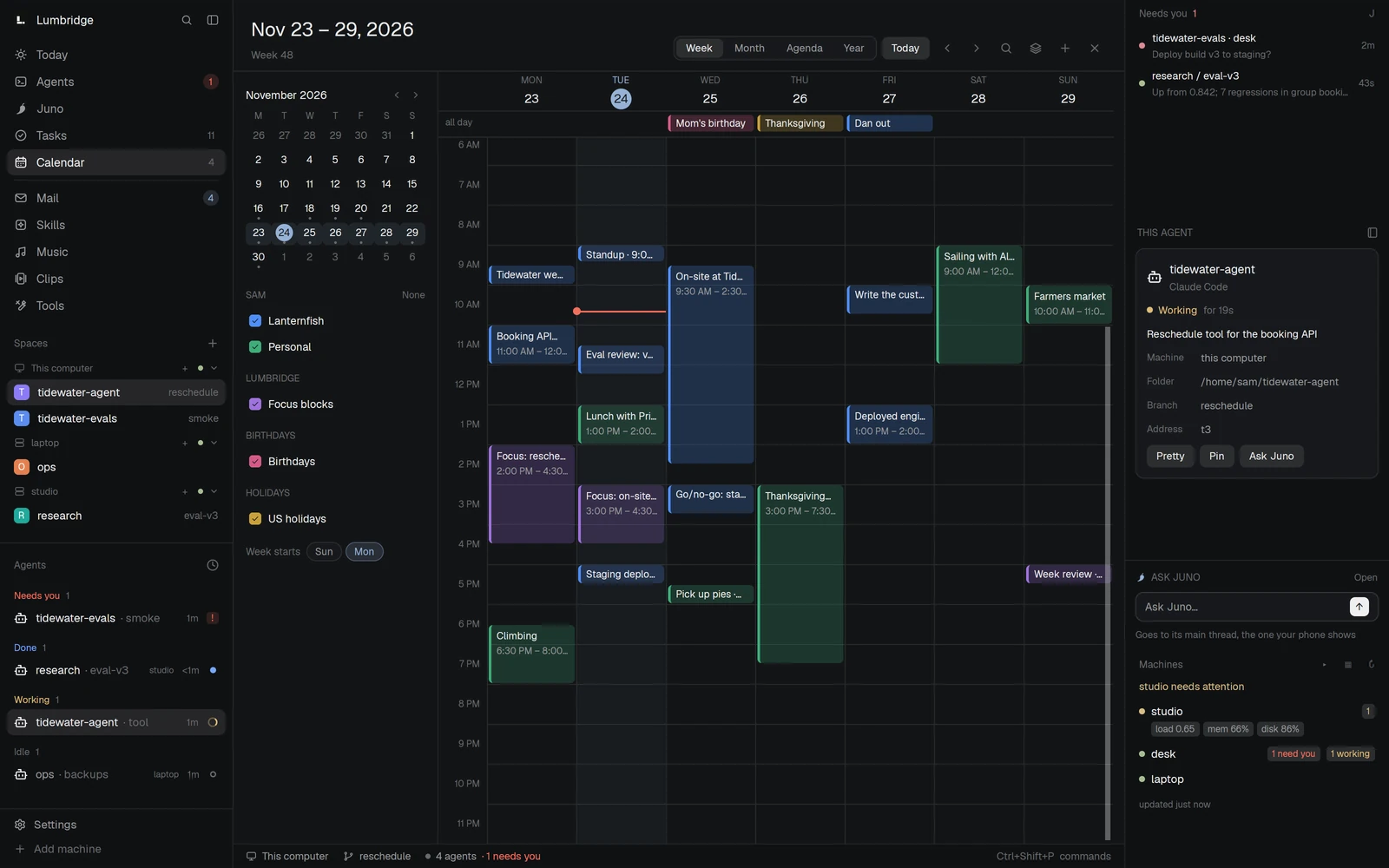
Week, month, agenda and year views, with a column of calendars you switch on and off. Calendars imported from another service are read-only.
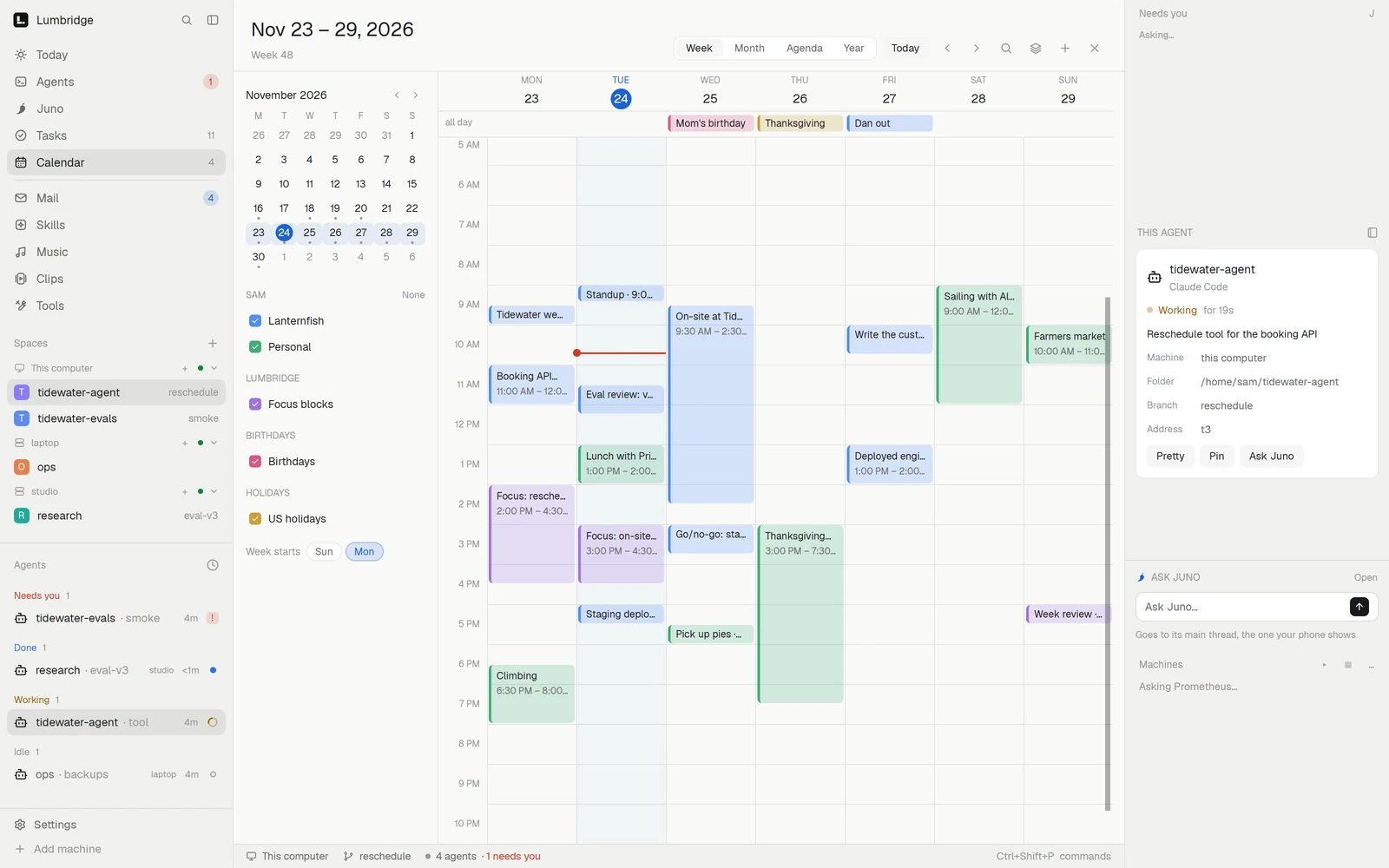
  • You Create, edit and delete events on the calendars you can write to. Search.
  • Your agent Reads calendars and events. It cannot change them.
Lumbridge
Lumbridge Calendar: a week view with a customer on-site, an eval review, focus blocks and personal eventsLumbridge Calendar: a week view with a customer on-site, an eval review, focus blocks and personal events
Calendar: a week with an on-site day, an eval review and focus blocks. Invented data.Open full sizeOpen full size

Mail

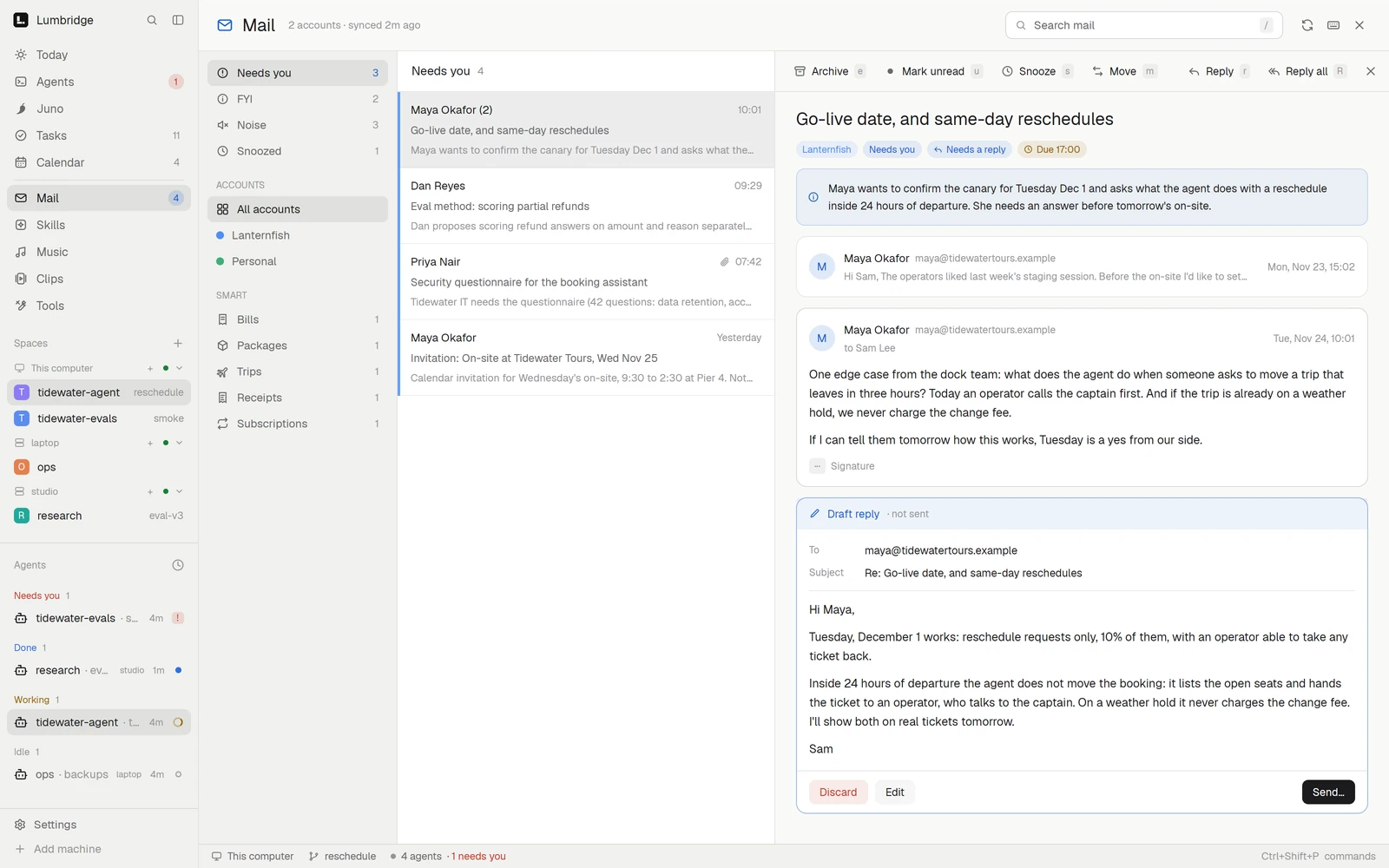
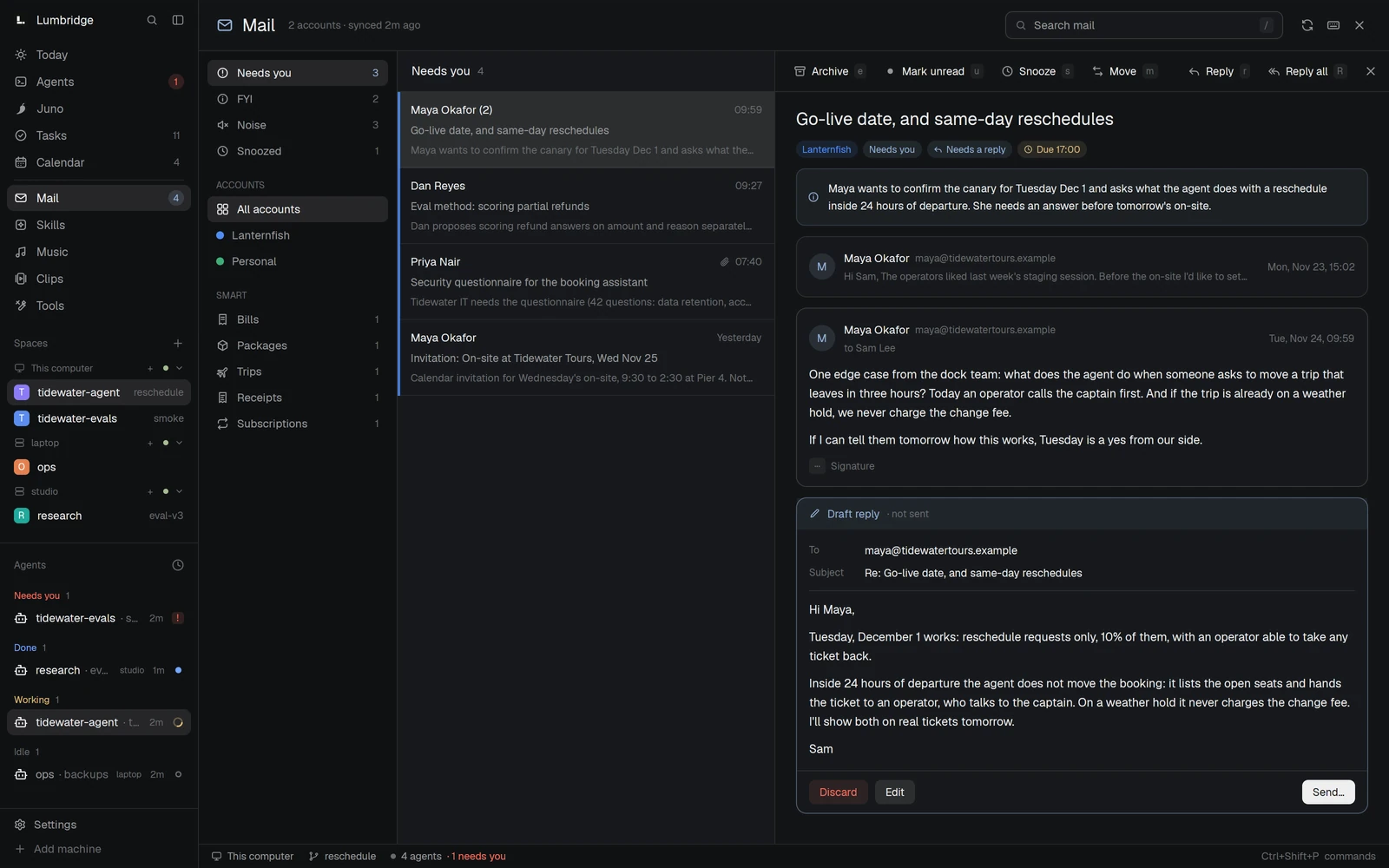
Conversations sorted into needs you, FYI, noise and snoozed, each with a summary. Remote images stay off.
  • You Search, archive, snooze and reply. A reply is a draft until you approve it with two presses.
  • Your agent Reads, searches, answers questions about your mail and drafts replies. It cannot send or archive.
Lumbridge
Lumbridge Mail: a triaged inbox and an open customer conversation with a drafted reply waiting to be sentLumbridge Mail: a triaged inbox and an open customer conversation with a drafted reply waiting to be sent
Mail: a sorted inbox and a drafted reply that waits for you to send it. Invented data.Open full sizeOpen full size

Skills

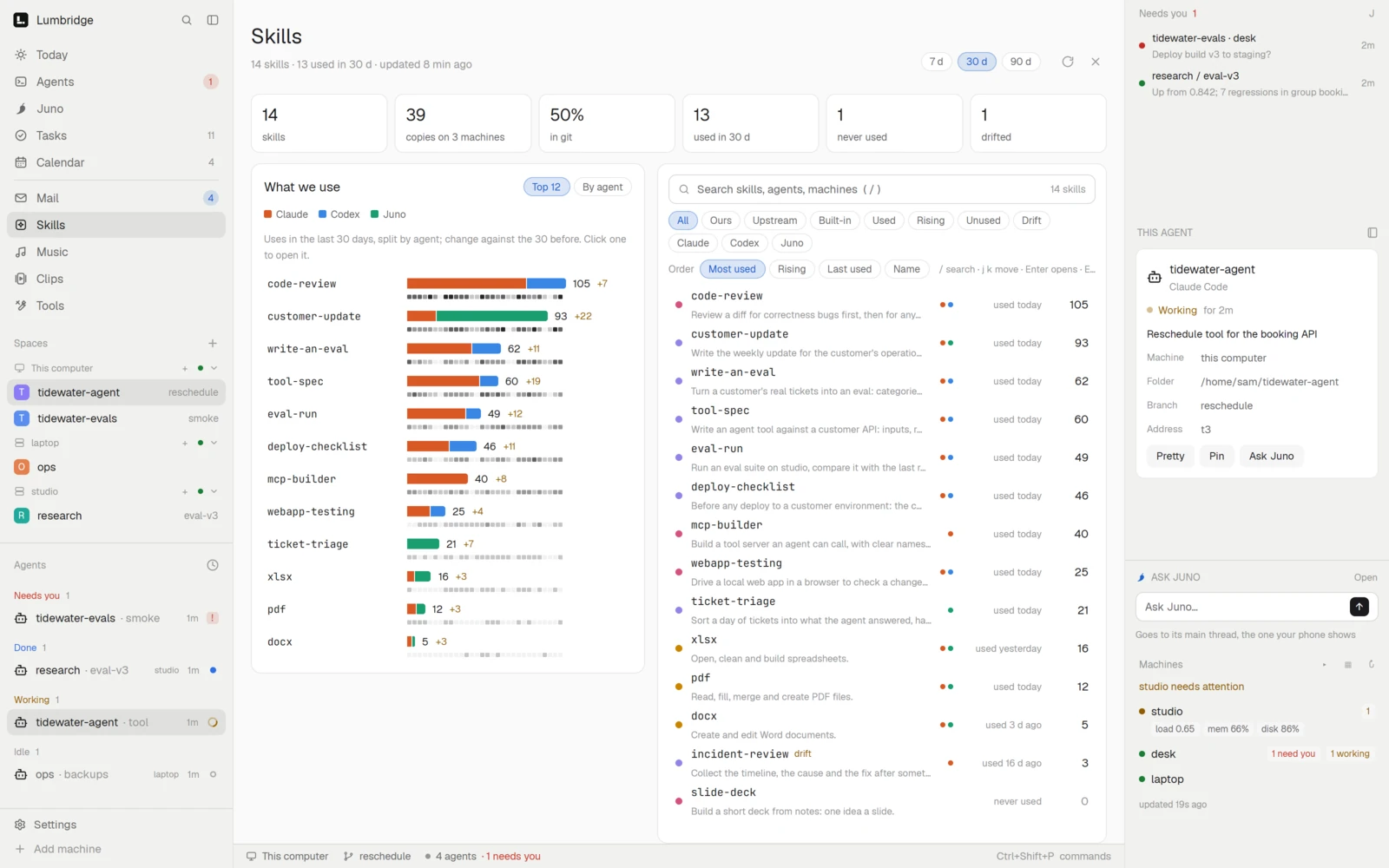
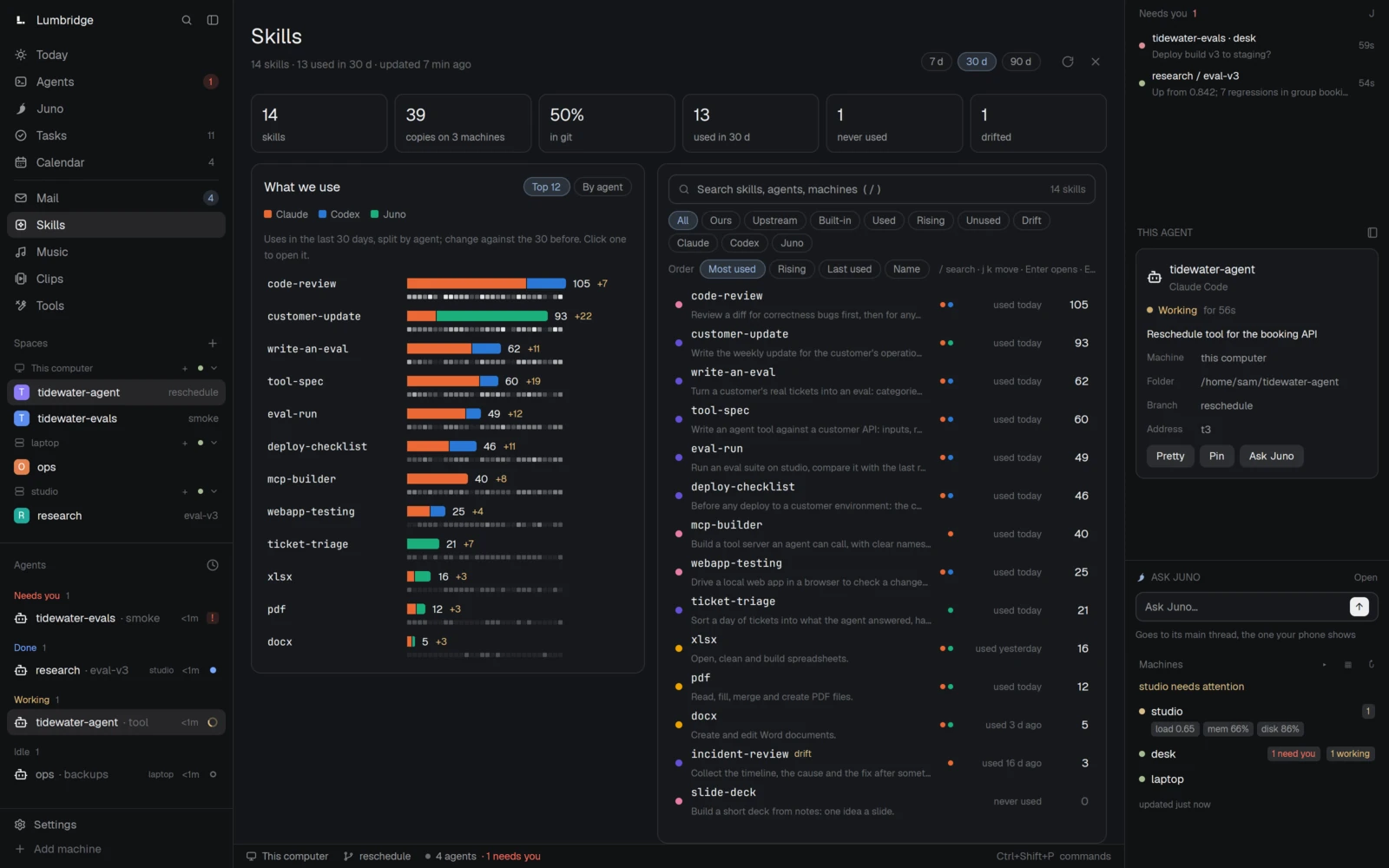
Every skill on your machines, and how often each agent used it. Open one to read its SKILL.md, its copies and its history.
  • You Search, filter and read.
  • Your agent No tool yet.
Lumbridge
Lumbridge Skills: which playbooks agents used in the last 30 daysLumbridge Skills: which playbooks agents used in the last 30 days
Skills: which skills agents used in the last 30 days. Invented data.Open full sizeOpen full size

Music

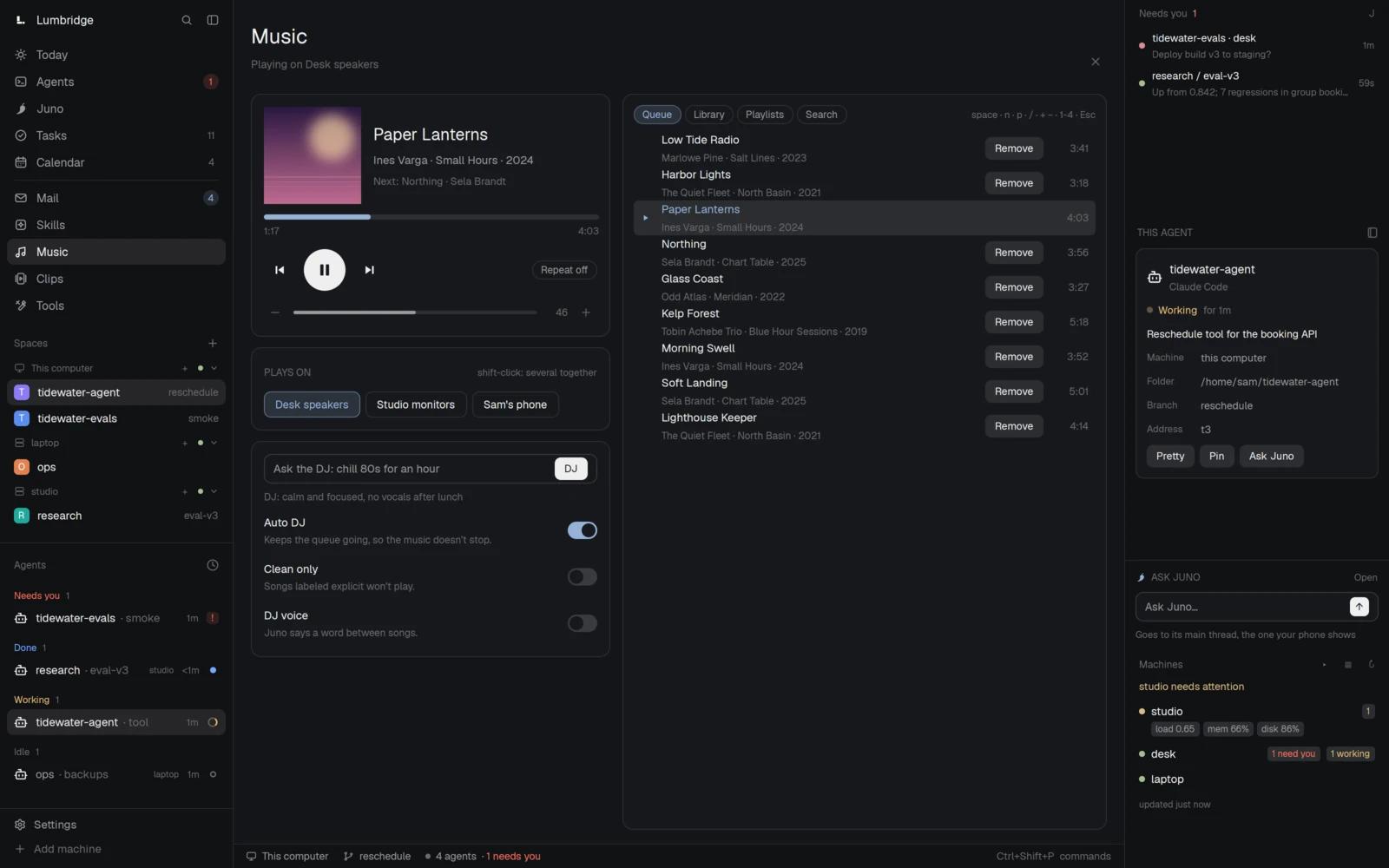
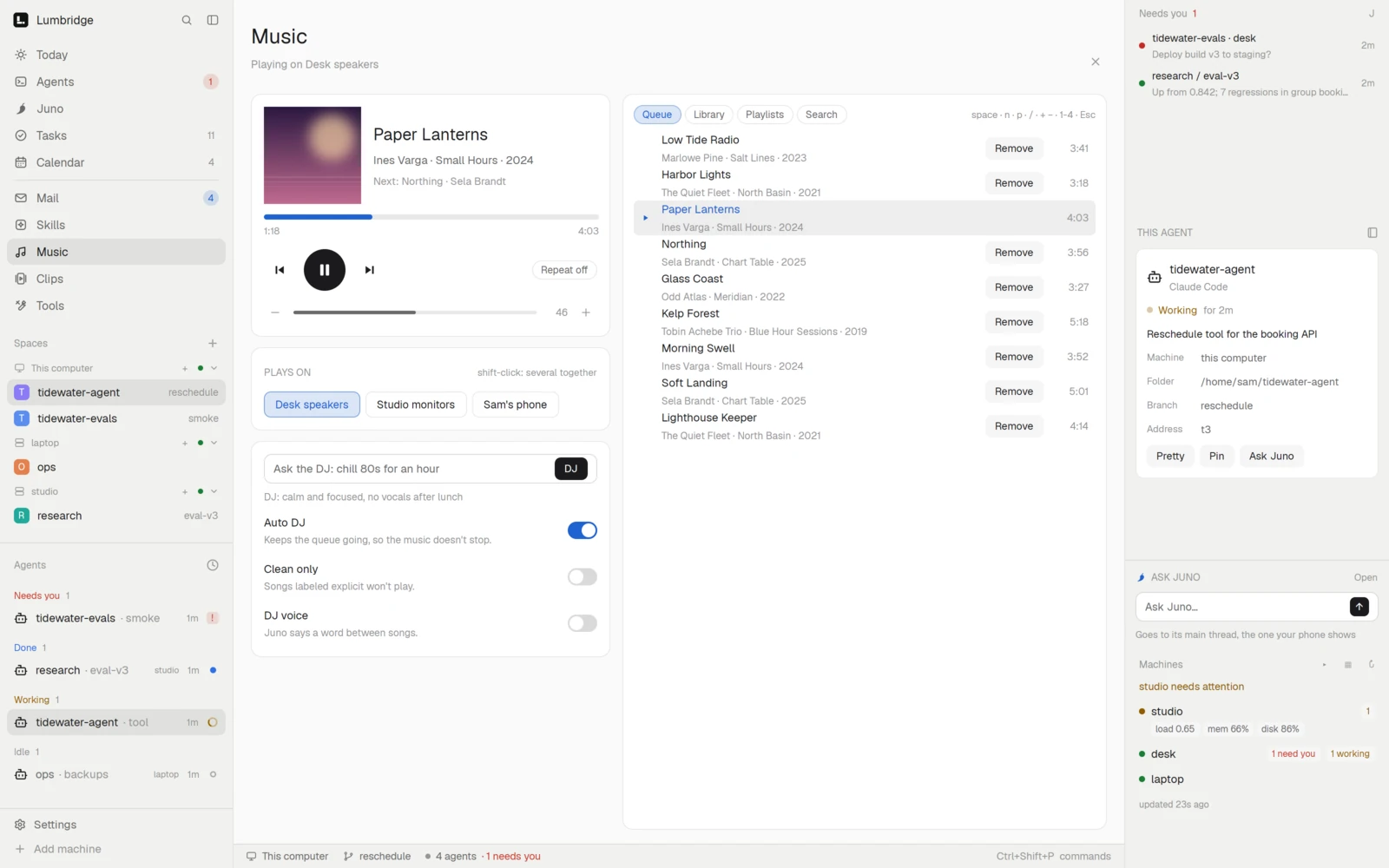
Now playing, the queue, your library and playlists, and where the music plays.
  • You Play, seek, queue, search and set the volume.
  • Your agent Reads what is playing, searches, plays, queues and edits playlists.
Lumbridge
Lumbridge Music: now playing, the queue and where the music playsLumbridge Music: now playing, the queue and where the music plays
Music: now playing, the queue and where it plays. Invented data.Open full sizeOpen full size

Clips

Short rendered video clips, swiped through full screen on the phone. On the desktop it is a placeholder.

  • You Search, and post a clip from a phone you hold.
  • Your agent No tool today.

Tools

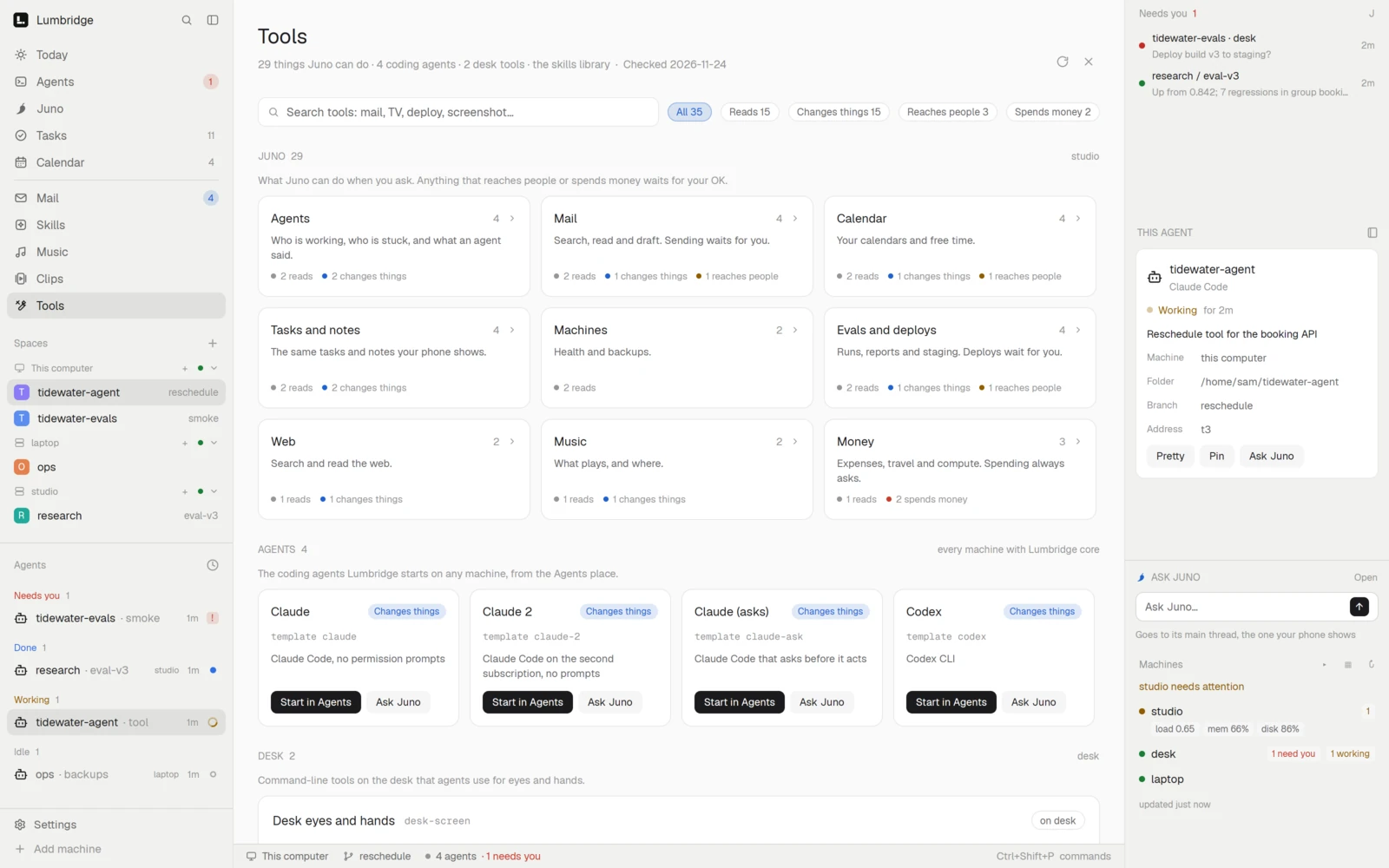
Everything your agent can do, in groups, each tool marked by risk: reads, changes things, reaches people or spends money. Coding agents and command-line tools are listed too.
  • You Search and filter. Nothing here runs a tool.
  • Your agent This is its own list.
Lumbridge
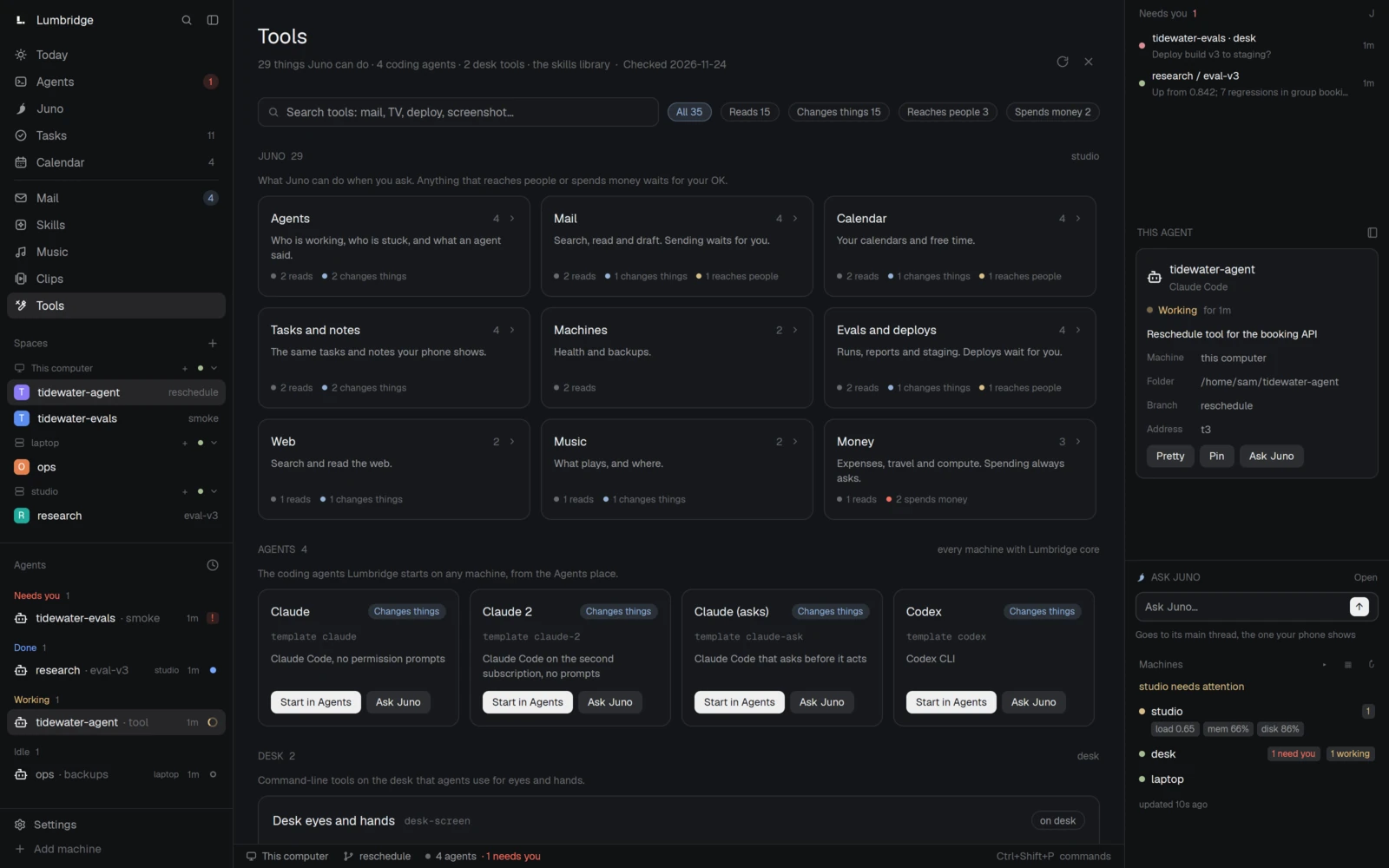
Lumbridge Tools: what the agent can do, grouped and marked by riskLumbridge Tools: what the agent can do, grouped and marked by risk
Tools: what your agent can do, marked by risk. Invented data.Open full sizeOpen full size

Cams

A painting of your room, made by an image model from your own cameras. On the phone, live video stays off until you tap for it.

  • You Paint now, or switch the schedule off.
  • Your agent No tool yet.

How they work

Mods, Core and Lumbridge Home.

On the desktop
Each app is a mod: a folder of JavaScript the window loads.
Agents
The Agents app reads Lumbridge Core on each machine.
Everything else
Tasks, Calendar, Mail, Skills, Music and Tools read from Lumbridge Home, the server your desktop and your phone pair with.
On the phone
The phone and web app lists the same apps in the same order.

Not yet

  • Most of the apps are not in the public repositories yet.
  • Music, Clips and Cams still depend on Lumbridge Corp’s own music server, posting phone and cameras.
  • Clips on the desktop is a placeholder, and Cams on the desktop is a dialog, not a full app.
  • Tasks, Skills, Clips and Cams have no tool for your agent.

Where it stands