An MCP server for agents
tera-mcp is a stdio MCP server with 14 tools: create and open worlds, apply ops, find entities, set cameras, take snapshots, check and render camera scripts and import assets. Any MCP client can use it.
Lumbridge Lumbridge Labs
OpenLumbridge Tera is a three.js world engine that agents drive: a world is plain JSON, changed through an MCP server and shown as a live page, in VR or as frame-exact video. The engine is open source. Lumbridge Corp’s town, built on it, is private, with three audiences.
Tour
The town
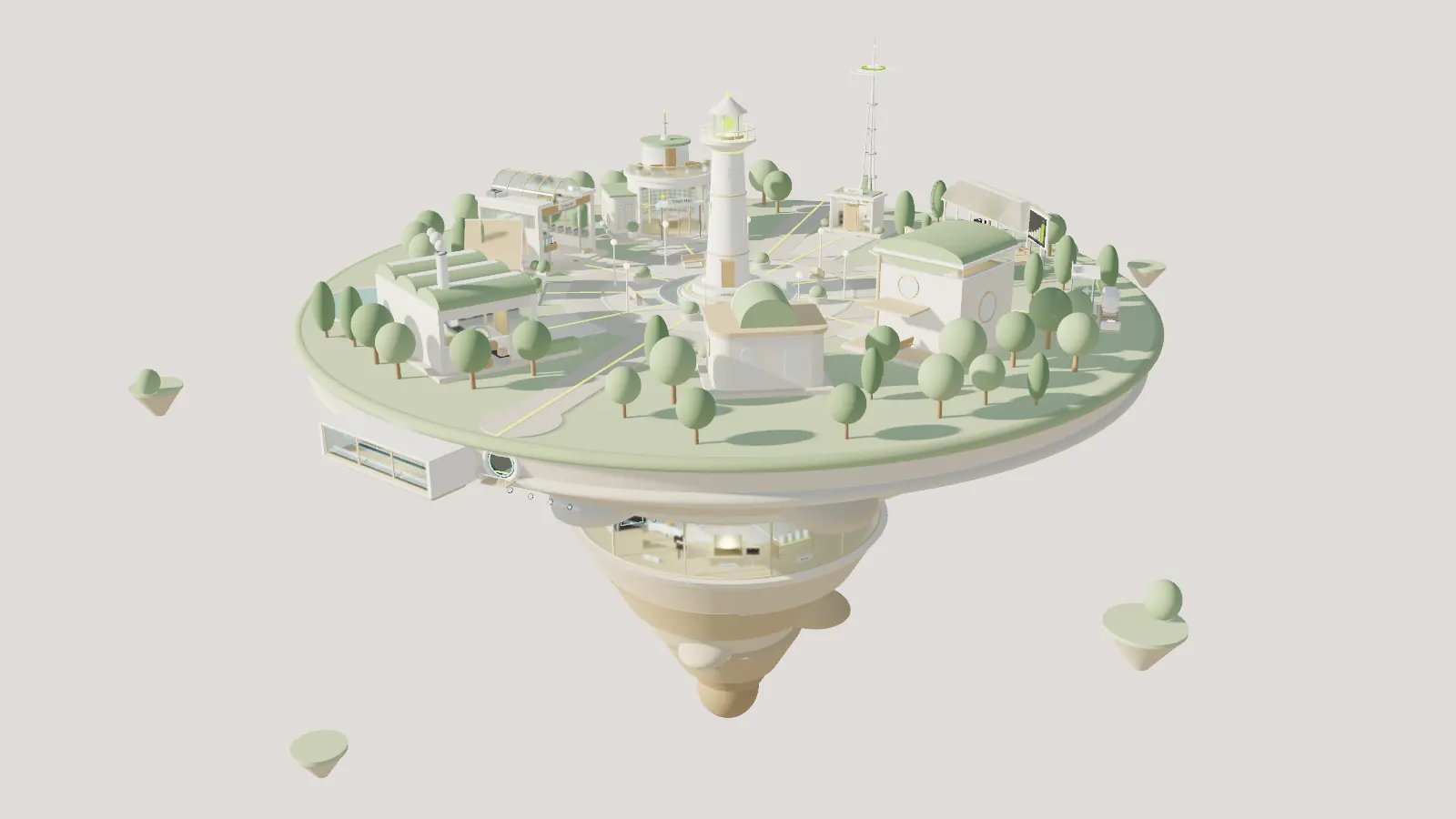
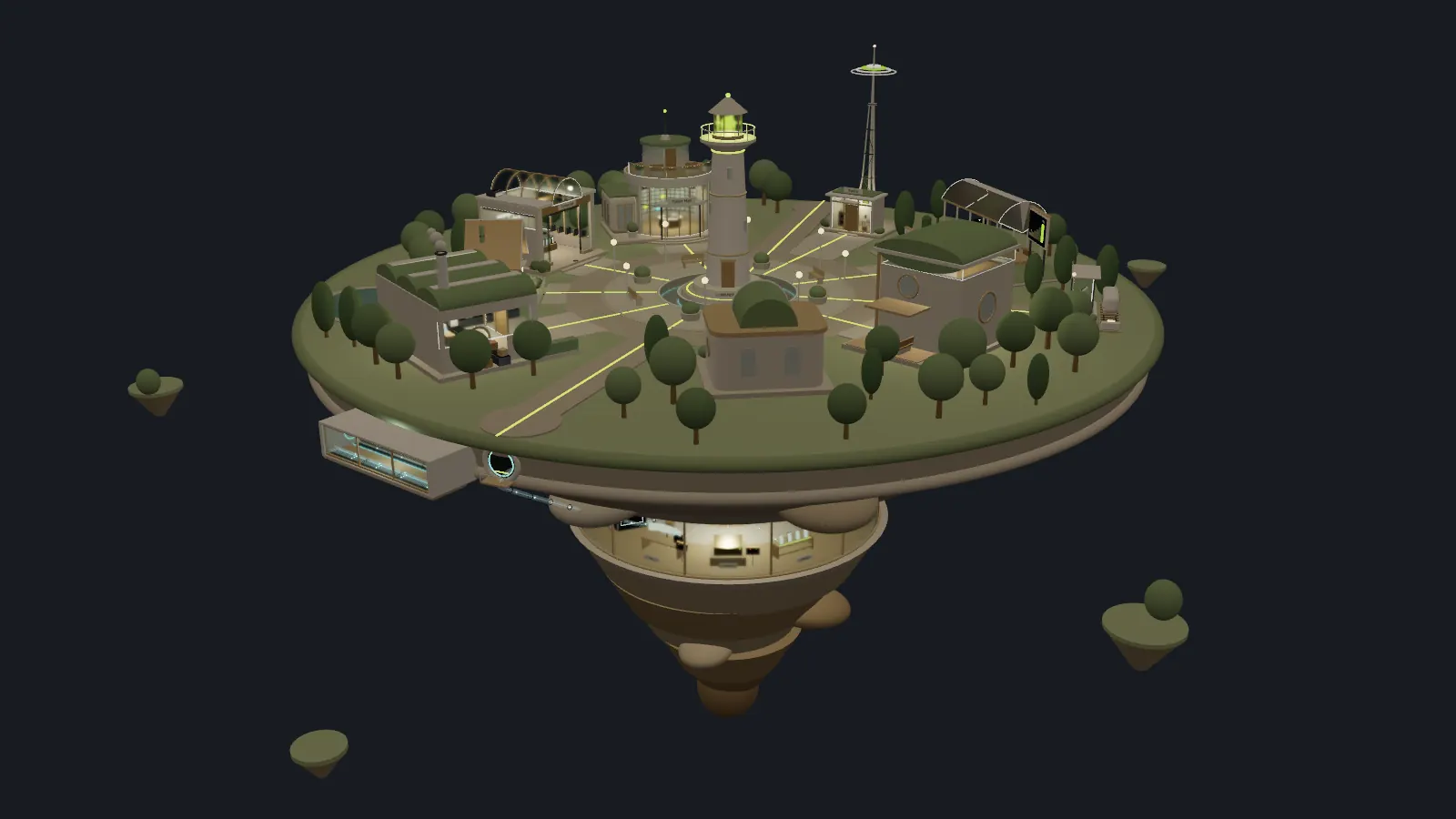
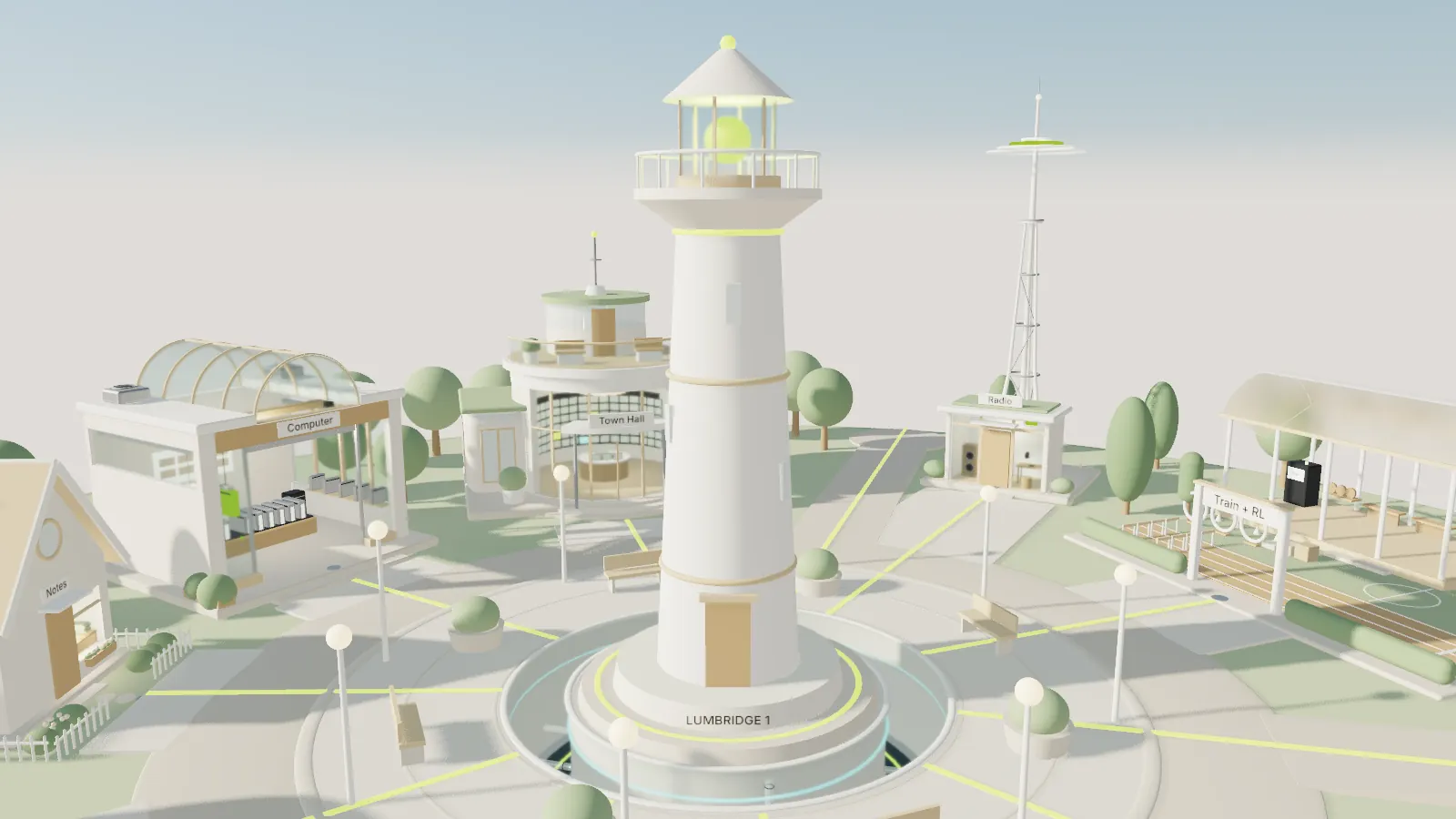
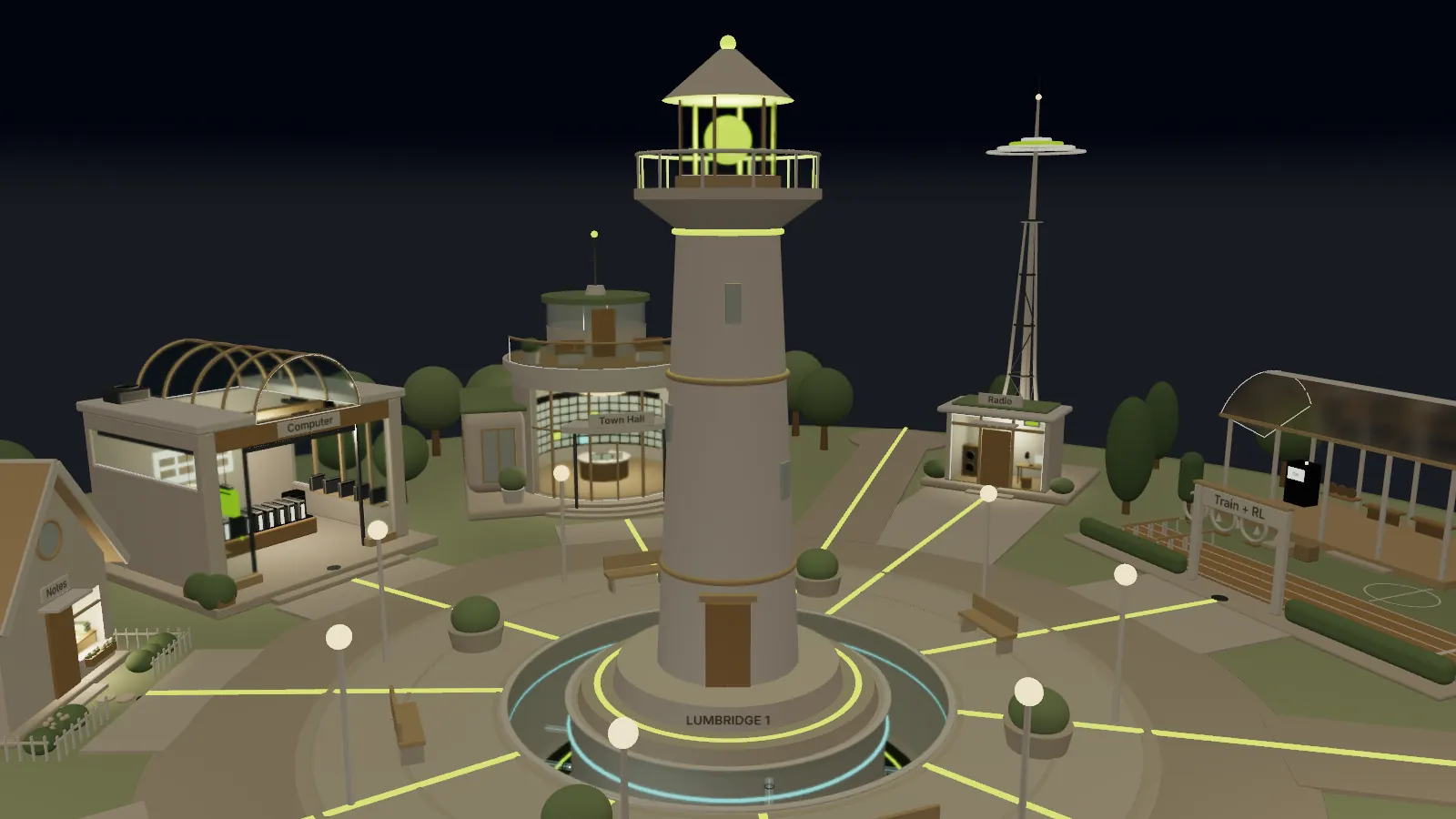
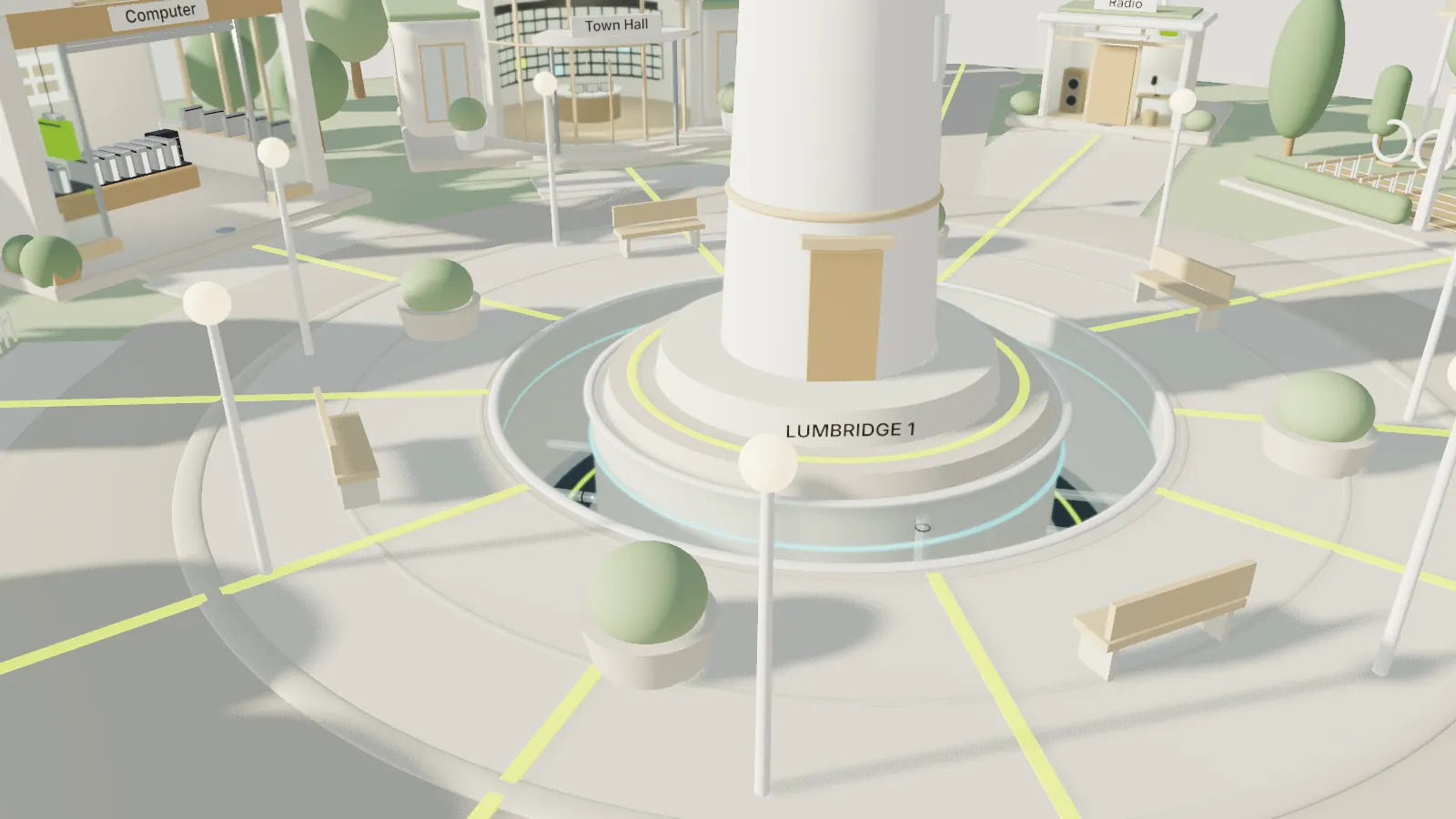
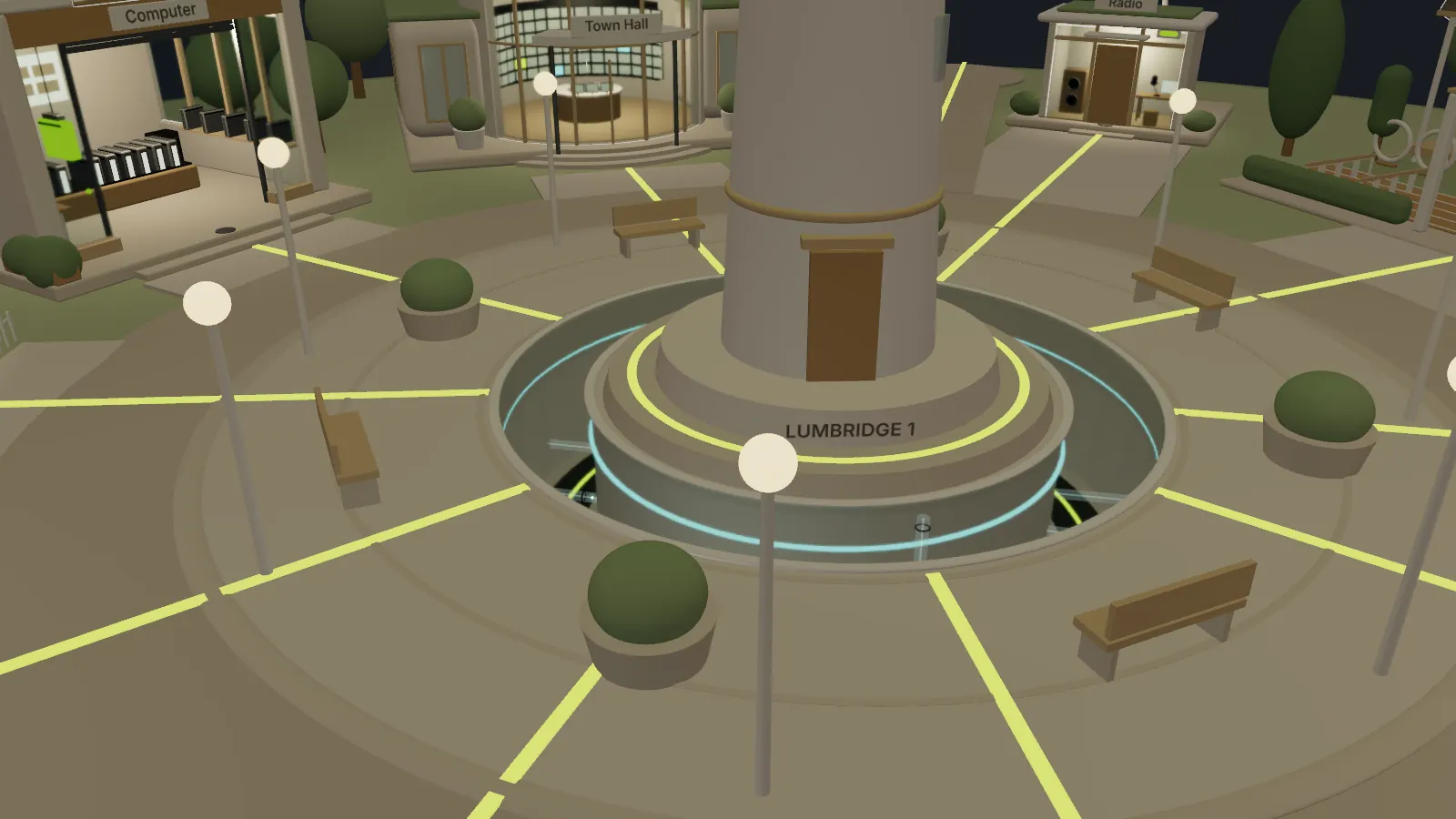
The first world is a small floating town. Each part of Lumbridge has a building, and Lumbridge 1 is the lighthouse in the middle.
What it does
tera-mcp is a stdio MCP server with 14 tools: create and open worlds, apply ops, find entities, set cameras, take snapshots, check and render camera scripts and import assets. Any MCP client can use it.
Every change is an op: add, update, remove and a few more. A batch is checked before anything moves, so one bad op applies nothing and the agent gets every problem by its index.
snapshot returns a picture of the world as it is now, with the camera pose, the entity count and the renderer. A camera can be a saved name, a pose or a focus on one entity.
A camera script lists shots on a timeline: orbits, moves and cuts, with events on entities. render draws every frame in a headless browser and writes an MP4, so the same script gives the same video.
Worlds mix shapes, glTF models, Gaussian splats, text, lights and screens that play video. A real sky puts the sun, the moon and the stars where they are for a place and a time.
Add one flag to a world’s address and it opens on a Quest 3 in VR or passthrough AR, as a model on your table or at full size. No app and no build step.
How it works
The engine is one web page. It draws the live viewer, the snapshots agents ask for and every frame of a render.
world.json lists entities, cameras, sky and environment, with assets beside it in the folder. A schema checks every world.
Node drives the page through a small bridge: load a world, set the camera, draw the frame at a given time. Render mode has no controls and no clock of its own, which is why frames come out exact.
Open a world in a browser for camera presets, a card for anything you click and a figure of your own that walks or flies. With a live feed robots move as messages arrive, and a world can name other worlds as islands in the same sky.
tera clip renders a script once, caches it by content and hands back a video layer for a larger composition.
Use it
Clone the repository and run it from source. It ships example worlds, and Node runs the TypeScript with no build step.
git clone https://github.com/lumbridge-corp/lumbridge-tera.git
cd lumbridge-tera
npm ci
npm run check        # typecheck and unit tests, no GPU needed

# the demo world in the live viewer at 127.0.0.1:8790
npm run dev

# one still of the showcase world, from its default camera
node bin/tera.ts snapshot worlds/showcase -o shot.png

# a camera script to a frame-exact MP4
node bin/tera.ts render worlds/living worlds/living/tour.camera.json -o tour.mp4 --size 1280x720

# give an agent the tools: a stdio MCP server, worlds under TERA_WORLDS
node src/mcp/server.ts
Docs
In the repository.
Works with
Not yet
Questions
No. A world is plain JSON that an agent can read and change, and every frame can be rendered exactly. You can walk around in it, and nothing in it is a game.
Node 22.18 or newer and a browser with WebGPU or WebGL 2. Rendering video needs Chrome and ffmpeg, and VR and AR need a headset browser with WebXR and an HTTPS address.
The engine is: Apache-2.0, on GitHub. The town is private: its worlds, its data and its live feed are not in the repository.
A floating island of the Lumbridge stack, where each part is a building. In the logged-in view real agents walk it and real traffic flows as light through tunnels under it, driven by real telemetry.
A glass machine room under the island: the machines Lumbridge Corp’s agents run on, as a room you can walk through.
As an experiment: cameras as sensors, not video. The world knows the room’s state, never sees pictures.